Start With the Foundation, Not the Gadgets
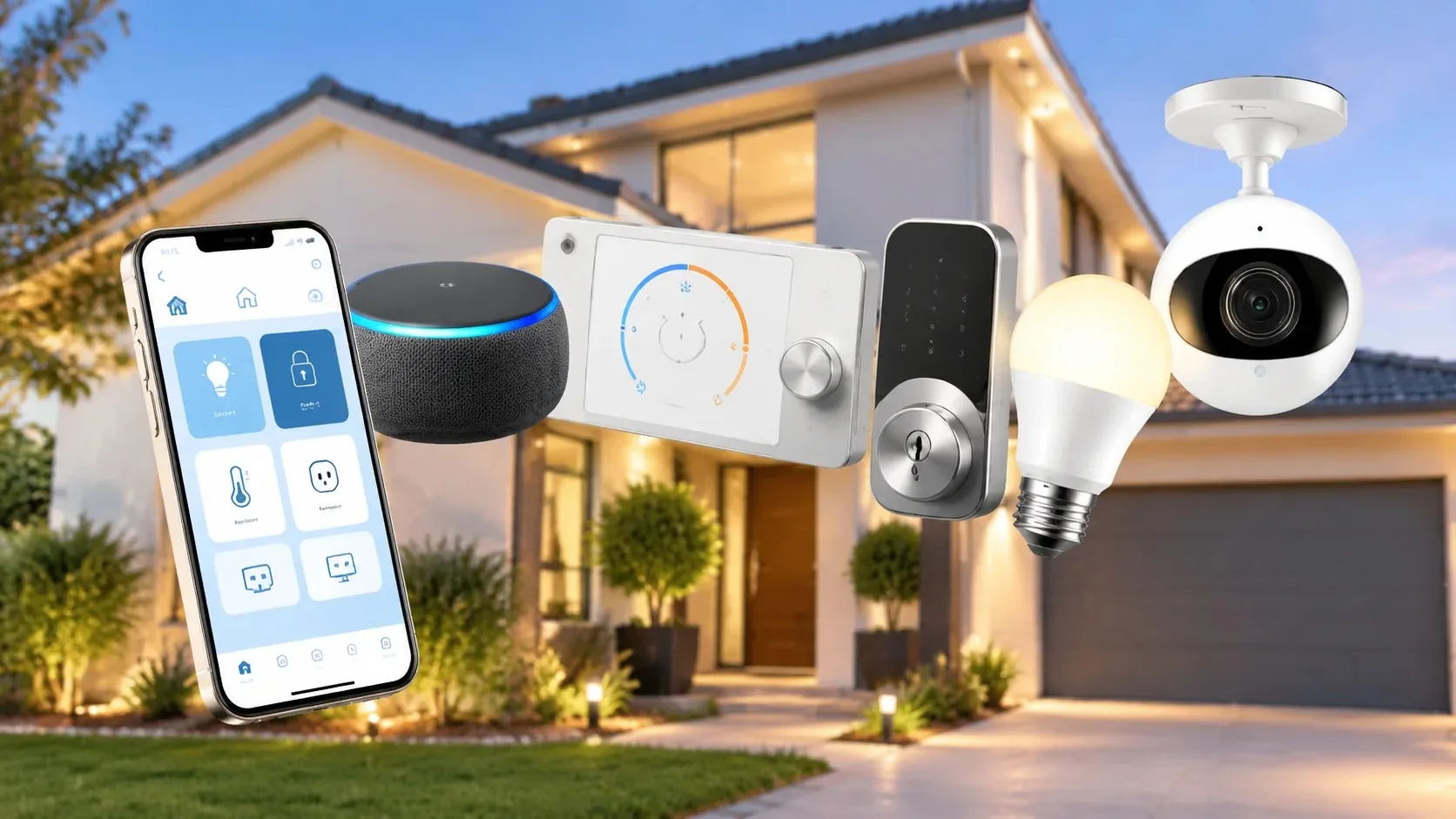
When someone asks me what they should buy first for a new house, I never start with smart bulbs or voice assistants. I start with the network and the doors. Everything else depends on reliable connectivity and the ability to get in and out without drama. The kit below reflects the order I would actually recommend and the specific roles each item plays.
Why Order Matters
If the Wi-Fi is weak, every smart device becomes unreliable. If the main door is inconvenient or insecure, daily life stays frustrating no matter how many sensors you add. Starting with the foundation prevents the common pattern of buying interesting gadgets that never work consistently because the basics were skipped.
1. A Solid Router or Simple Mesh System
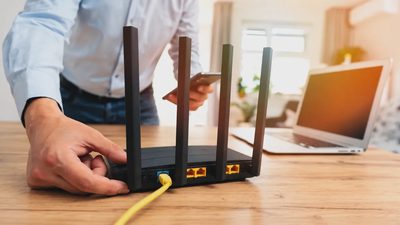
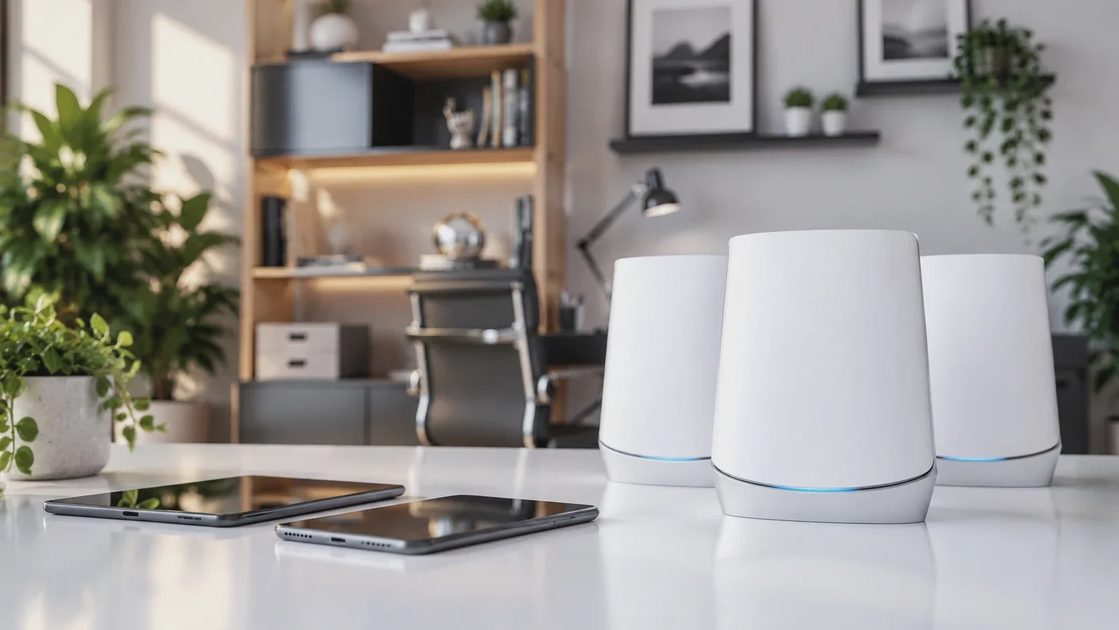
If the house is modest and the router can sit in a central location, one good router is enough. If the house is long, multi-story, or has thick walls, a two- or three-node mesh system from a reputable brand is the better starting point. The goal is consistent coverage in the rooms people actually use. Skip the marketing claims about covering 5,000 square feet. Place the equipment well and measure the result.
What to Look For
The goal is consistent coverage in the rooms people actually use. Skip the marketing claims about covering thousands of square feet. Place the equipment well and measure the result with a simple phone walk-through. A single well-placed router often outperforms a poorly placed mesh kit. Choose equipment with straightforward app support and regular firmware updates.
Placement Basics
Elevate the main unit, keep it away from large metal objects and dense furniture, and give it open air. If using mesh, place the first satellite where the main unit’s signal is still strong rather than at the extreme far end of the house. Test coverage after setup and adjust before adding any other devices.
2. A Dependable Smart Lock on the Main Entry
Choose a lock with a numeric keypad and a physical key backup. Battery life should be measured in months, not weeks, and the low-battery warning should be obvious.
Family-Friendly Features
Install it on the door the family uses most. Temporary codes for guests and service people remove the need to hide keys outdoors. Make sure every adult and older child can operate the lock without the app. Test the mechanical backup thoroughly so no one is locked out when batteries or phones fail.
Setup Habits That Last
Set a primary code the household can remember. Create temporary codes as needed and delete them when they are no longer required. Keep spare batteries in a labeled location and put a replacement reminder on the shared calendar. A lock that still feels simple after the first month is the right choice.
3. A Video Doorbell or Porch Camera
One camera aimed at the front entry answers the majority of “who is here” questions. Prefer a hardwired model if the existing doorbell wiring supports it.
Configuration That Reduces Noise
Tune the motion zones on day one so the phone does not fill with alerts for every passing car. Decide in advance whether you need cloud recording or whether live view is sufficient. Use a strong account password and limit shared access to the adults who need it. A doorbell that stays quiet and useful is far more valuable than one that becomes ignored.
4. A Smart Thermostat Compatible With the Existing System
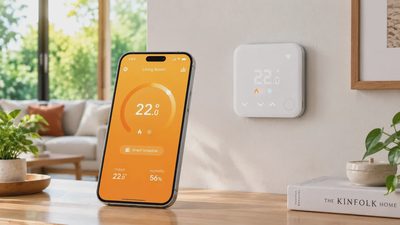
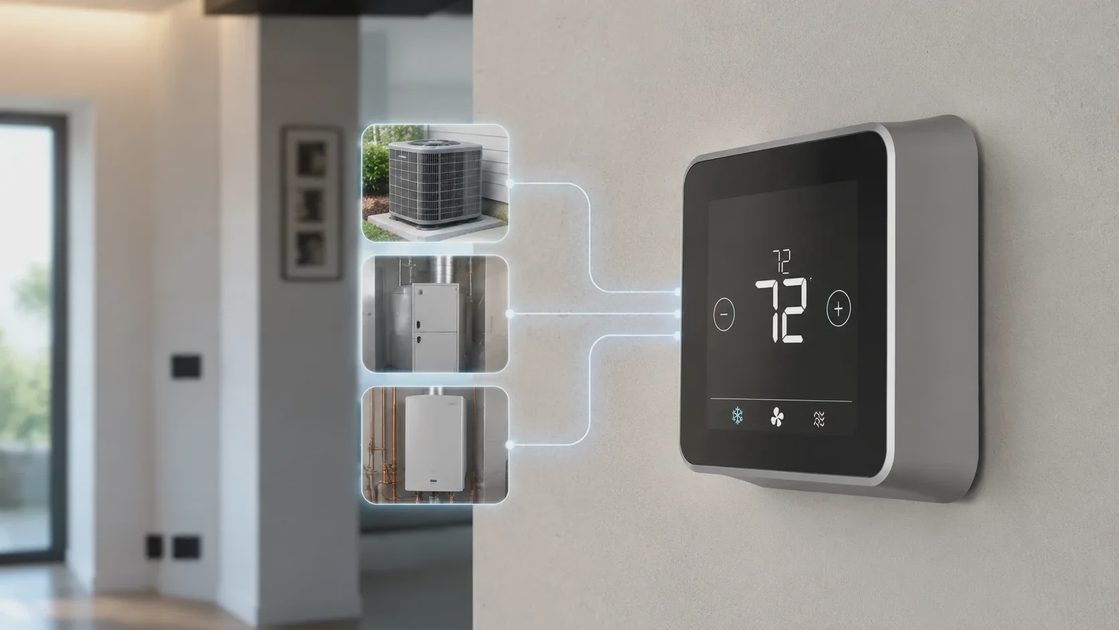
Not every HVAC system works with every thermostat. Check compatibility first. A good smart thermostat learns the household schedule, lets you adjust temperatures remotely, and can reduce energy waste without requiring constant attention.
Compatibility and Installation
Confirm wiring and system type before purchasing. Install only after verifying that the furnace or air handler supports the new unit. Set a realistic schedule that matches when people are actually home. Give any learning features a week to settle, then adjust based on real comfort rather than default assumptions.
5. Two or Three Smart Plugs for High-Use Devices
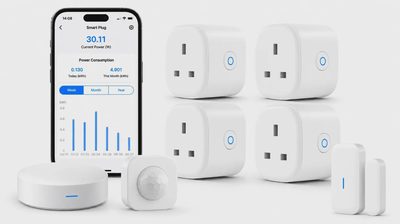
Smart plugs are inexpensive and immediately useful. Put them on lamps, a coffee maker, or a fan so they can be scheduled or turned off remotely. They also make it easy to kill power to devices that draw standby energy.
Starting Small
Start with a few; expand only if they prove their value. Choose plugs with physical buttons so the devices still work when the network is down. Label them clearly so everyone knows what each one controls. Simple schedules that match daily routines outperform complex automations that no one remembers how to change.
What I Leave Out of the Starter Kit
I leave out smart bulbs for every fixture, voice assistants in every room, full security sensor packages, and any device that requires a proprietary hub before it will do anything useful. Those items can be added later if a specific need appears. The starter kit is deliberately short so that each piece gets proper setup and the household is not overwhelmed on week one.
Why Restraint Helps
A short list that works reliably builds confidence. A long list that is only half configured creates frustration and abandoned devices. First-time homeowners are better served by mastering a few high-value tools than by managing a large collection of partially used gadgets.
Installation Order and Expectations
Install the network first and confirm coverage. Then add the lock and test it thoroughly with every family member. Next place the doorbell or camera and tune the alerts. The thermostat and plugs can follow once the foundation is stable. Expect to spend a weekend on the core items rather than an afternoon. Rushing the setup is how simple devices turn into ongoing annoyances.
A Realistic Weekend Timeline
Friday evening: place and test the router or mesh.
Saturday morning: install and test the smart lock.
Saturday afternoon: mount and configure the doorbell camera.
Sunday: add the thermostat and the first smart plugs, then walk through everything with the household.
Budget and Longevity
This kit can be assembled at a range of price points. The important variables are reliability, support, and the absence of mandatory high fees. A slightly more expensive router or lock that stays solid for years is better than a bargain unit that needs replacement after one season. Keep the receipts and the warranty information in one place.
Tracking What You Own
Write down model numbers, purchase dates, and warranty periods. Note the account emails and any recovery methods. A simple record prevents future headaches when a device needs service or a password is forgotten.
A first-time homeowner is better served by a short list of dependable tools than by a catalog of possibilities. Get the network right, make the main door convenient and secure, add basic visibility at the entry, and introduce one or two energy helpers. Everything else can wait until a real need shows up. That approach keeps the house calm and the technology in the background where it belongs.
Let’s make your home work for you, not the other way around.