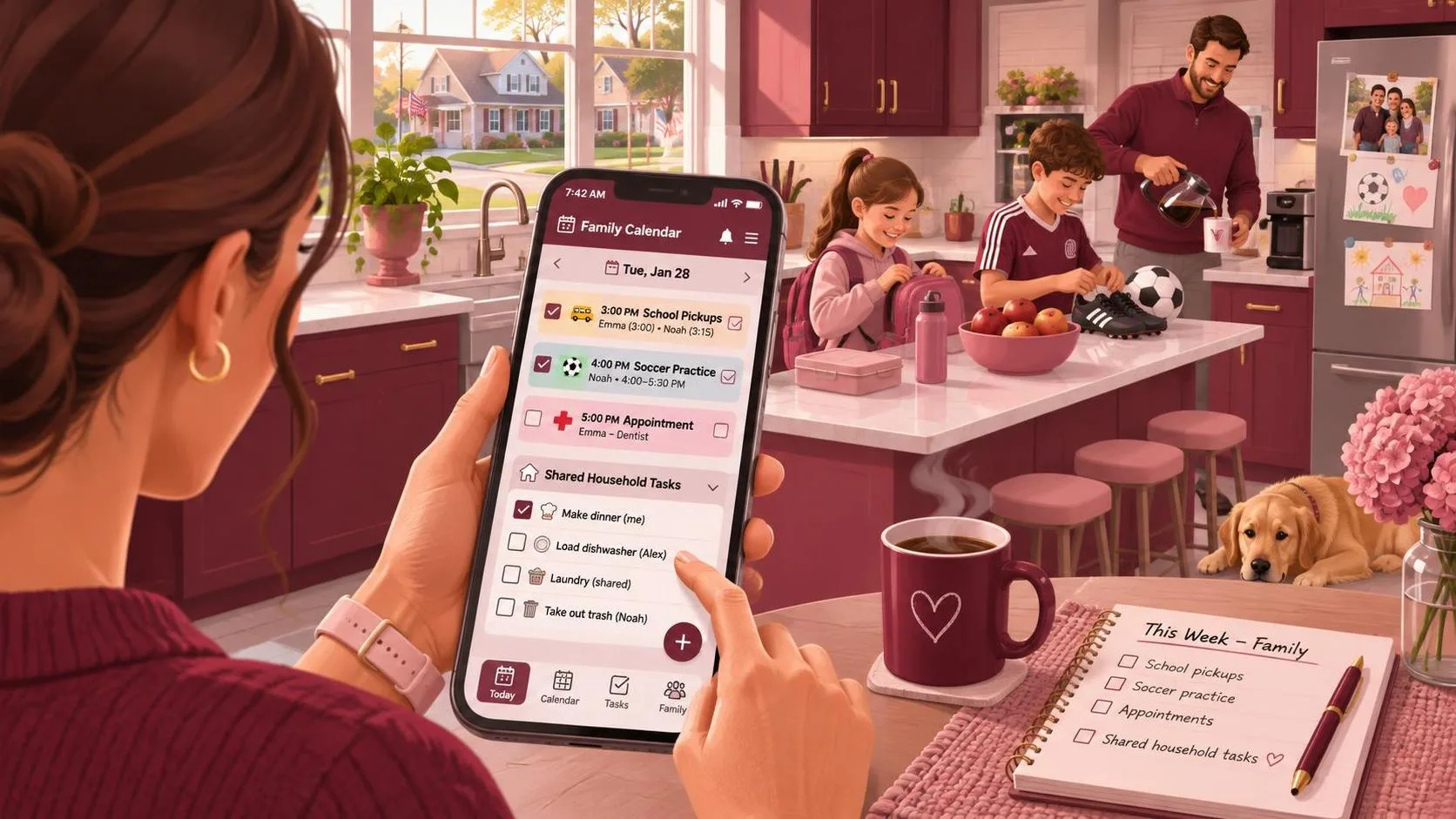
The best family calendar app is not necessarily the one with the most features. It is the one your household actually opens, understands, and keeps updated when the week gets busy. For most families, that means shared events, useful reminders, simple color coding, and reliable access from both phones and computers. I have seen households buy complicated technology that creates more work than it removes. A calendar should be different: it should quietly make the home run better.
Start With the Family Routine
Before comparing apps, write down how your family currently handles time. Do school events arrive by email? Does one parent maintain a paper calendar on the refrigerator? Are appointments scattered among Apple Calendar, Google Calendar, text messages, and a sports-team website? The best family calendar app should reduce those separate systems instead of adding another place to check.
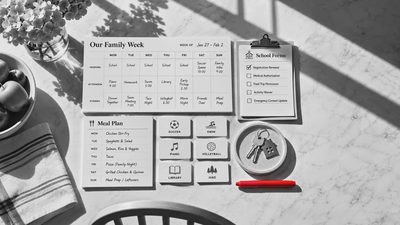
A practical test is to list a normal week. Include work shifts, school pickup, medical appointments, soccer practice, recurring bills, family meals, and household tasks. Then ask who needs to see each item. A child may only need to know pickup time, while both parents need access to a dentist appointment. Good sharing controls prevent every family member from seeing every private detail.
Look for an app that supports recurring events, invitations, shared calendars, and reminders at more than one interval. A reminder the night before is useful for a school project, but a 30-minute alert is better for leaving the house. If your household uses iPhones, Android phones, Windows laptops, or a shared tablet, confirm that the app works across those devices before anyone commits to it.
Compare the Main Calendar Options
Google Calendar is often the simplest starting point because many families already have Google accounts. It works across Android, iPhone, and browsers, and separate calendars can be assigned colors for work, school, activities, and home projects. Its strength is flexibility, although younger children may find the interface less inviting.
Apple Calendar is a sensible choice for a household already using iPhones, iPads, and Macs. Family Sharing can make shared schedules straightforward, and the interface is familiar. The limitation appears when relatives, caregivers, or children use Android or Windows devices. Compatibility is better than it once was, but a mixed-device household should test the sharing experience first.
Cozi is designed around family logistics rather than general productivity. It combines a shared calendar with lists, recipes, and household organization. FamilyWall takes a similar approach with calendars, lists, location features, and messaging. These apps can feel more natural for parents who want one family dashboard, but some useful features can require a paid plan.
TimeTree is another strong option for shared calendars, particularly when several groups need separate schedules. You might create one calendar for the household, another for a child’s activities, and a third for a shared vacation. The best family calendar app for your home depends less on brand recognition than on whether its sharing model fits your actual routines.
Features Worth Paying For
A free calendar can handle basic appointments, so do not pay simply because an app displays a polished dashboard. Paid features become worthwhile when they solve a specific problem. Multiple reminders, grocery or chore lists, attachments, recurring tasks, and a family web view can save time every week. A subscription in the range of roughly $20 to $60 per year can be reasonable if everyone uses it consistently.
Check how the app handles event ownership. Can one parent edit an appointment created by the other? Can a child mark a chore complete without changing the calendar? Can grandparents receive a limited view? These details matter more than animated icons. Also examine whether the service displays advertising, sells optional upgrades aggressively, or locks basic sharing behind a subscription.
Location features deserve extra thought. A shared arrival notification can be useful when coordinating pickup, but constant location sharing is not required for a good calendar. Turn on only the features your household understands and needs. For privacy, review account recovery, connected devices, and who can invite additional people to a shared calendar.
Set It Up Without Creating More Work
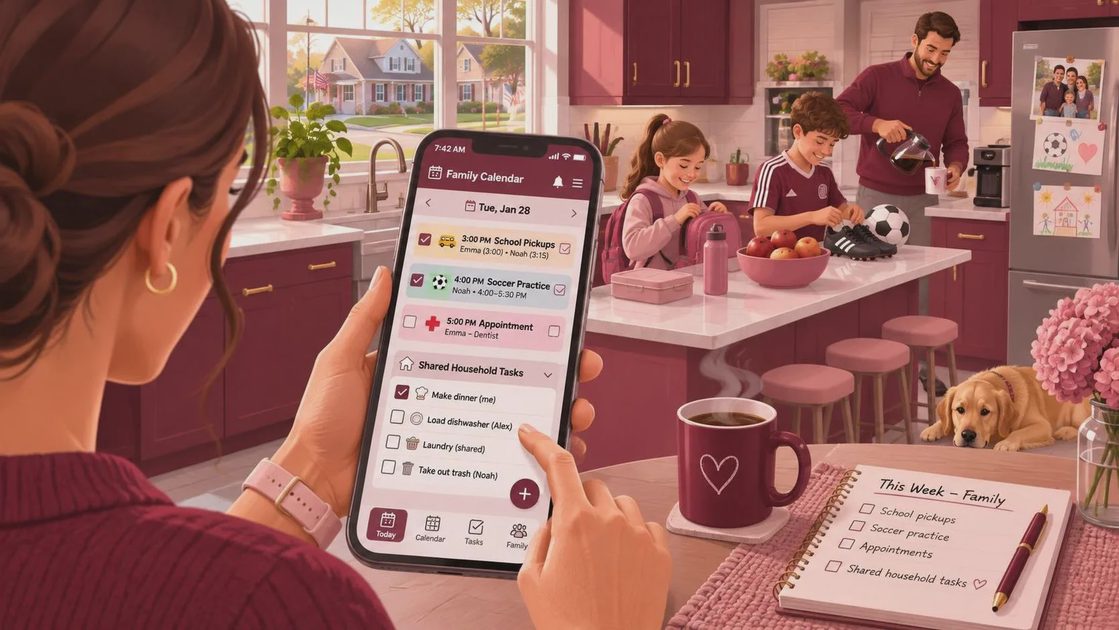
Start with one shared household calendar. Give it a clear name such as Home Schedule, then agree on a few colors everyone can recognize. For example, blue can mean school, green can mean medical appointments, orange can mean activities, and gray can mean home maintenance. Avoid creating ten calendars on the first day. Too many categories make the screen look organized while making the week harder to read.
Next, add only the recurring events that genuinely help: school hours, work shifts, trash pickup, weekly lessons, and regular appointments. Importing every old event can bury the information people need today. After that, add a reminder rule. For events requiring travel, use a travel-time alert or a reminder 45 minutes early. For events requiring preparation, add a second reminder the day before.
Create a five-minute Sunday review. Sit down with the calendar, compare it with school messages and work schedules, and identify conflicts before Monday morning. This simple habit is more valuable than switching apps every few months. If your family uses a wall display or tablet in the kitchen, show the shared calendar there only after the phone version is working reliably.

Avoid the Problems That Make Families Quit
The most common failure is treating the calendar as one person’s responsibility. If only one parent enters events, that person becomes the household’s unpaid scheduler. Give everyone an easy way to add information. A child can send a request, a partner can forward an invitation, and a caregiver can receive a read-only view when appropriate.
The second problem is duplicated alerts. If the same appointment appears in an employer calendar, a school app, and the family calendar, three reminders can become background noise. Decide which system owns each type of event. Use the family calendar for events that affect transportation, meals, childcare, or shared time.
The third problem is assuming every app handles time zones, all-day events, and recurring appointments identically. Test a birthday, a weekend trip, and an event that repeats every other week. Make sure an all-day event does not create an unwanted midnight alert. If the app has a web version, sign in from a computer before relying on it for a major schedule.
A Simple Final Checklist
The best family calendar app should pass a short real-world trial. Invite the people who need access, add a recurring activity, create an appointment with two reminders, and edit the event from a second device. Confirm that changes appear promptly and that notifications are understandable. Test removing a user as well as adding one, because access management matters when a babysitter, coach, or former roommate no longer needs to see the schedule.
Then review the cost. A free Google or Apple setup may be enough for a small household. Cozi, FamilyWall, or TimeTree can make more sense when you want lists, group planning, or a dedicated family view. Do not pay for location sharing, artificial intelligence, or decorative features unless they solve a problem you already have.
My recommendation is to choose the simplest system that handles your busiest week. Install it, use it for two weeks, and ask every regular user what caused confusion. Fix the setup before buying accessories or adding integrations. Let’s make your home work for you, not the other way around.