If you are asking, “smart family organizer?” you probably do not need another complicated gadget. You need one dependable place for appointments, school events, chores, grocery reminders, and the small details that otherwise live in text messages and scraps of paper. A useful system can be as simple as a shared calendar on your phones, or it can include a wall display, voice assistant, and automated reminders. The best choice depends on how your household already works.
Start with the family problem, not the device
When homeowners search for a smart family organizer, they often begin with product features. A better first question is, “What keeps getting forgotten?” If everyone misses dentist appointments, focus on a shared calendar. If children forget backpacks or sports equipment, use recurring evening reminders. If dinner planning causes daily arguments, create a visible meal and grocery list.
Write down three recurring problems for one week. Include tasks such as taking out trash, feeding a pet, paying a bill, replacing an air filter, or coordinating a ride. Then separate information that needs to be seen by everyone from reminders that belong to one person. A family calendar works well for shared events, while individual phone notifications are better for private appointments.
This simple exercise prevents a common mistake: buying an expensive screen that displays information nobody actually updates. A smart family organizer should reduce decisions, not create another household job. If entering every activity takes ten minutes, the system will quietly fail by the second busy week.
The simplest setup that usually works
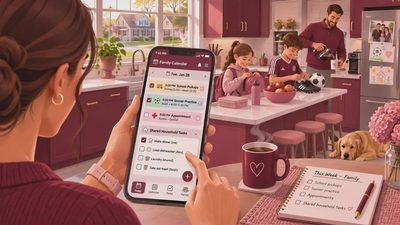
For many families, the most reliable setup is a shared Google Calendar, Apple Calendar, or Microsoft Outlook calendar paired with a shared notes or task list. Give the calendar a clear name, such as “Home,” and create separate colors for school, work, medical appointments, sports, bills, and home maintenance. Keep the color system small enough that a tired parent can understand it at a glance.
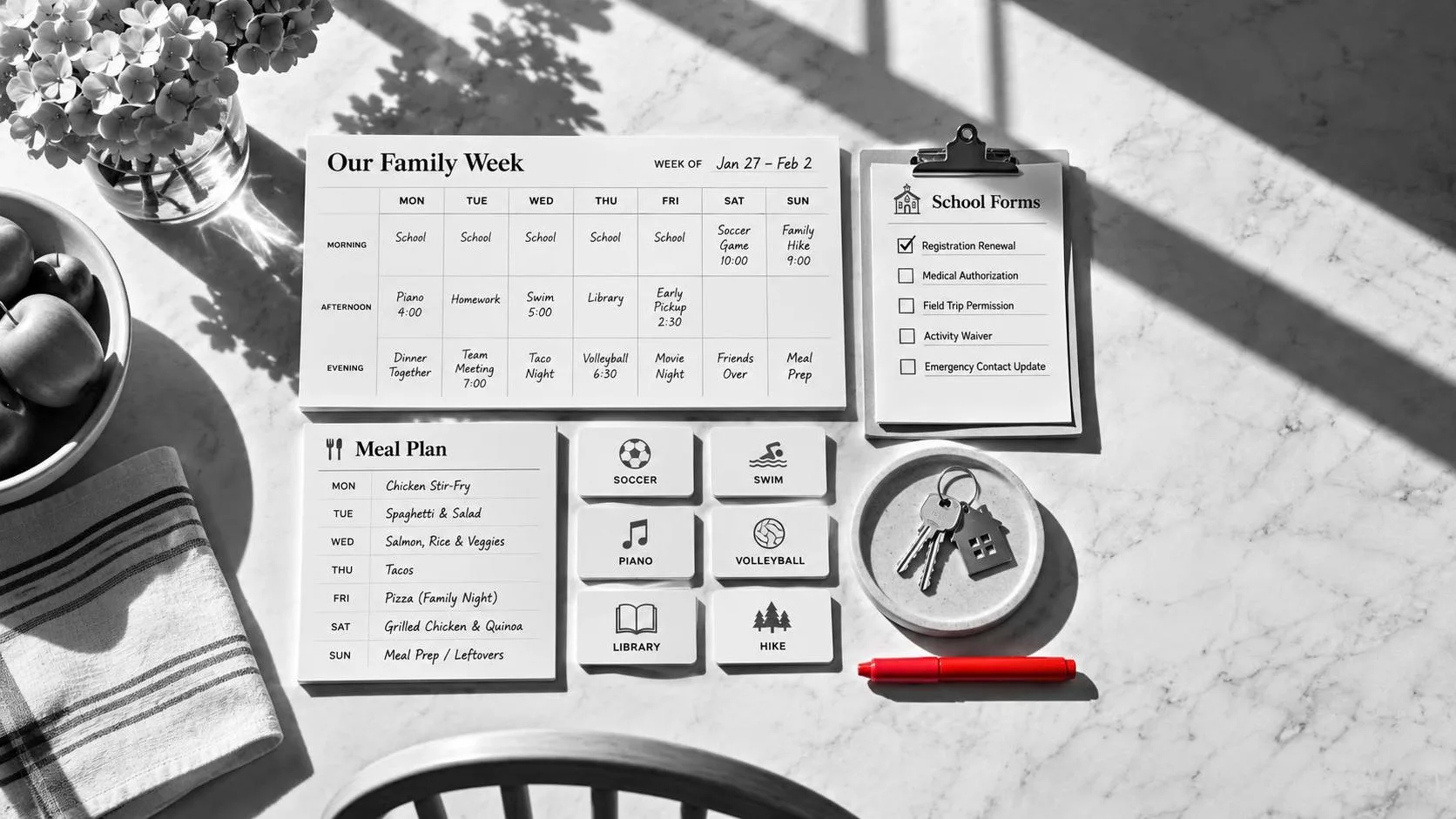
Add recurring events for weekly trash pickup, monthly filter checks, medication refills, and annual appointments. Set reminders at useful times rather than for every possible interval. A reminder the evening before a school trip is helpful; six alerts for the same event are noise. For children, a printed weekly sheet on the refrigerator can complement the digital calendar instead of forcing them to use an app.
A shared list in Google Keep, Apple Reminders, Todoist, or Microsoft To Do can handle groceries and household tasks. Choose one list and stick with it. Splitting groceries between text messages, a refrigerator note, and three different apps makes shopping less efficient, even if each app is excellent.
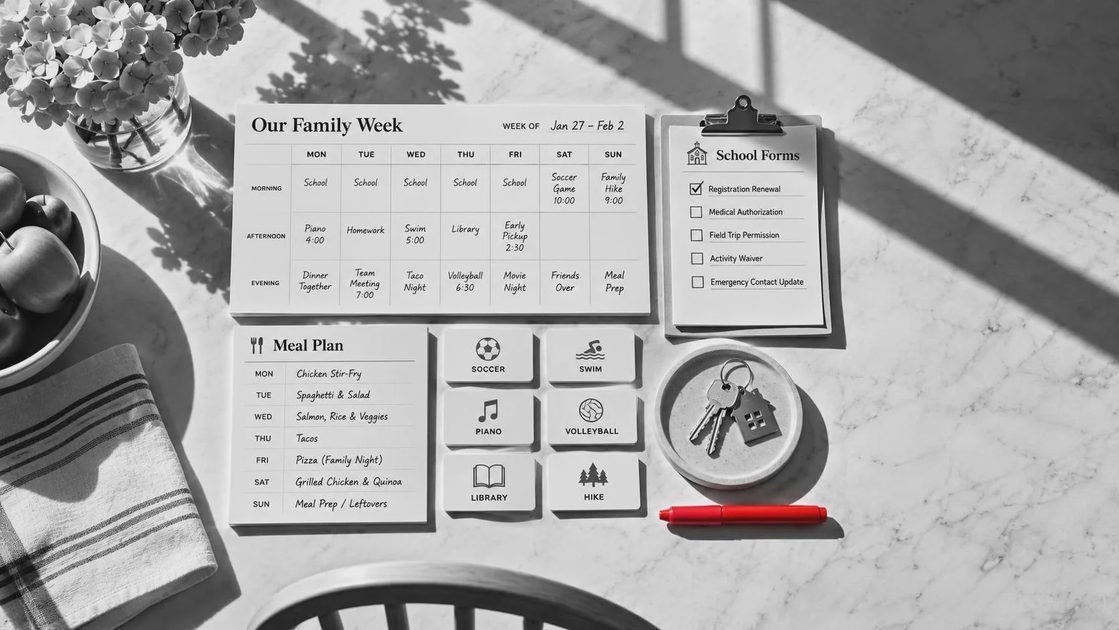
When a family display is worth buying
A wall-mounted display can make a smart family organizer more visible, especially when children do not regularly check phones. Products such as the Hearth Display, Cozyla calendar, and Skylight Calendar are designed around shared schedules, lists, routines, and household visibility. Tablet-based options can also work, although they often require more setup and may show unrelated notifications unless carefully configured.
Expect to spend roughly $100 to $700 depending on whether you use an existing tablet, purchase a dedicated display, or add a subscription. The hardware price is only part of the decision. Some services charge monthly or annual fees for premium planning tools, photo features, meal planning, or additional integrations. A basic shared calendar may deliver most of the value without another subscription.
Placement matters more than screen size. A display near the kitchen, mudroom, or main hallway is useful because people pass it during the routines it is meant to support. A beautiful screen hidden in an office will not coordinate school pickup. Mount it where bags, shoes, and lunch boxes already collect, and set the screen to remain readable without requiring a complicated tap sequence.
Build routines that survive busy weeks
A smart family organizer works best when it supports a few fixed routines. Try a Sunday planning session lasting 10 to 15 minutes. Review the coming week, add appointments, confirm transportation, choose several meals, and identify anything that requires preparation. On school nights, use a short “tomorrow” routine: check the calendar, charge devices, pack bags, and place keys in the same location.
Voice assistants such as Amazon Alexa, Google Assistant, and Apple Siri can add reminders while your hands are full. Saying, “Add laundry detergent to the shopping list,” is faster than opening an app. However, voice tools should not become the only way to manage the household. A screen, printed sheet, or phone app provides a backup when a device misunderstands a request or the internet is unavailable.
Automations should handle repetitive work, not make parenting decisions. A smart speaker can announce a morning reminder, and a smart display can show the next appointment. It should not be responsible for every family rule. Keep important instructions written down, particularly for babysitters, grandparents, or a child who needs to follow the routine without an account.
Privacy, accounts, and maintenance
Before setting up a smart family organizer, decide which account owns the calendar and who can edit it. Use unique passwords and turn on two-factor authentication where available. Do not put sensitive medical details, door codes, or private notes on a display visible through a window. For children, share only the information they need, such as practice times and chore reminders.
Review connected apps every few months. Remove calendars that are no longer used, delete former household members, and check whether a free trial converted into a paid plan. If a display stops syncing, restart it, confirm the correct account, check Wi-Fi, and verify that the calendar was not accidentally set to private. I keep a small household notebook with device names, recovery methods, warranty dates, and the fix that worked last time. That five-minute habit saves a surprising amount of frustration.
Also plan for failure. If the display loses power, can everyone still find tomorrow’s schedule? A printed weekly calendar on the refrigerator is inexpensive insurance. The goal is continuity, not dependence on one screen or one company’s cloud service.

A practical buying decision
Choose the phone-and-calendar approach when adults already check their devices and the main problem is missed appointments. It costs little, works across brands, and is easy to replace. Choose an existing tablet when you want a kitchen dashboard and already have unused hardware. Disable distracting apps, keep the charger secured, and use a simple stand or wall mount.
Choose a dedicated display when visibility is the real problem, several people need the same information, and the household will consistently update it. Before buying, confirm calendar compatibility, subscription pricing, screen readability, mounting options, warranty support, and what happens when the internet goes down. A $300 display that prevents missed pickups can be worthwhile; a $700 display that becomes a digital picture frame is not.
The smartest family organizer is usually the least dramatic one. Start with one calendar, one task list, and two recurring routines. Live with that setup for a month before adding voice controls, sensors, meal planning, or a dedicated screen. Let’s make your home work for you, not the other way around. Once the basic system earns its place, technology can remove friction instead of adding another device to maintain.