Screen time rules for kids are easier to follow when they fit the household you actually have. A six-year-old, a middle-school student, and a teenager will not need identical limits, and parents should not have to negotiate every tablet request from scratch. The dependable approach is to combine a clear daily routine with simple device settings, a charging station, and a calm explanation of why the boundary exists.
The goal is not to remove technology from family life. Screens support homework, video calls, creative projects, music, and plenty of harmless entertainment. The goal is to make devices one part of the day instead of the thing that quietly controls bedtime, meals, chores, and conversations. Let’s make your home work for you, not the other way around.
Start with a routine, not a stopwatch
The best screen time rules for kids usually begin with predictable blocks rather than a constantly changing countdown. For example, a child might use a tablet for 30 minutes after homework, another 30 minutes after dinner, and no recreational screens during the final hour before bed. That structure is easier to remember than asking for permission every ten minutes.
Write the routine on paper and place it near the charging station. Include wake-up time, school or childcare, outdoor time, meals, homework, device time, and bedtime. If your child has an online class or needs a computer for a project, separate necessary use from entertainment. “Homework computer” and “game tablet” do not have to be treated as the same activity.
A schedule also gives you something neutral to point toward. Instead of saying, “Because I said so,” you can say, “The tablet block is finished, and the next block is after dinner.” Expect some resistance at first. A consistent routine often creates fewer arguments after a week or two because the rule is no longer being invented in the moment.
Match limits to age and purpose
There is no single number that works for every child. Screen time rules for kids should account for sleep, schoolwork, movement, family responsibilities, and how a child behaves after using a device. A calm 45-minute drawing session is different from three hours of rapidly changing short videos, even if both appear as “screen time” on a report.
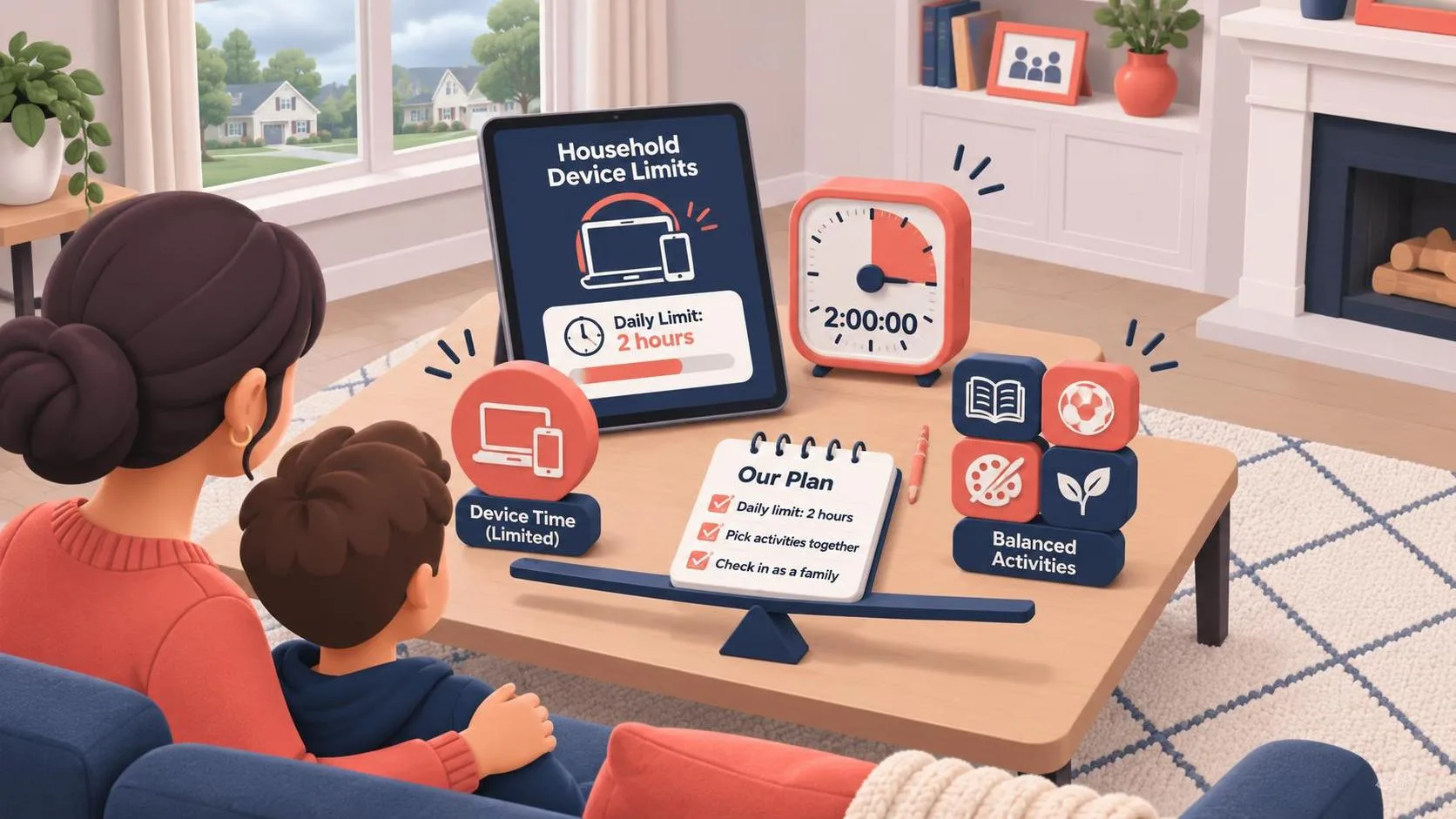
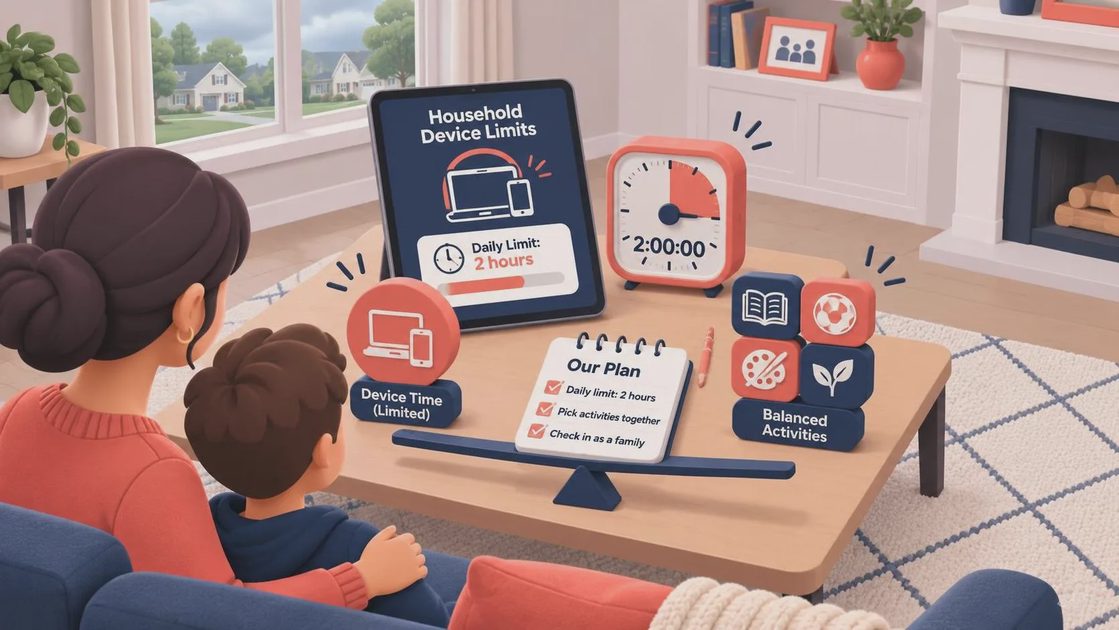
For younger children, start with short sessions and visible endings. A kitchen timer, a visual schedule, or the built-in app limit can help. For older children, involve them in setting a reasonable weekly plan. Ask which activities matter to them, then decide together where school, exercise, sleep, and household duties fit first.
A useful test is what happens when the device is put away. If a child can transition to dinner, reading, or play without a major struggle, the arrangement may be working. If every session ends in anger, reduce the intensity of the content, shorten the block, or add a five-minute warning. The answer is not always a stricter number.
Use the settings you already own
You usually do not need another subscription or a new smart-home hub. Apple Screen Time can schedule Downtime, restrict app categories, and require approval for purchases. Google Family Link offers similar controls for many Android devices and Chromebooks. On Windows, Microsoft Family Safety can help organize app and device limits for a family account.
Screen time rules for kids work better when the settings support the spoken rule. Set downtime to begin before bedtime, block new app installations unless an adult approves them, and turn off in-app purchases. Review notification settings too. A device that lights up with game alerts during homework is still interrupting the routine, even when the daily limit is technically correct.
For younger children, keep the parent account protected by a passcode they do not know. For older children, explain what you are managing and why. This is a household boundary, not a secret surveillance project. Check the controls after operating-system updates, because menus and permissions can change.
Create a charging station outside bedrooms
A charging station is one of the least expensive fixes for late-night device use. Choose a common location such as a kitchen counter, hallway shelf, or home office. Use short, labeled charging cables and a power strip with enough room for every tablet, phone, game controller, or school laptop. I keep a small notebook for device names and recovery information; that saves time when a forgotten passcode or dead battery appears at the worst moment.
The station should be convenient enough that everyone actually uses it. If children must carry a device downstairs through a dark house, the rule will be tested every night. A basket with each child’s name, a multi-port charger, and a simple “plug in after use” expectation is often all that is needed.
For school devices, confirm the charging schedule before the morning rush. A laptop that was left at 3 percent creates a preventable argument and can make a reasonable boundary seem like punishment. The physical setup matters as much as the software setting.

Make the home network reinforce the boundary
Router controls can help, but use them as a backup rather than the entire parenting plan. Many systems, including some models from Eero, Google Nest Wifi, and TP-Link, allow you to group devices and pause internet access on a schedule. You might pause a game console at 9 p.m. while leaving a parent’s work computer online.
This works best when device names are accurate. Rename “iPad” to “Sam tablet” and “Xbox” to “Living room console” so you know what a schedule affects. Update the list when a device is replaced. A forgotten old tablet connected to the network can create confusing results and unnecessary frustration.
Remember that pausing Wi-Fi does not necessarily disable every feature. Some downloaded games, videos, or cellular-connected phones can continue working. Screen time rules for kids still need a conversation, especially when a child uses a phone with its own mobile data plan. Network controls are useful household plumbing, not a substitute for judgment.
Review the plan without turning it into a fight
Set a short family review once a month. Ask what is working, which transitions cause trouble, and whether school projects require a change. Look at device reports together when appropriate. The purpose is to spot patterns, not to shame anyone for having used a screen.
If a child repeatedly sneaks extra time, first look for a weak part of the setup. Is the bedtime schedule too late? Is the charger in an inconvenient place? Are the limits blocking legitimate schoolwork? Is a particular app designed around endless scrolling? Fixing the environment may work better than adding a harsher consequence.
Screen time rules for kids should also leave room for ordinary exceptions, such as a long car ride, a sick day, a family movie, or a video call with relatives. An exception is easier to manage when you name it clearly and return to the normal schedule afterward. Flexible does not have to mean random.
A simple plan you can install tonight
Start by choosing one device-free anchor: meals, the hour before bed, or both. Next, pick a visible charging location and place every child’s device there overnight. Then create separate limits for entertainment and schoolwork. Turn on the built-in parental controls, disable purchases, and schedule downtime. Finally, explain the plan in two or three sentences and give a five-minute warning before each transition.
Do not try to redesign every digital habit in one evening. A dependable first step might be charging phones outside bedrooms for seven nights, followed by a review. Once that works, add app limits or router schedules where they solve a specific problem. The strongest screen time rules for kids are simple enough for adults to follow consistently and clear enough for children to understand. That is how technology becomes useful again instead of another household chore.