Affiliate disclosure: House of Small Fixes may earn a small commission if you buy through links on this page, at no extra cost to you. I only recommend gear I have used myself.
A security camera is only as good as the place it saves its footage. I learned that the hard way early in my career, and after 15 years installing and repairing home security systems, I still check storage before I check anything else. If your camera has a card slot, the right micro SD card for a security camera is the cheapest upgrade you can make, and there is nothing to install but the card itself.
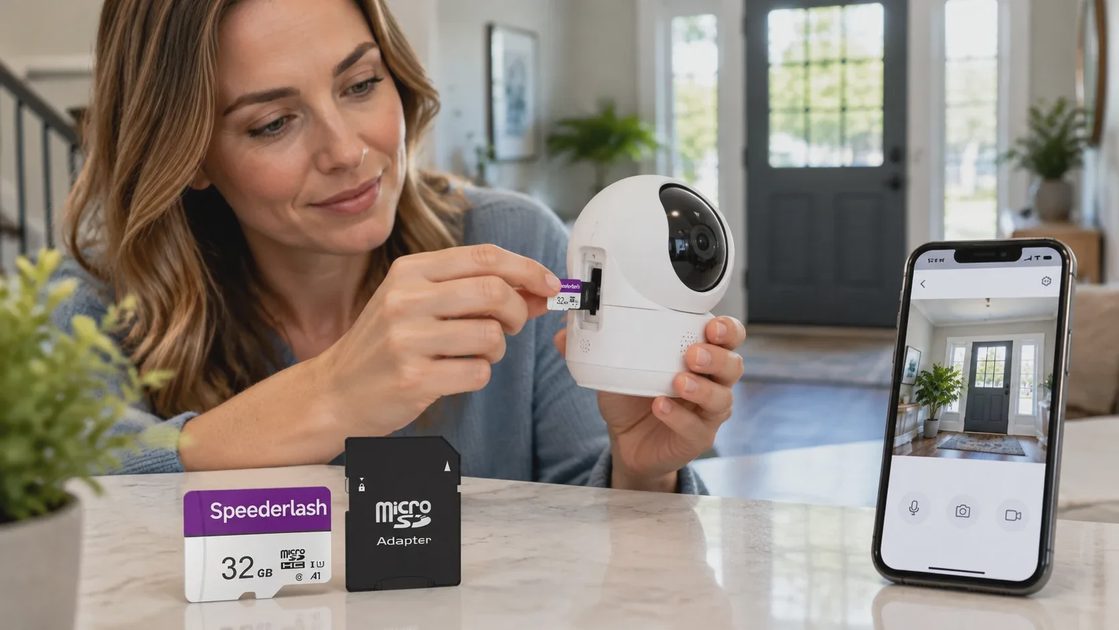
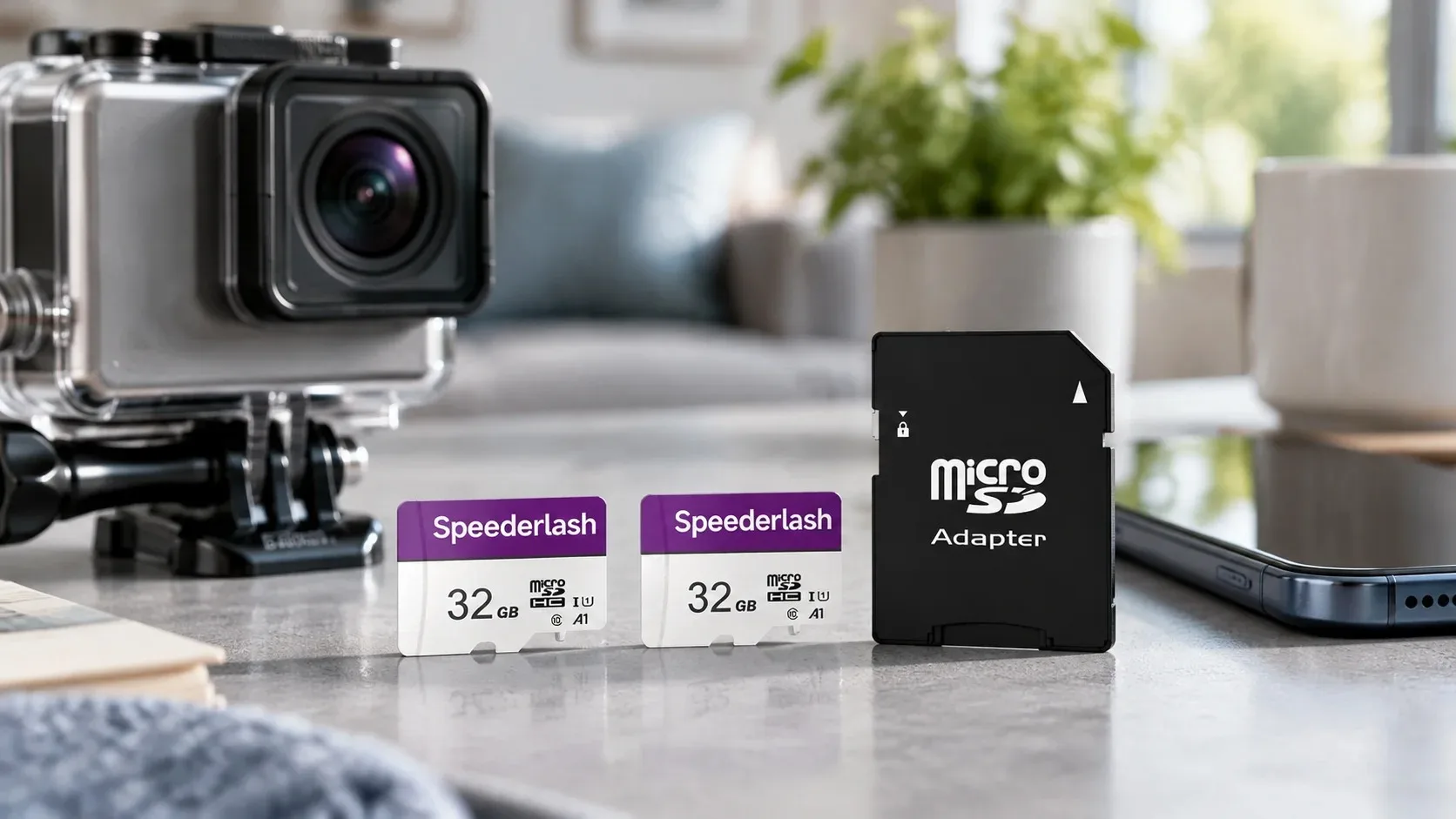
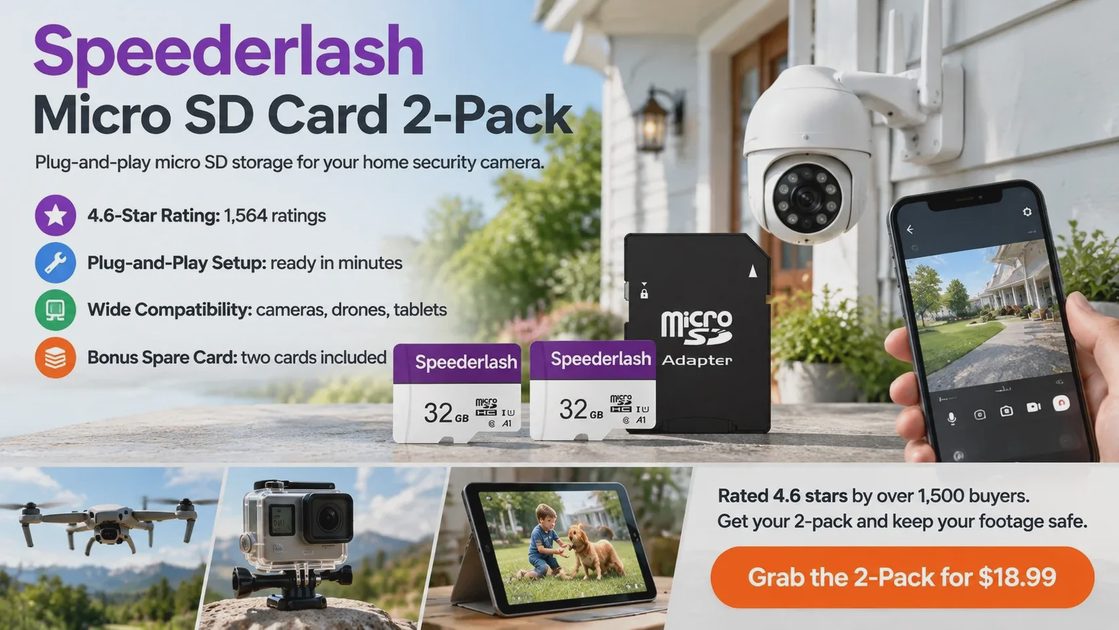
That is why the Speederlash Micro SD Card 2-Pack lives in my own setup. It costs $18.99 for two cards, about $9.50 each, with an SD adapter included. One goes in the camera. The other is your spare, or a quick storage fix for a phone or tablet. It is exactly the kind of small, sensible fix I write about in Safe at the Door, where home security stays simple and affordable.
Shoppers seem to agree. The listing sits at 4.6 out of 5 stars across 1,564 ratings, 81% of them five stars, and it carries the Amazon’s Choice badge. Below you will find how it behaved in my camera, how it compares with other cards, and who should skip it.
Check the Price on Amazon: Speederlash 2-Pack, $18.99
Why the Card Matters More Than You Think
Camera makers love to talk about resolution and night vision. Almost nobody talks about what the footage gets saved on. It is easy to forget about the card until the day you go looking for a clip. If your camera records locally, the card decides how much history you keep, and a card that is too small means older clips get overwritten sooner than you would like. One buyer who stepped up to the 64GB version said her camera went from two or three days of footage to about six.
Local storage also fits the way I like to set up homes: no extra monthly fee for the footage on the card. I am not against cloud plans, and some features do live behind them, but a card is a one-time purchase and a handy backup. Check what your camera’s app supports before you buy, because not every camera has a slot.
The Price: $18.99 for Two Cards
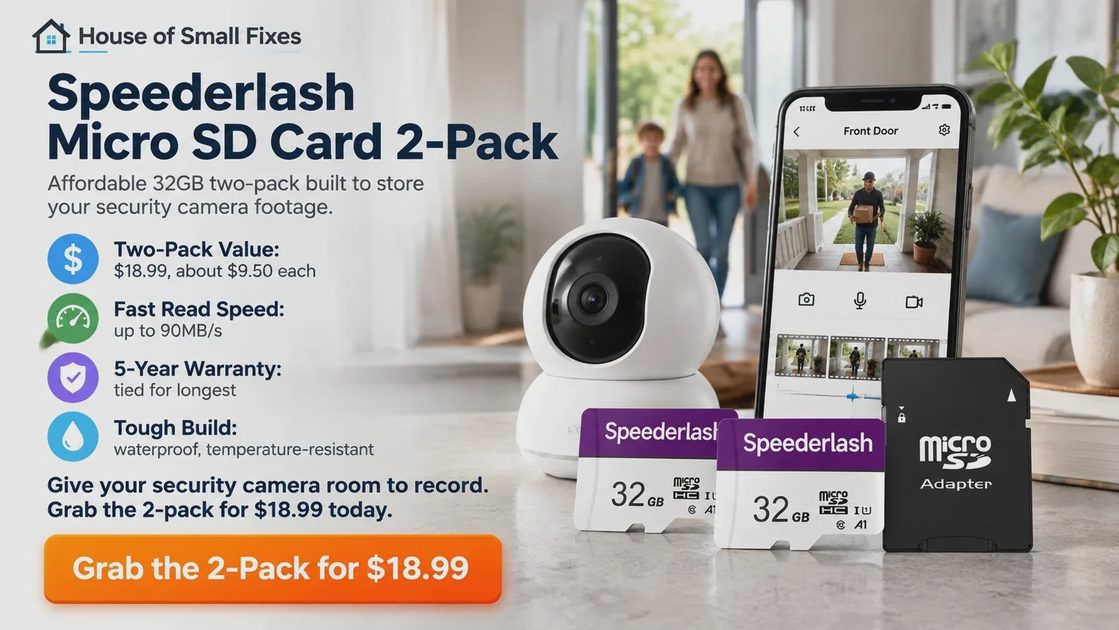
Let me put the number where you can see it: $18.99. That buys two cards, which works out to about $9.50 each, roughly what my family spends on one pizza night. The listing ranks #22 in Micro SD Memory Cards, and around 1,000 sold in the past month. Prices change, so check the live listing, but here is how the cost per card stacks up.
Card | Pack | Price | Per card | Warranty |
Speederlash 32GB | 2-pack | $18.99 | $9.50 | 5 years |
KOOTION | 2-pack | $19.23 | $9.62 | 2 years |
Gigastone | 2-pack | $34.98 | $17.49 | 5 years |
SanDisk (120 MB/s) | 1-pack | $20.79 | $20.79 | 2 years |
SanDisk (100 MB/s) | 1-pack | $22.99 | $22.99 | 2 years |
Speederlash is the cheapest two-pack in the group, about $16 under the Gigastone, and its 5-year warranty ties for the longest on the list. For the price of one SanDisk, I get two cards and a spare.
Speederlash at a Glance
Spec | Details |
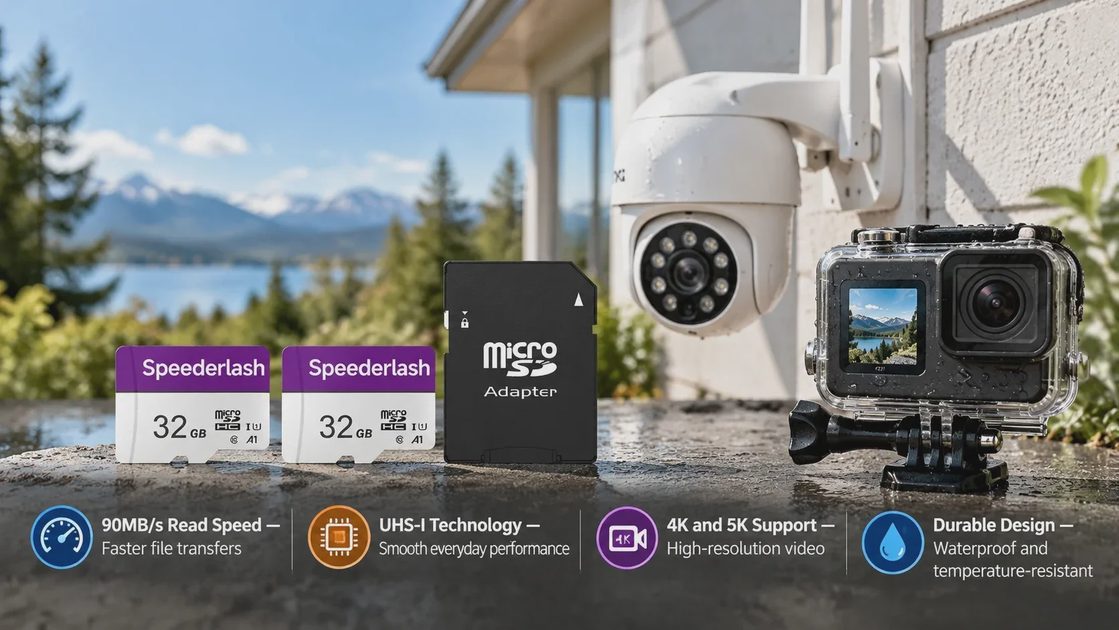
Pack | 32GB micro SD, 2 cards, SD adapter included |
Read speed | Up to 90MB/s |
Ratings | U1 and A1 |
Built to resist | Water, shock, X-rays, temperature swings, magnets |
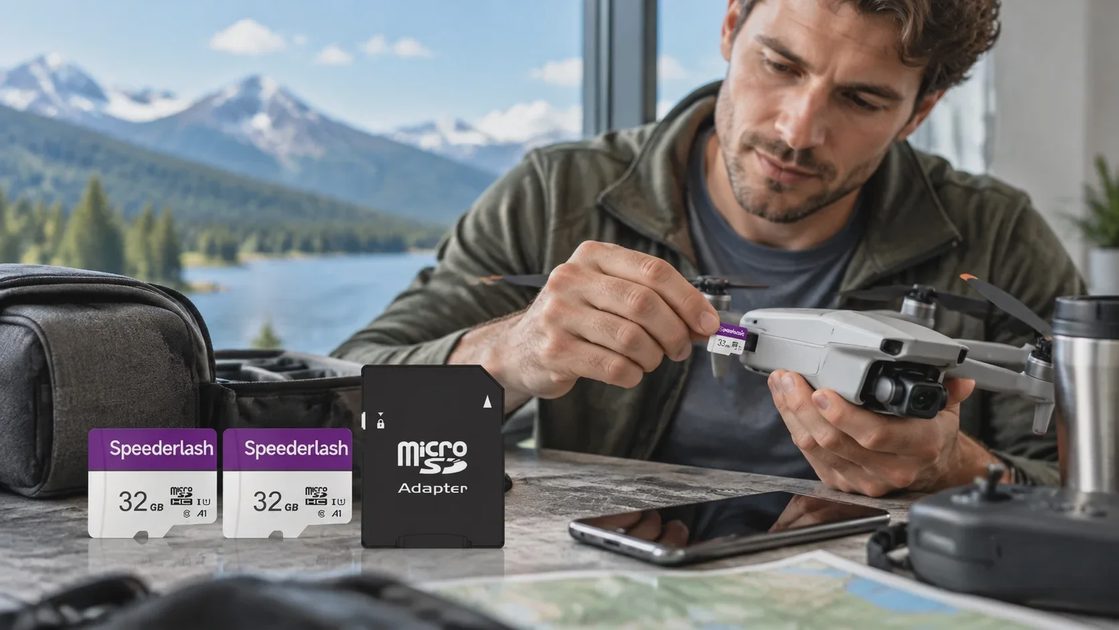
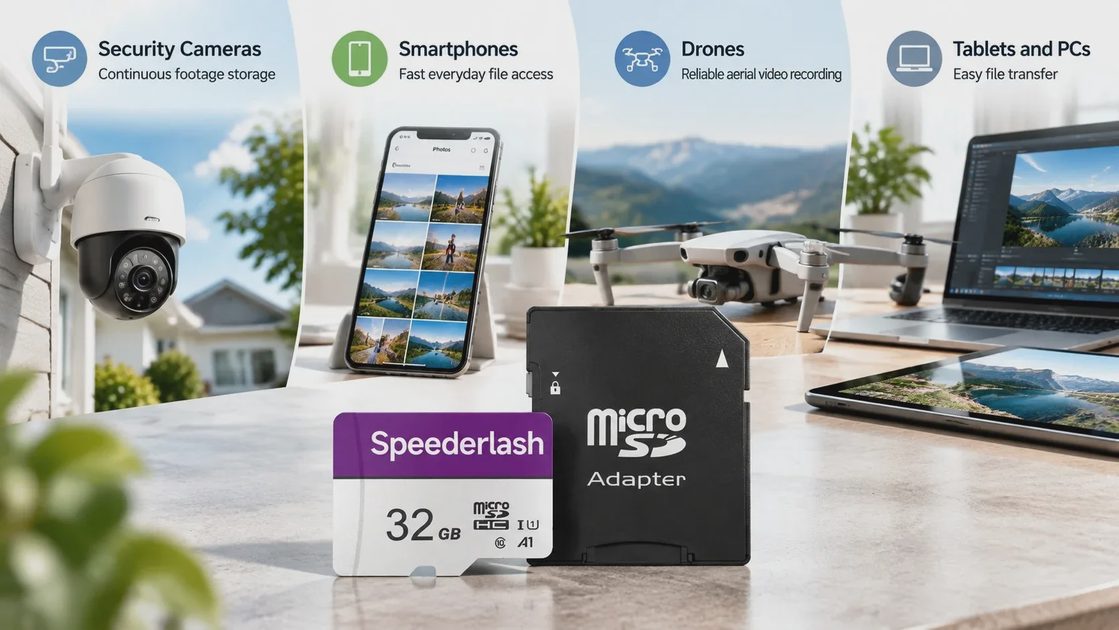
Works with | Phones, tablets, laptops, drones, action cameras, Nintendo Switch, dash cams, security cameras |
Warranty | 5 years |
Other sizes | 32GB to 512GB |
In plain terms, U1 is a speed class meant for steady video recording, and A1 helps when the card lives in a phone or tablet. One honest note from the listing itself: capacity is counted in round gigabytes, so the space you can actually use is a little less than the label.
What It Has Been Like in My Own Camera
Setup Took Minutes
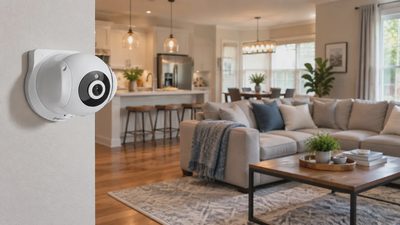
I put one card in the camera at my side door, formatted it from the camera’s app, and let it run. No driver, no hub, no new account. The listing promises plug-and-play, and mine matched. Then I did what I always do: wrote the date and “SIDE DOOR” on a label and logged the card in my notebook, right next to the camera’s password-recovery note. The second card got a label that says SPARE.
Daily Use
Since then it has quietly done its job. The mail carrier, the neighbor’s cat, and my six-year-old waving at the lens on the way to the car are all where I expected them to be. Fort Wayne swings from muggy summers to hard Januarys, so I wanted a card listed as waterproof and temperature-resistant for an outdoor camera, and it has given me no reason to think twice. My favorite test is the boring one: I pull up a clip on my phone at the kitchen table and see whether it opens without a fuss. It has. If you are still deciding what else your setup needs, I lay out the whole no-pitch approach in How to Build a Basic Home Security System Without a Monthly Sales Pitch.
Check the Price on Amazon: Speederlash 2-Pack, $18.99
What I Like, and What I Would Tell a Neighbor Up Front
The Advantages
• Best value for a two-pack. At $18.99 it is the most affordable two-pack in the comparison.
• Speed. Up to 90MB/s read, and the comparison lists a matching 90MB/s write, against 25MB/s for KOOTION and 20MB/s for Gigastone.
• A1 app rating. Shared with SanDisk Ultra, handy if a card ever moves to an Android device.
• Five-year warranty. Tied with Gigastone for longest, versus two years from KOOTION and both SanDisk cards.
• Tough build. Waterproof, shockproof, X-ray-proof, temperature-resistant and magnetic-resistant, which suits outdoor cameras.
• Works with almost everything. Dash cams, drones, tablets, a Nintendo Switch, plus an adapter for laptops.
Where It Falls Short
No card is perfect, and I would not tell a neighbor otherwise. SanDisk has the stronger brand name and far more reviews, 19,355 and 77,219 on the two listed above. A few buyers report cards that failed after several weeks, and a few say it does not show up on certain phones. That is why I like the two-card pack and the 5-year warranty: format the card in your camera, check that clips play back in the first week, and you are covered.
Speederlash vs. Other Micro SD Cards
Here is the head-to-head from the same group of similar cards.
Product | Brand | Price | Pack | Read | Write | Warranty | Rating |
 | Speederlash | $18.99 | 2-pack | 90 MB/s | 90 MB/s | 5 years | 4.6 (1,564) |
 | KOOTION | $19.23 | 2-pack | 90 MB/s | 25 MB/s | 2 years | 4.5 (6,941) |
 | Gigastone | $34.98 | 2-pack | 90 MB/s | 20 MB/s | 5 years | 4.6 (136) |
 | SANDISK | $20.79 | 1-pack | 120 MB/s | 120 MB/s | 2 years | 4.8 (19,355) |
 | SANDISK | $22.99 | 1-pack | 100 MB/s | 30 MB/s | 2 years | 4.7 (77,219) |
Both SanDisk cards list faster read speeds, but they are single cards at a higher price. Among two-packs, Speederlash gives you the lowest price and the strongest write speed on paper.
What 1,564 Ratings Say
The product page shows 4.6 out of 5, with 81% five-star and 11% four-star ratings, so about nine in ten buyers landed at four stars or better. Amazon’s review summary points to functionality, quality and value for money as the topics people mention most. The comments I liked best came from people using it the way I do: one tucked the cards into an outdoor camera and has had no problems, another uses one as a backup for security cameras, and a third said it simply works well in the camera.
Check the Price on Amazon: Speederlash 2-Pack, $18.99
Who Should Buy It, and Who Should Skip It
A great fit if you | Maybe skip it if you |
Have a camera with a micro SD slot | Want the biggest brand name and review count |
Want local footage without a monthly fee | Own a camera with no card slot |
Like having a spare card on the shelf | Prefer a card sold as high-endurance |
Need one card for a dash cam, drone or tablet | Need to check your camera’s card limit first |
If you want a name you have heard a hundred times, SanDisk is the safe, pricier route. If you want a dependable card for a home camera without overspending, this is the one I would hand across the kitchen table.
Three Quick Checks Before You Order
• Check your camera’s manual for the largest card size it supports.
• Pick your size. The 2-pack I use is 32GB, and the listing runs up to 512GB, so choose what your camera allows.
• Format it in the camera and watch a few clips back during the first week.
The Verdict: A Small Fix Worth Making
A camera that cannot save what it sees is just a decoration with a power cord. For $18.99 you get two cards, a 5-year warranty, a 4.6-star average over 1,564 ratings, and an Amazon’s Choice badge. One card goes to work, one waits on the shelf, and your footage stays where you can find it. I put mine in the camera, labeled it, and stopped thinking about it. For a security device, that is the best compliment I can give.
Let’s make your home work for you, not the other way around.
Check the Price on Amazon: Speederlash 2-Pack, $18.99