Why Doorbell Cameras Are Popular and Why They Disappoint
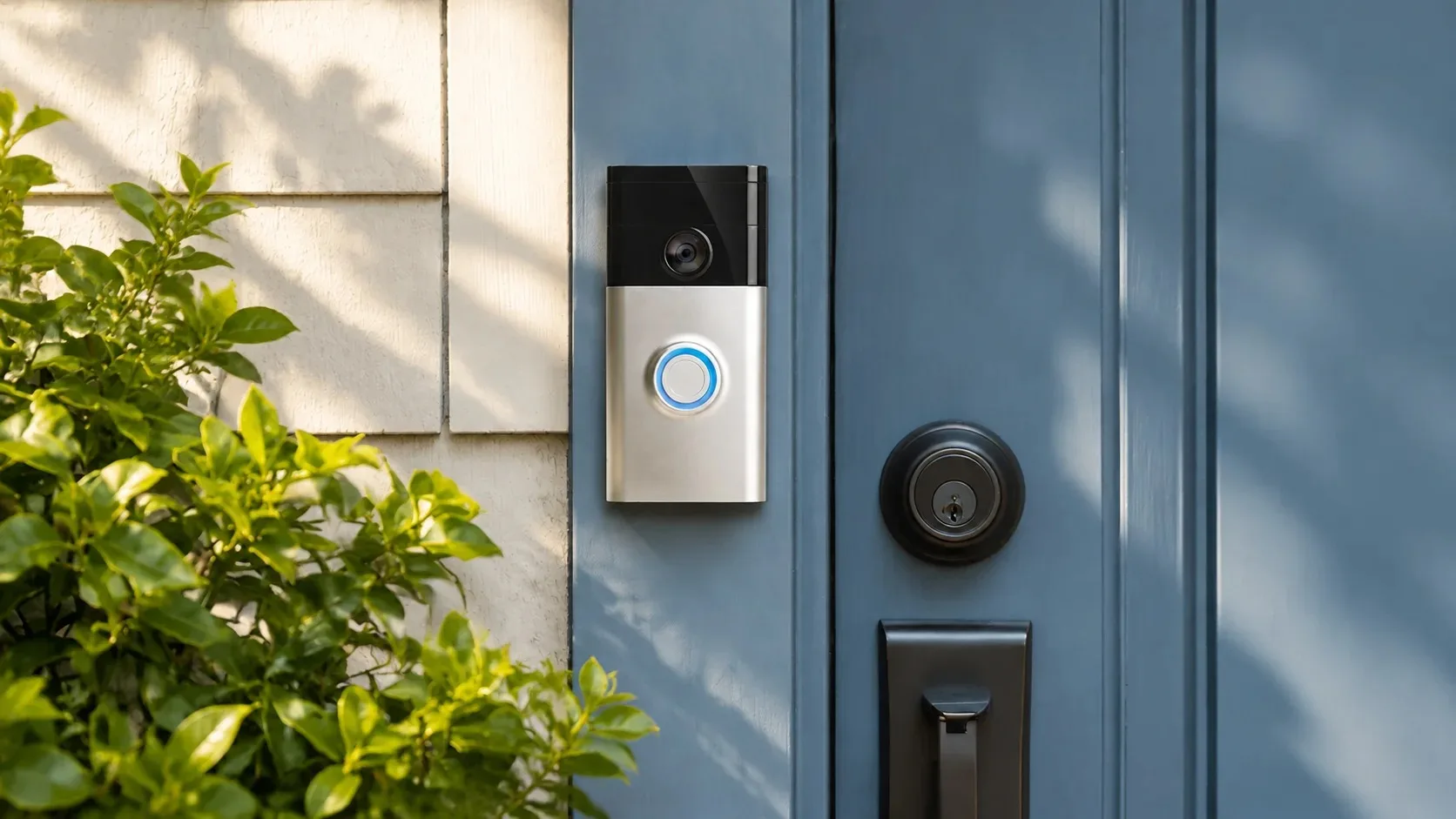
A video doorbell lets you see who is at the door and talk to them without opening it. That is genuinely useful for package deliveries, unexpected visitors, and peace of mind when you are not home. The disappointment comes when the device sends constant notifications, requires a paid subscription for basic recording, or is placed so poorly that it captures more sidewalk traffic than actual visitors.
The Pattern of Abandoned Doorbells
I have installed and troubleshot many of these systems. The ones that stay useful share a few traits: they are aimed at the door rather than the street, the motion settings are tuned to reduce false alerts, and the family has decided in advance which features they are willing to pay for. The ones that end up ignored usually suffer from notification fatigue or unexpected ongoing costs.
Core Features Versus Paid Extras
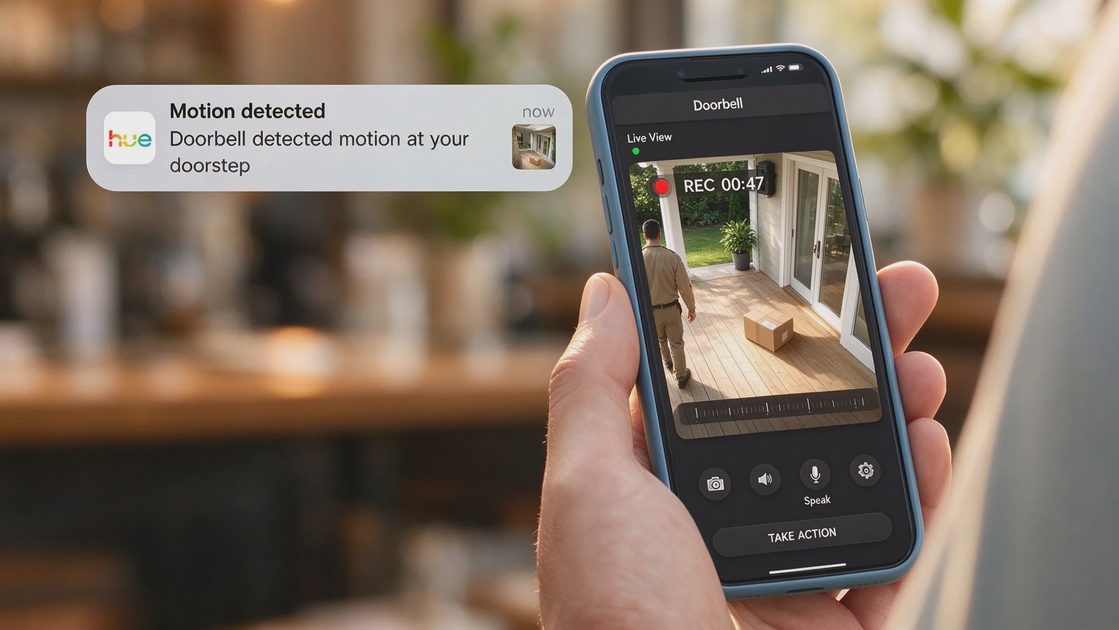
Most doorbells will show you a live view and let you speak through the device without a subscription. Cloud recording, longer video history, package detection, and advanced person recognition usually require a monthly or annual fee.
Deciding What You Actually Need
Before you buy, decide whether live view and on-demand checking are enough or whether you want automatic recording of every event. If recording matters, factor the subscription into the long-term cost. Some models offer local storage as an alternative to cloud fees. That option is worth considering if you prefer to keep the video on a device you control. Read the fine print so you know exactly what stops working if you cancel the subscription.
Features That Often Get Skipped
I skip features that promise to recognize specific faces or to detect packages with perfect accuracy. They are improving, but they still generate false alerts and require extra setup. A doorbell that only works as a live viewer is still useful; one that locks basic history behind a paywall can feel like a bait-and-switch.
Placement That Actually Works
Mount the doorbell so the camera sees the area directly in front of the door and a few feet of the approach path. Too high and you get the tops of heads. Too low and the view is blocked by packages or decorations.
Aiming and Field of View
Avoid aiming it straight down the sidewalk or driveway if that view captures every passerby; the resulting notifications become noise. Most units come with a wedge or angle bracket. Use it if your door frame would otherwise point the camera the wrong way. The goal is a clear view of the people who approach your door, not a continuous stream of street traffic.
Wired Versus Battery
Hardwired doorbells that replace an existing chime are generally more reliable than battery-only models because they do not depend on regular charging. If your house has existing doorbell wiring, prefer a hardwired unit. If it does not, a battery model can still work, but you must plan for recharging or replacement. Keep the charging schedule realistic for your household.
Motion Settings and Notification Fatigue
Out-of-the-box motion sensitivity is often too high. The result is alerts for cars, trees, and people walking past the house.
Tuning Zones and Sensitivity
Take the time to draw activity zones that cover only the porch and the immediate approach. Raise the sensitivity threshold so that only larger or closer movements trigger a recording. Most apps let you set quiet hours so the phone stays silent overnight. These adjustments turn a noisy device into a useful one. Revisit the settings after a week of real use and tighten anything that is still too chatty.
Managing Shared Alerts
Decide which adults receive notifications and whether children need access at all. Constant alerts on every phone in the house quickly become background noise that everyone ignores. Limit the alerts to the people who will actually respond.
Privacy Considerations
A doorbell camera records video of anyone who approaches your door. That includes neighbors, delivery drivers, and children who live nearby.
Access and Retention Rules
Be deliberate about who has access to the live view and the recorded clips. Use a strong account password and two-factor authentication. If the system offers shared access for family members, give them only the permissions they need. Consider whether the camera’s field of view captures areas beyond your property; if it does, adjust the angle or the zones. Some people prefer to disable audio recording or to limit how long clips are stored. Those choices are reasonable and should be made consciously rather than left at the manufacturer’s default.
What I Usually Skip
I skip features that promise to recognize specific faces or to detect packages with perfect accuracy. They are improving, but they still generate false alerts and require extra setup. I also skip any system that makes basic recording impossible without a subscription if the household budget is tight. A doorbell that only works as a live viewer is still useful; one that locks basic history behind a paywall can feel like a bait-and-switch.
A Practical Decision Sequence
Decide whether you need recorded history or only live view and two-way talk.
Check whether your door has existing wiring.
Choose a model whose field of view and mounting options fit your entry.
Install it, then immediately tune the motion zones and notification settings.
Set account security and shared-access rules before inviting other family members.
Revisit the settings after a week of real use and adjust anything that is still too noisy.
After Installation Habits
Check the battery or power status periodically. Review temporary shared access and remove it when no longer needed. A doorbell that remains quiet and useful after the first month is far more valuable than one that starts strong and then becomes ignored.
A video doorbell earns its place when it answers a real question—“Who is at the door?”—without creating a stream of irrelevant alerts or unexpected fees. Choose the features you will actually use, place the camera so it sees the right area, and treat privacy settings as part of the installation rather than an afterthought. Done that way, the device becomes a quiet helper instead of another source of phone noise.
Let’s make your home work for you, not the other way around.