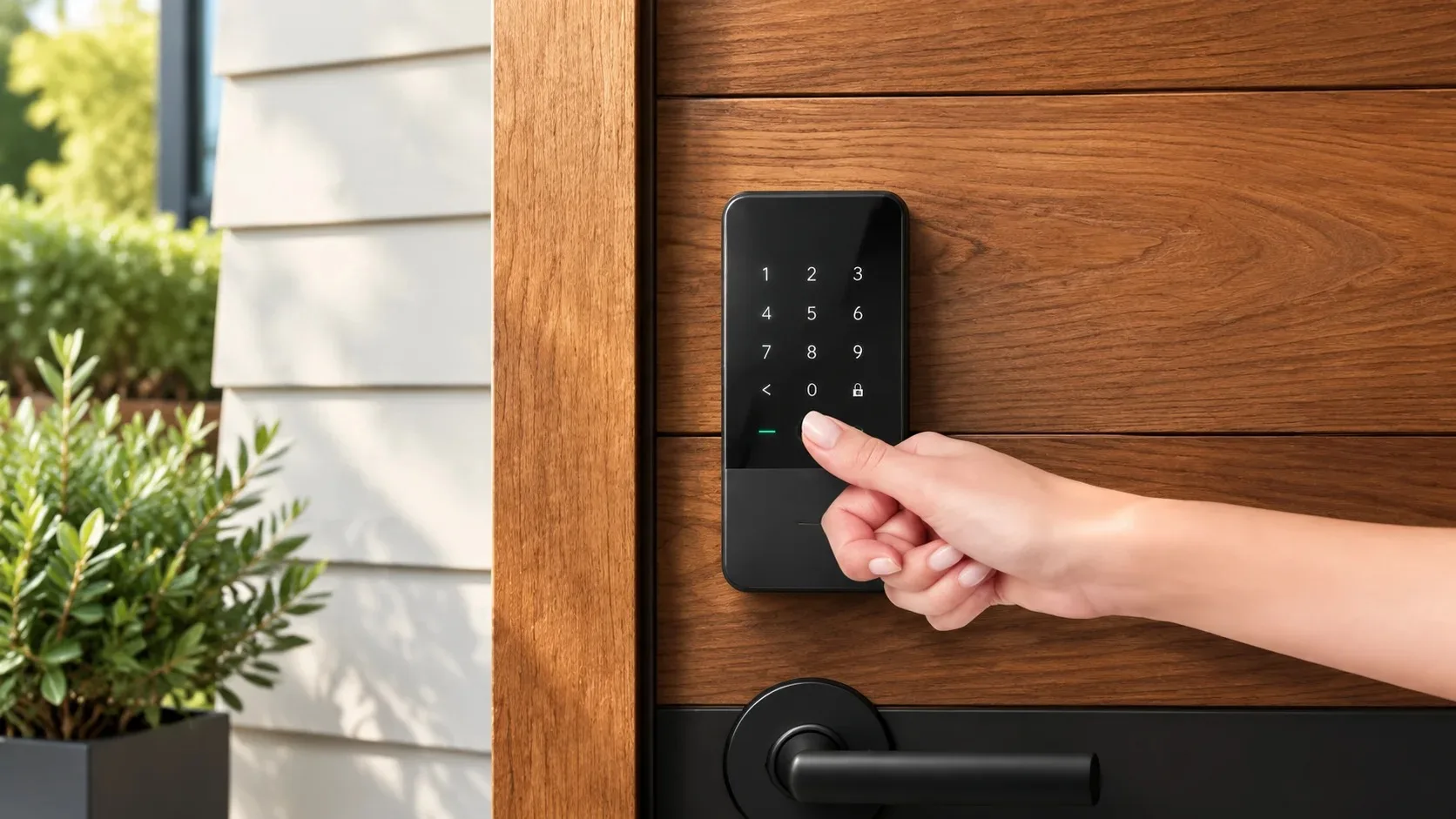
The Real Test of a Smart Lock
I have installed many smart locks and returned to service even more. The ones that stay in place and keep the family happy share a few traits: they have a reliable physical backup, the battery situation is predictable, and the codes or app access are simple enough that no one is locked out on a school morning. The ones that create frustration usually look impressive in the store but ignore how ordinary people actually enter their homes.
What “Works for the Family” Really Means
A smart lock should make life easier, not introduce a new point of failure. That means thinking through what happens when the battery is low, when the phone is dead, or when a guest needs temporary access. Convenience features are welcome; single points of failure are not. The daily test is simple: can every person who lives in the house get in and out without calling for help?
Battery Reality
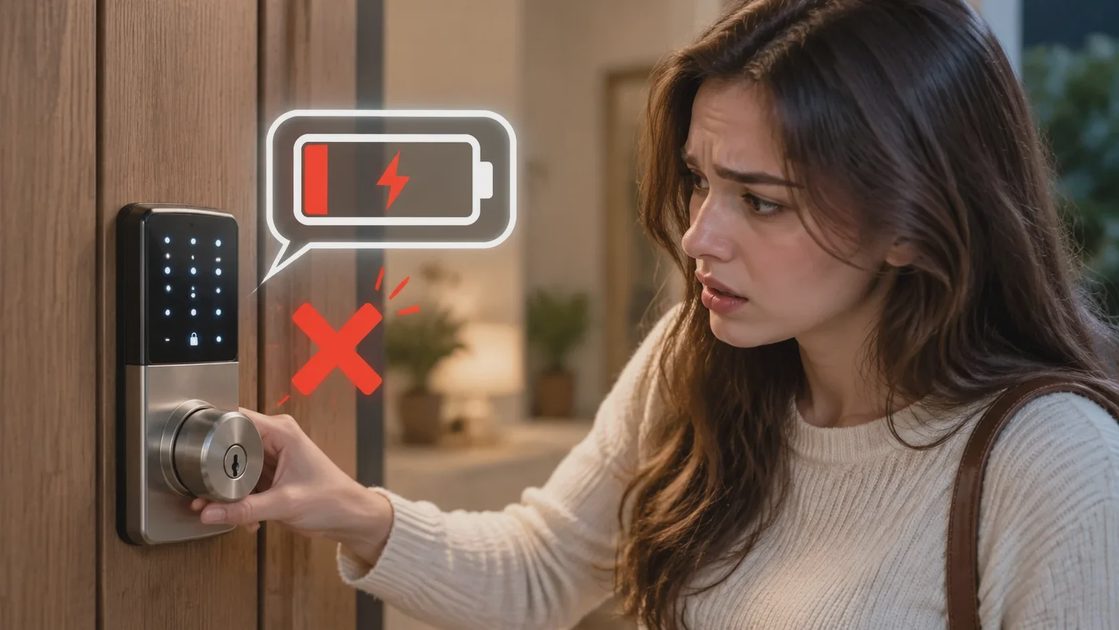
Most smart locks run on batteries. Some last a year under normal use; others need attention every few months. The important details are how the lock warns you and what happens when the batteries finally die.
Warning Systems That Actually Help
Many models start beeping or sending app alerts when power is low. Some can still be opened with a physical key even after the batteries are exhausted. Others require a nine-volt battery pressed to external contacts as an emergency power source. Before you buy, read the battery section of the manual or the manufacturer’s site. Ask yourself whether the warning system is loud enough or visible enough that someone in the household will notice it.
Who Owns the Replacement Schedule
Decide who will be responsible for checking and replacing batteries. A lock that dies without warning is worse than a traditional deadbolt. Keep spare batteries in a labeled spot and set a calendar reminder. In our house the reminder lives on the shared family calendar so it does not depend on one person’s memory.
Backup Entry Methods
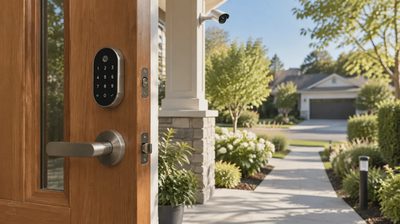
Every smart lock needs at least one reliable way in that does not depend on the smart features. The most common options are a traditional key cylinder, a numeric code keypad, or both.
Why Physical Backup Is Non-Negotiable
Fingerprint readers and phone apps are convenient but should never be the only method. Phones run out of charge. Fingerprints fail when hands are wet or cold. Codes can be forgotten. For families with children, a simple numeric code that the kids can remember is often more practical than relying on an app. For households that host frequent guests or service people, temporary codes that expire after a set time reduce the need to share permanent access.
Temporary Codes and Guest Access
Most good family locks let you create codes that work only for a certain period or a limited number of uses. Use them for cleaners, dog walkers, or overnight guests. Delete or expire the codes when they are no longer needed. This habit keeps the permanent codes limited to the people who actually live in the house.
Installation and Door Compatibility
Most smart locks replace the interior and exterior hardware on an existing deadbolt. The process is usually straightforward if the door already has a standard bore hole and the edge of the door is in good condition.
Measuring Before You Buy
Older doors with unusual latch sizes or warped frames can turn a thirty-minute job into an afternoon of adjustment. Measure the door thickness and the existing hole spacing before you order. If the measurements are non-standard, look for a model that offers adapters or choose a different lock. Confirm that the strike plate is solid and the door closes cleanly. A smart lock cannot fix a poorly fitting door.
Testing Mechanical Operation First
Install the lock carefully and test the mechanical operation before relying on the smart features. Make sure the bolt throws fully and retracts smoothly with both the key and the keypad. Only after the physical part works reliably should you set up the app and codes.
Privacy and Shared Access
Smart locks keep logs of who entered and when. For most families that information is useful—confirming a child arrived home or that a package was delivered. It becomes a problem only if the logs are shared more widely than intended or if the account that controls the lock is not protected.
Account Security Basics
Use a strong password for the lock’s account, enable two-factor authentication if available, and limit full administrative access to the adults who need it. Shared access for other family members should be limited to what they actually require. Review the access list periodically and remove anyone who no longer needs it.
What I Look For in a Family Lock
I want a clear low-battery warning, a physical key or reliable keypad backup, simple temporary codes, and an installation process that does not require permanent modification of the door. I also want the app to be optional for daily use. If the lock only works when the phone is present and the internet is up, it is not ready for a household with children or aging parents.
Features That Matter Less
Facial recognition, voice control, and elaborate automation routines are secondary. They can be nice additions, but they should never be the primary way the family gets in and out. Reliability and simplicity come first.
A Practical Setup Sequence
Confirm door compatibility and choose a lock with the backup methods you need.
Install it carefully, testing the mechanical operation before relying on the smart features.
Set a primary code that every family member can remember.
Create temporary codes for guests or service people as needed.
Place spare batteries in a labeled spot and set a calendar reminder for replacement.
Test the lock with the batteries removed so everyone knows the emergency procedure.
After the First Week
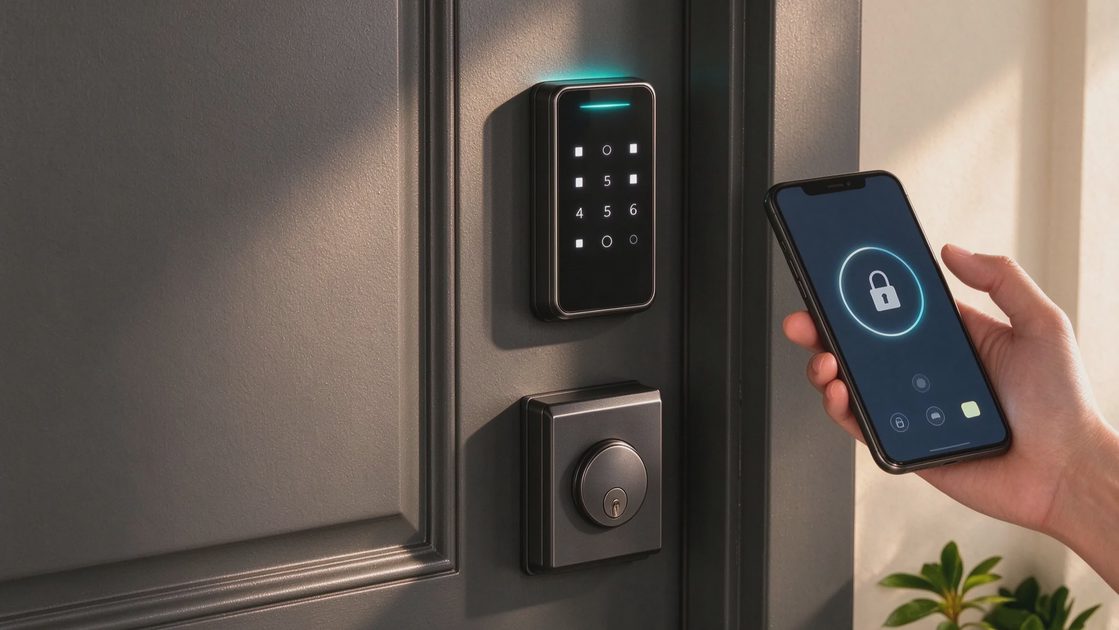
Check that everyone can operate the lock without help. Confirm that the low-battery warning is noticeable. Review any temporary codes and delete those that are no longer required. A lock that still feels simple after a week of real use is likely to stay useful for years.
Closing Thought
A smart lock earns its place when it removes friction instead of adding it. The best ones disappear into the background of family life—reliable, predictable, and easy for everyone to use. Choose for the days when the phone is dead and the batteries are low, and the lock will still be serving you years later.
Let’s make your home work for you, not the other way around.