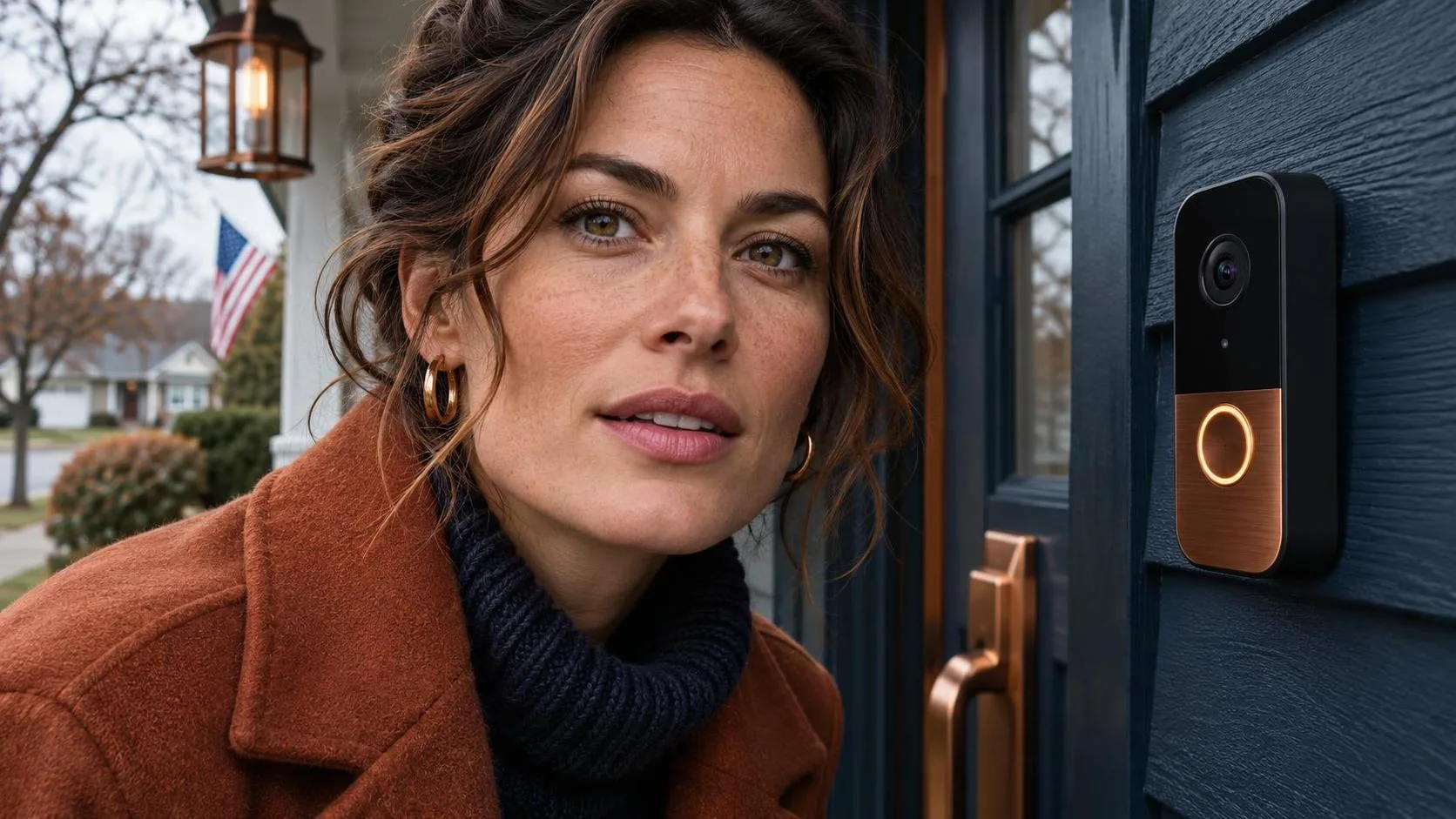
If you searched for a door bell camara, you’re probably looking for a video doorbell: a doorbell with a camera that lets you see and speak to someone at your door from your phone. For most homes, I’d start with a battery-powered model if there’s no usable doorbell wiring, or a compatible wired model if dependable power matters more than a quick installation. Before buying either one, check the Wi-Fi signal at the door and the cost of saving recordings.
Three useful places to start are Ring video doorbells for shoppers who want a broad selection and optional cloud recording, Google Nest doorbells for households using Google Home, and the Eufy Video Doorbell line for people interested in options with local storage. Features and storage arrangements vary by model, so check the exact listing rather than assuming every camera in a brand’s lineup works the same way.
Choose power before choosing a door bell camara
A battery model is usually the simpler choice for a renter or a house without existing wiring. You’ll still need to mount it securely and bring the battery or the whole unit inside to recharge, depending on the design. Battery life varies with temperature, motion events, signal strength, and how often you view live video. A busy sidewalk can mean more charging than a quiet porch.
A wired doorbell can avoid routine battery charging, but existing wires don’t guarantee a straightforward swap. Check the camera’s voltage and power requirements against your doorbell transformer, and confirm whether your existing indoor chime is compatible. Some installations require an included adapter or a separate chime accessory. Turn off the appropriate power before working on wiring; if you can’t identify the circuit or transformer, call an electrician.
There’s also a middle ground: some battery models accept compatible doorbell wiring, but the wiring may only help maintain the battery rather than eliminate charging in every situation. Read the manufacturer’s requirements for the particular model.
Check the signal where the camera will live
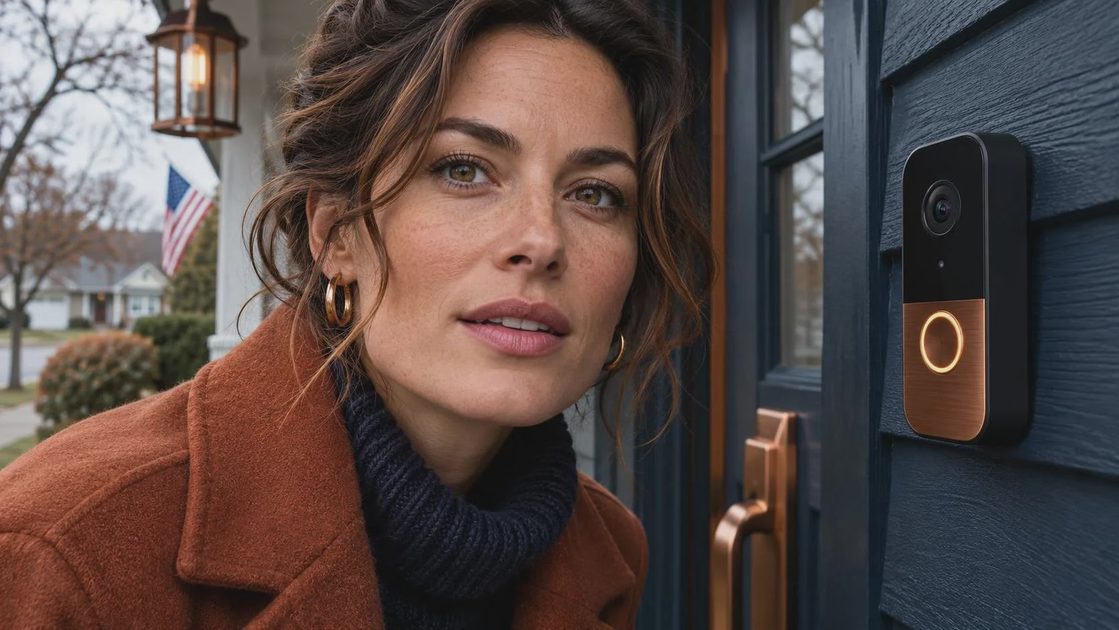
A door bell camara can have excellent picture quality on the box and still be frustrating if it struggles to reach your router. Stand at the planned mounting spot with your phone connected to your home Wi-Fi. If pages load slowly or video calls break up there, fix that before blaming the camera.
A phone test is only a rough screen: the camera and phone have different antennas, and a closed exterior door or brick wall may affect them differently. If possible, temporarily place the camera at the mounting location and test live view and notifications before drilling permanent holes.
Check the Wi-Fi bands the camera supports. Many smart-home devices use 2.4 GHz, which often reaches farther through walls than 5 GHz, though actual performance depends on the home. Make sure the network name and password meet the camera’s setup requirements. A separate guest network can be useful, but some guest settings prevent the phone and device from communicating during setup.
Moving the router into the open or relocating an existing mesh unit closer to the entry may solve the problem. Don’t put a mesh unit at the dead spot itself; place it where it can still connect reliably to the rest of the network. I’d try that before buying another networking gadget.
What will your door bell camara cost after purchase?
The camera’s price is only part of the decision. Many doorbells provide live viewing and phone alerts without a paid plan, but saved video, extended history, and advanced alerts may require a subscription. These features vary by manufacturer and model, and plans can change. Check the current terms for the exact device before checkout.
Local storage can reduce dependence on a monthly cloud plan, but it comes with its own questions. Find out whether recordings are stored in the doorbell, on a separate indoor hub, or on removable media; whether that hardware is included; and what happens if it loses power or is stolen. Local recording does not automatically mean every feature works without internet access.
Also check how visitors will announce themselves indoors. Some setups can use an existing mechanical chime; others need a separate plug-in chime, compatible smart speaker, or phone notification. A phone alert alone may not help someone who leaves their phone in another room.
Mount it for faces, not just the front yard
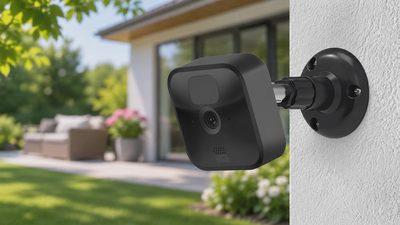
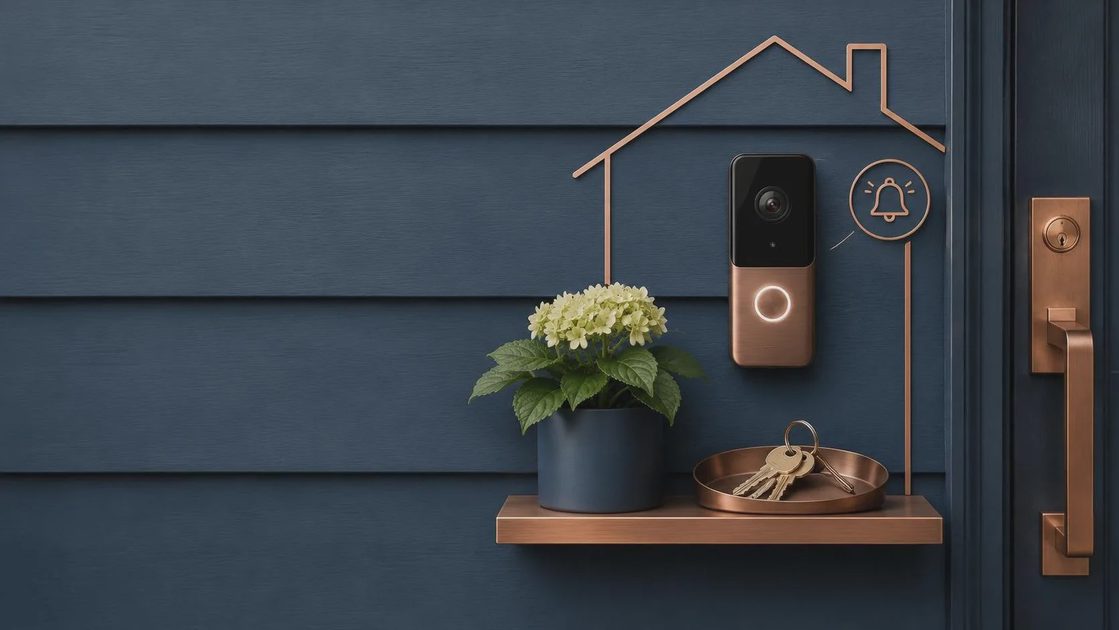
Before mounting a door bell camara, open its live view and have someone stand where a visitor normally waits. Look for a clear view of the face and the approach to the door. If packages matter, check whether the lower part of the frame includes the usual drop-off spot. A wedge mount can help angle the camera, but it may be sold separately.
Follow the manufacturer’s mounting-height guidance, then adjust for your doorway. A camera aimed straight across a porch may capture more street than you need and miss a package tucked against the wall. Bright sunlight behind visitors can also make faces harder to see, so check the image at different times of day if you can.
Renters should get permission before drilling or altering wiring. A compatible no-drill mount may be an option, but make sure it fits both the door and the camera and doesn’t interfere with opening or closing the door. Avoid mounting anything where it creates a tripping hazard or obstructs an exit.
Set up alerts and privacy for everyday life
A useful door bell camara should tell you about the front step without buzzing every time a car passes. Start with the manufacturer’s motion zones and sensitivity settings, if available. Exclude as much of the public sidewalk and neighboring property as practical, then adjust after a few days based on the alerts you actually receive.
Use a unique password for the camera account and enable two-factor authentication if offered. Give household members their own access when the service supports it instead of sharing a password. Check whether the device records audio and learn the applicable local rules before turning that feature on; audio-recording laws vary by location and circumstances.
Finally, put a recurring reminder on your calendar to check the battery, clean the lens, and install updates. Note the account recovery method somewhere secure, too—not beside the door. A few minutes of maintenance is easier than discovering that the camera stopped reporting weeks ago.
Let’s make your home work for you, not the other way around.