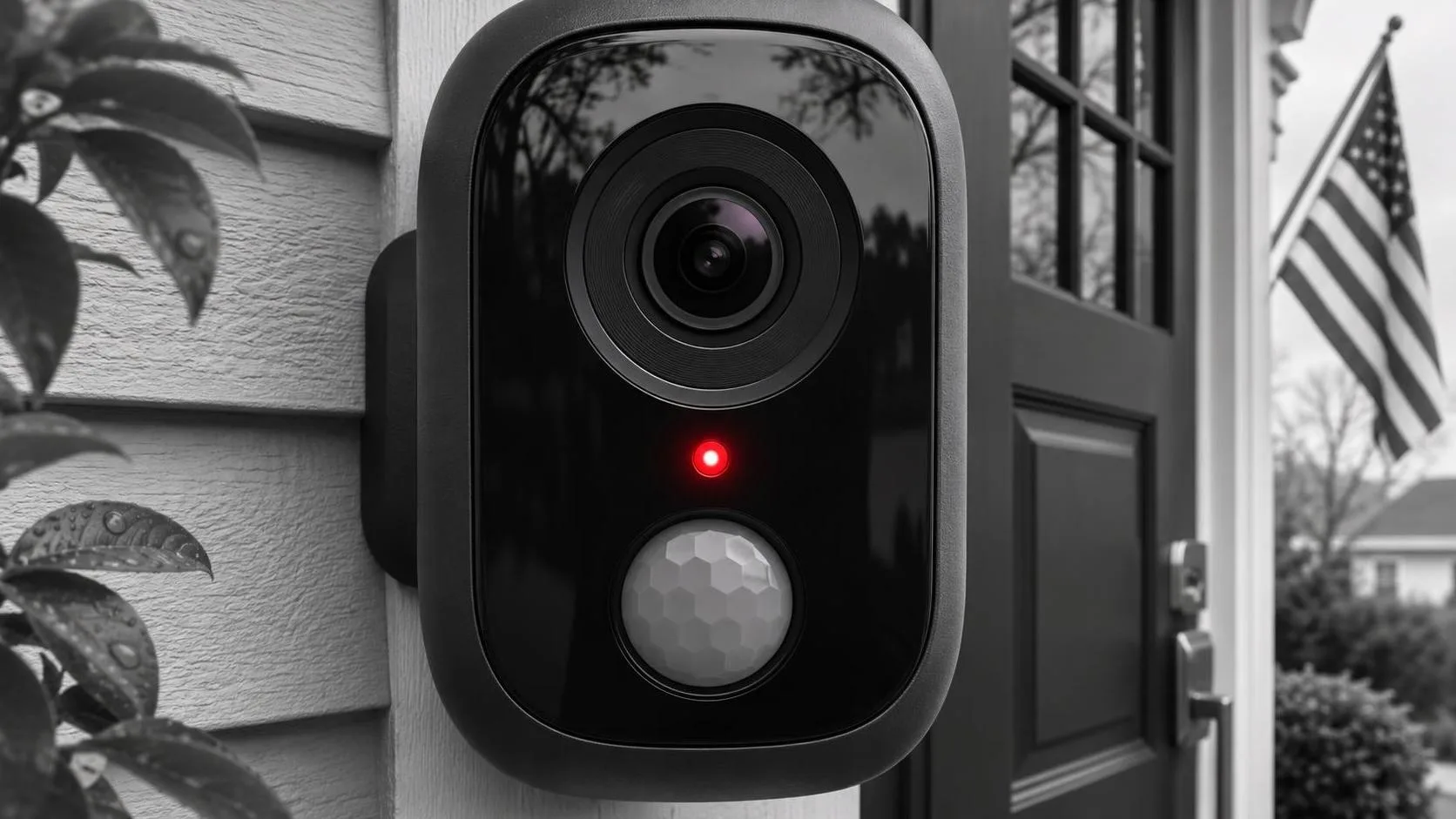
The best doorbell cameras are the ones that reliably show you who is at the door without turning every delivery into a troubleshooting project. Start with your power source, check the Wi-Fi signal outside, and decide whether you need saved recordings. For many households, a straightforward battery model is the easiest place to start; existing doorbell wiring can be a better fit if you want less battery maintenance.
Ring video doorbells are worth considering if you want a broad range of choices and are comfortable checking subscription costs. Google Nest Doorbell models suit households already using Google Home. Eufy video doorbells are an option for shoppers interested in local recording, though storage and hub requirements vary by model. Compare the exact version before buying: a familiar brand name does not guarantee a particular power source, chime connection, or recording plan.
Choose power before shopping for features
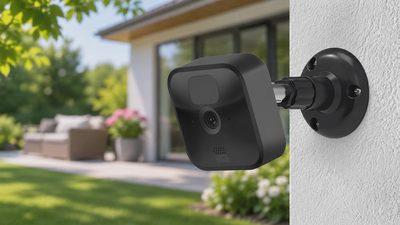
Battery-powered doorbell cameras are useful when there is no existing wiring or when a renter wants to avoid electrical work. Installation still usually involves a mounting bracket, and an exterior wall may require suitable anchors. Ask your landlord before drilling, and look for a compatible no-drill mount if holes are off-limits.
The trade-off is charging. Battery life changes with motion activity, settings, weather, and signal quality. A camera facing a busy sidewalk may need attention much sooner than one watching a quiet porch. Before ordering, check whether the battery is removable or whether the entire doorbell must come off its bracket to charge.
Wired models can reduce charging chores, but existing wires are not a promise of compatibility. Check the manufacturer's voltage and transformer requirements, as well as whether your mechanical or electronic chime needs an adapter. Some battery models can also connect to existing wiring, but the way they use that power differs. If you are unsure about the wiring or transformer, have a qualified electrician check it.
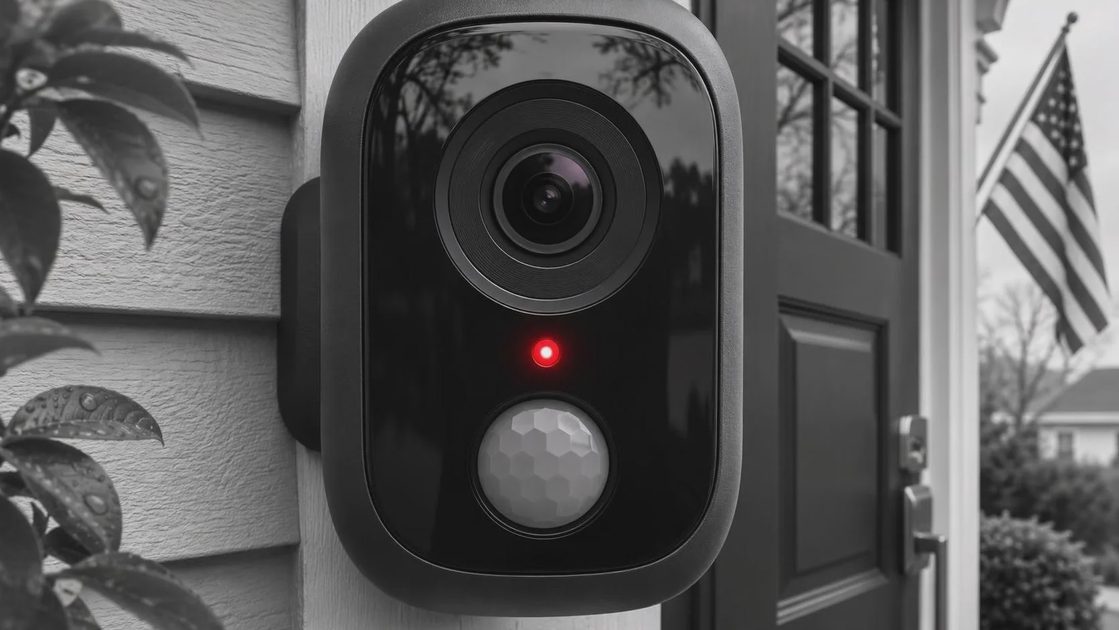
Check the signal at the actual door
Doorbell cameras depend on a usable connection outside, not just a strong signal beside the router. Brick, metal siding, and the distance through exterior walls can all weaken Wi-Fi. Take your phone to the mounting spot, connect it to your home network, and try loading a video or making a video call. That is a useful first check, though a phone and a doorbell will not necessarily receive the same signal.
If the connection struggles, try moving the router into a more open, central position before buying anything. A mesh access point inside the house, reasonably close to the entrance, may help when moving the router is not practical. Avoid putting networking equipment outdoors unless it is designed for that location.
Also check the network requirements on the product page. Many devices need a 2.4 GHz Wi-Fi connection, while support for other bands varies. If your router combines network names, follow the doorbell maker's setup instructions rather than assuming you need an entirely new network.
A live view may be slow or unavailable during an internet outage. Whether a device can still record locally depends on its design and how the rest of your network is powered. Check that detail if outage recording matters to you.
Understand what you get without a subscription
A doorbell that shows a live picture is not necessarily saving one. With many doorbell cameras, cloud recording, longer video history, or more detailed alerts require a paid plan. The terms can change, so look at the manufacturer's current plan page for the exact model and number of cameras you own.
Local storage can avoid a recurring cloud-recording fee, but it is not automatically simpler. A model may need a separate home base or memory card, and a stolen or damaged storage device can take its recordings with it. Check how you retrieve clips, whether the storage overwrites old footage, and which alerts work without a plan.
Think about the event you actually want to see. If you just want to answer a visitor while you are upstairs, live view and a reliable chime might be enough. If you want to check who delivered a package while you were away, confirm that the setup saves clips and keeps them long enough for your routine.
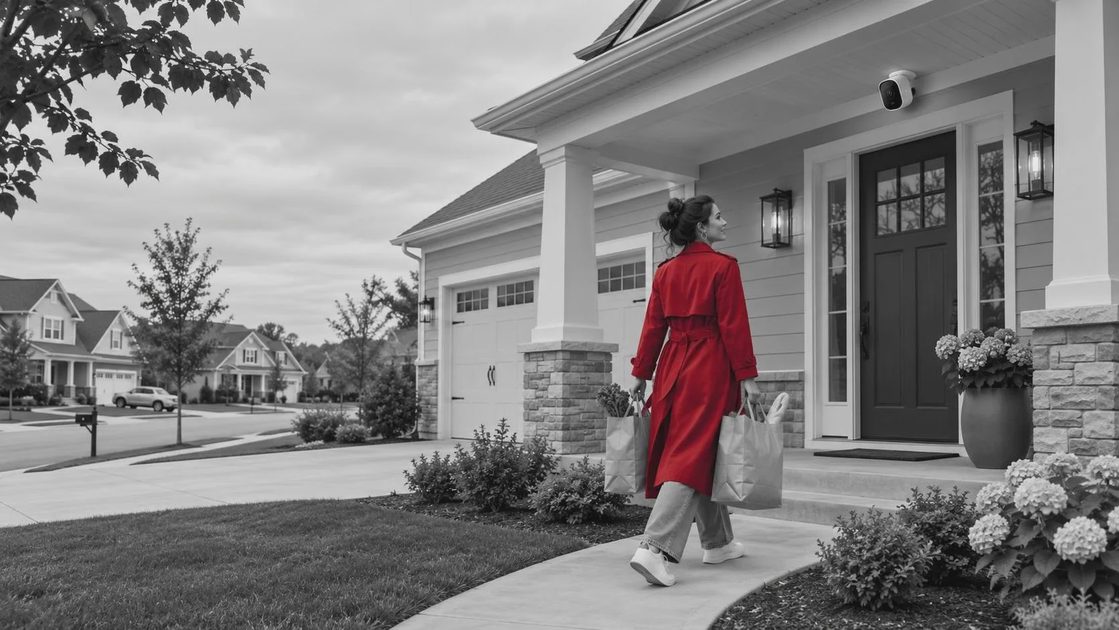
Get a useful view without bothering the whole block
A wide picture sounds attractive, but the important question is what appears in it. Doorbell cameras mounted beside a recessed doorway can end up showing a wall, while a high mounting position may miss packages at the threshold. Check the manufacturer's recommended height and use the live view to judge the angle before tightening the bracket. A compatible angled mount can help point the camera toward the approach.
Set motion zones to favor your walkway and doorstep rather than the street or a neighbor's window, if the device offers them. Start with moderate sensitivity, then adjust after a few days. Too many alerts teach everyone in the house to ignore the app; too few can leave gaps in the events you care about.
Privacy settings deserve the same attention. Use a unique account password, turn on multifactor authentication where available, and give household members their own access when the service supports it. Check your state and local rules before recording audio, particularly if the microphone can capture conversations beyond your property.
Plan for the small maintenance jobs
Before settling on doorbell cameras, check how visitors will alert you inside. Some models can work with an existing chime under specific conditions; others need a compatible plug-in chime, smart speaker, or phone notification. If someone at home does not carry a phone, that distinction matters on day one.
After installation, press the button and walk up to the door while another household member checks the alert and saved clip. Try it in daylight and after dark. Make sure faces are visible, the audio is understandable, and the camera can see the spot where packages are normally left.
Finally, put a reminder on the calendar to check battery level, clean the lens, and install available updates. Keep the account recovery details somewhere safe so a phone replacement does not lock the household out. A few minutes of upkeep beats discovering a problem after a missed delivery. Let’s make your home work for you, not the other way around.