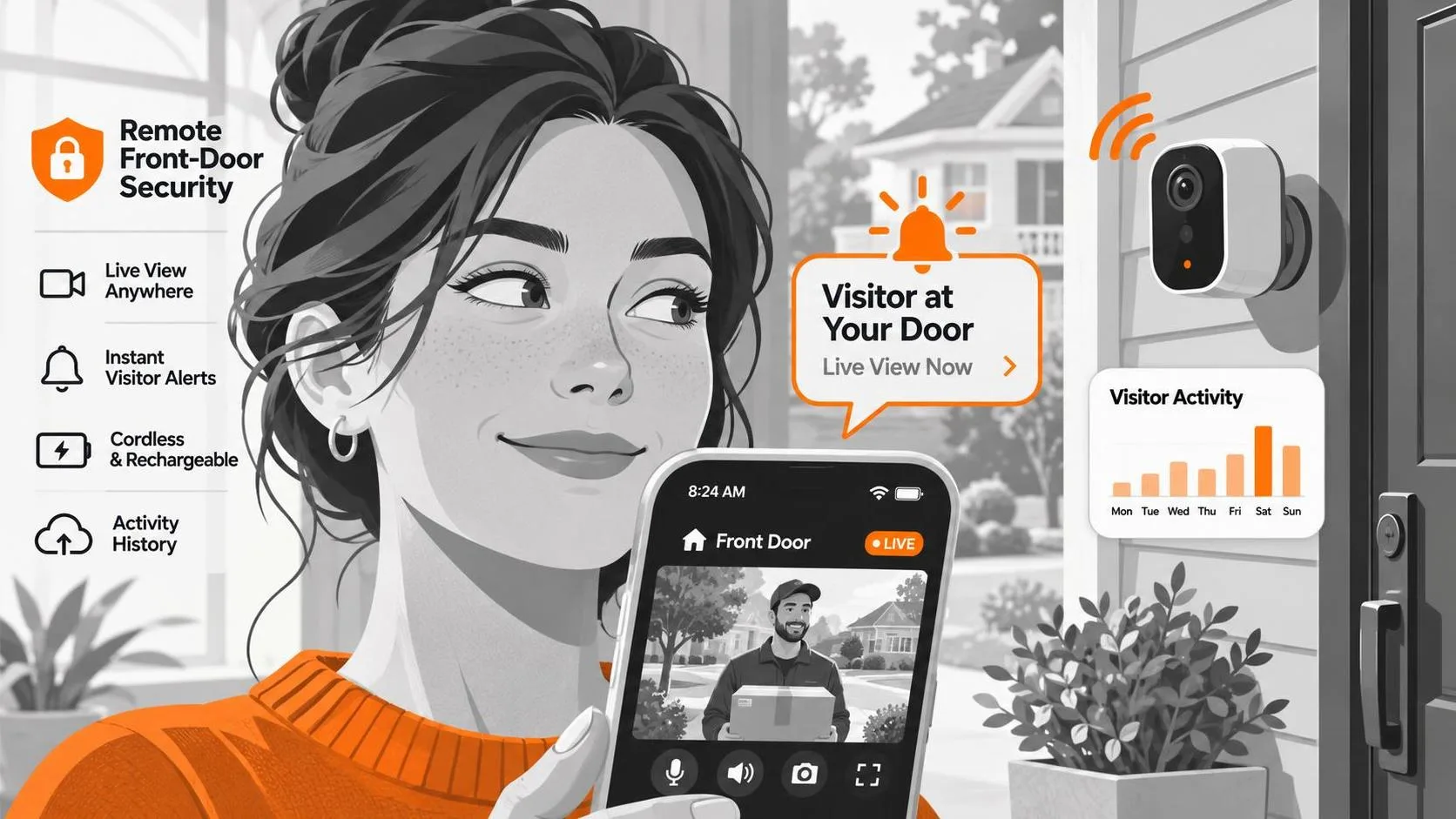
What is a wireless doorbell camera? It’s a doorbell with a camera that connects to your home network without a video cable, so you can see visitors and receive alerts on your phone. Many run on rechargeable batteries, although some can also use existing doorbell wiring for power. For most households, the right choice is a battery-powered model with a strong Wi-Fi signal at the door, a useful view of the doorstep, and recording costs they’re comfortable paying.
Shopping for a wireless doorbell camera? Start with the Ring Battery Doorbell line if you want an option in the Ring and Alexa ecosystem. The Google Nest Doorbell battery line is worth a look for households using Google Home. Eufy’s battery video doorbell line offers models with local-storage options for people who would rather not rely on a cloud subscription. Features and fees vary by model, so check the exact listing before buying.
What “wireless” actually means
The word describes the connection to your network, not necessarily the power source. A battery model can work without doorbell wires, but you’ll need to recharge or replace its battery. Some models accept existing low-voltage doorbell wiring, which can reduce charging chores or provide continuous power, depending on the device and installation.
Want your existing indoor chime to ring with a wireless doorbell camera? Check compatibility first. Some devices work with certain mechanical chimes when wired; others need a separate plug-in chime, a compatible smart speaker, or a phone notification. A phone alert alone is easy to miss when your phone is charging upstairs.
Battery life depends heavily on activity, settings, temperature, and signal quality. A camera pointed at a busy sidewalk can wake up far more often than one facing a quiet porch. Plan around the inconvenience of charging, not just the manufacturer’s longest advertised battery estimate.
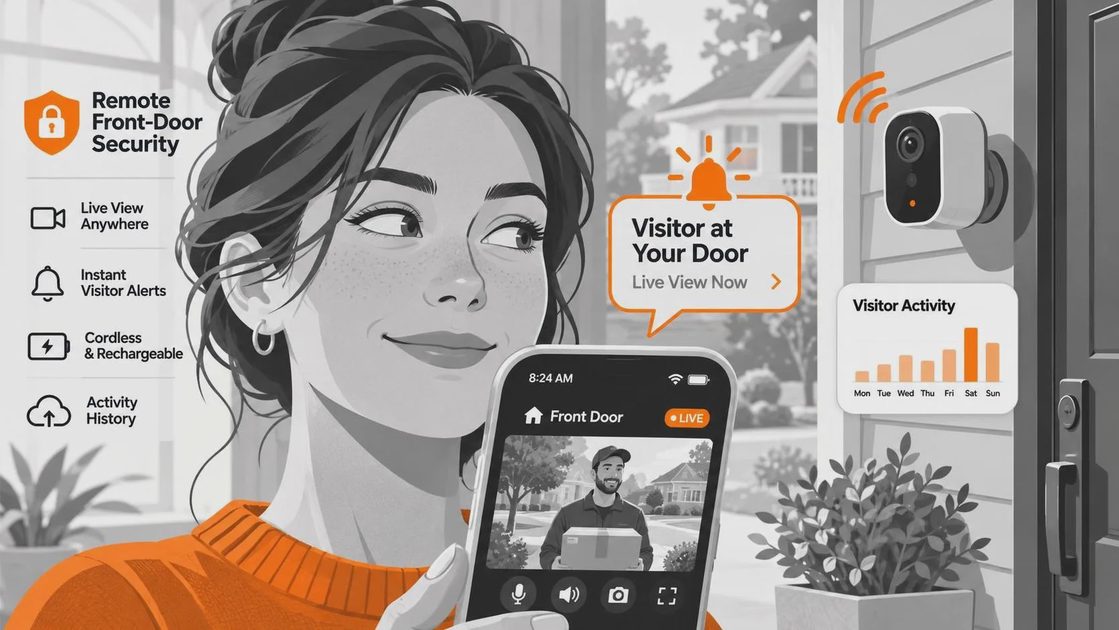
Check the signal before you buy
Stand beside the proposed mounting spot with your phone connected to your home Wi-Fi. Open a video or run a speed test. If the connection struggles there, the doorbell may struggle too. This isn’t a perfect test: your phone and a doorbell have different antennas, and exterior walls can weaken the signal. It is a useful warning sign.
Moving the router into a more open position may help. If it’s already in a sensible spot, a mesh access point closer to the front of the house can improve coverage. Avoid putting networking equipment outside unless it’s designed for outdoor use. Also check whether the doorbell supports your network’s Wi-Fi band and security settings; some devices require a 2.4 GHz network during setup.
If you already have a mesh system, try the doorbell before buying another extender. Adding equipment to solve a problem you haven’t confirmed is an easy way to spend money twice.
Recording, subscriptions, and the view
Will a wireless doorbell camera? No: it won’t necessarily save video without an additional plan. Some products offer live viewing and alerts without a subscription but reserve recorded clips or certain alert features for a paid plan. Others include local storage, sometimes through a separate hub or compatible storage device. Read the product’s plan details and hardware requirements before assuming either approach is free.
Local storage can avoid recurring cloud-recording charges, but it comes with responsibilities. Find out whether clips remain accessible if the doorbell or hub is stolen, whether storage can fill up, and how to retrieve a clip when you need it. Cloud plans can be convenient, but ongoing fees and retention periods matter more than an introductory trial.
Look closely at the camera’s vertical view as well as its width. A picture that shows faces clearly may still miss a package sitting directly below the doorbell. A taller view or a separate downward-facing camera can help, but placement and the shape of your entryway matter too. Check sample images from the actual model, not just the resolution number on the box.
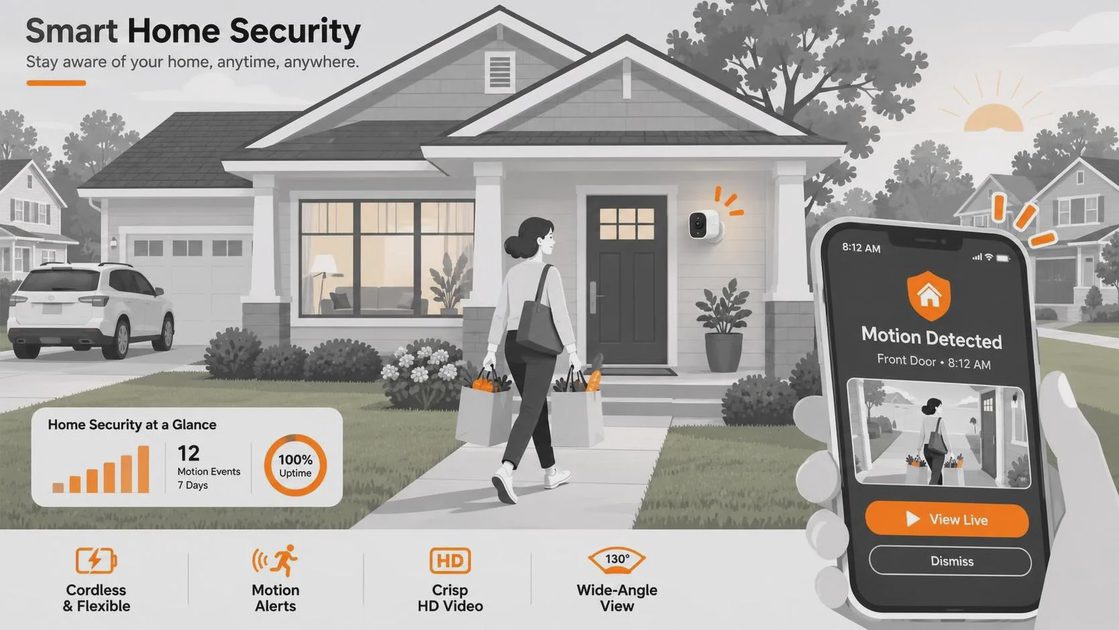
Mount it where it can see the doorstep
Before drilling, hold the camera at the proposed height and check its live view. Make sure you can see a visitor’s face and the area where deliveries are usually left. If the doorbell sits on a side wall, an angled mounting wedge may improve the view; check whether one is included or sold separately.
Pay attention to what the camera faces. A busy street, a neighbor’s windows, or a bright porch light can make alerts and images less useful. Motion zones can reduce unwanted notifications on supported models, although their available shapes and alert options vary. Adjust settings after a few ordinary days rather than trying to capture every passing car.
Installing a wireless doorbell camera? A battery model usually needs a mounting plate, a few screws, and a charged battery. Renters should ask the landlord before drilling and look for a compatible no-drill mount if needed. Make sure the mount doesn’t interfere with the door closing or violate building rules.
Existing doorbell wiring adds another step. Turn off power to the doorbell transformer before handling wires, follow the manufacturer’s instructions, and check voltage and chime compatibility. If you can’t identify the circuit or the wiring looks damaged, hire an electrician. A battery installation is often the simpler path.
Make it useful for everyone at home
Who can use a wireless doorbell camera? Anyone you authorize through the device’s sharing controls, provided the product supports the access you want to give. Invite household members using their own accounts when possible instead of sharing one password. Turn on two-factor authentication, keep recovery information somewhere safe, and remove access when it’s no longer needed.
Review privacy settings and point the lens toward your own entry rather than a neighbor’s private space where practical. Audio recording and video surveillance rules can vary by location, so check local requirements if you plan to record sound or capture shared areas.
Finally, set a reminder to check the battery, clean the lens, and confirm that alerts still reach the right phones. A modest doorbell with a dependable connection and a manageable charging routine is more useful than a feature-packed one nobody maintains. Let’s make your home work for you, not the other way around.