Why Wi-Fi Feels Mysterious
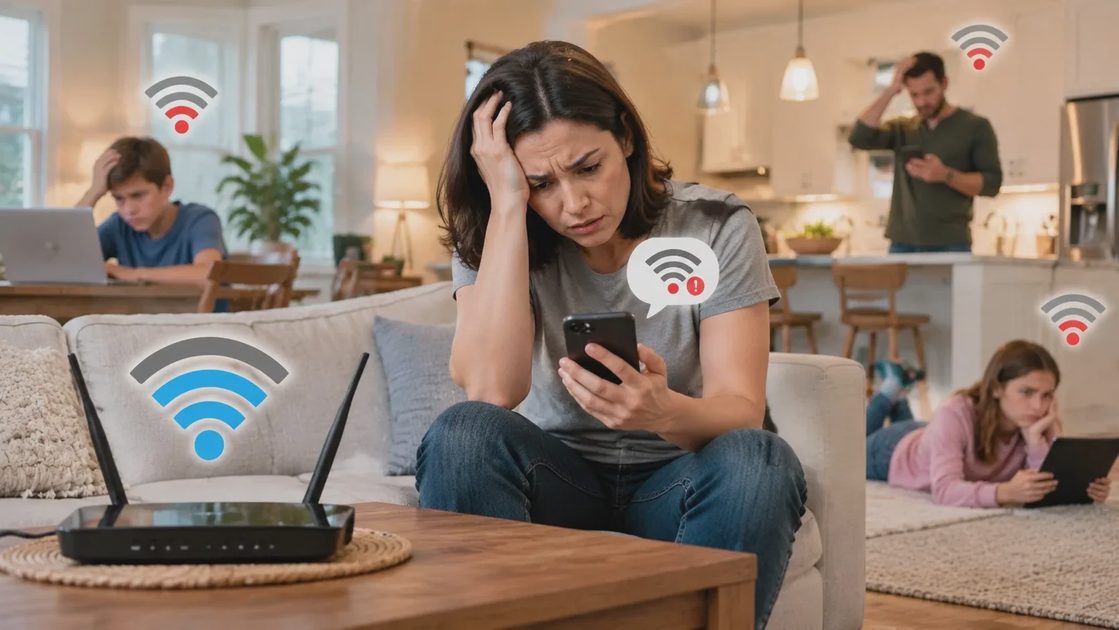
Walk into almost any house and you will find at least one person who says the Wi-Fi is “fine” and another who says it is “terrible.” Often both are right. The signal is strong in the living room and weak in the back bedroom. Video calls work until someone starts a large download. The kids’ tablets drop offline every afternoon. These are not random failures. They are the predictable results of how home networks behave in real houses.
The Gap Between Marketing and Reality
Router boxes promise whole-home coverage and blazing speeds. In practice, walls, floors, appliances, and neighboring networks all affect performance. Once people understand a handful of basic ideas, they stop treating the router like a magic box and start making better decisions. This guide covers those ideas without the jargon that usually gets in the way.
The Router Is the Starting Point
Your router is the device that creates the Wi-Fi signal and connects your home to the internet. In many homes it is a single box provided by the internet company. In others it is a separate unit. Either way, it has two main jobs: it talks to the wider internet, and it creates a local wireless network for your phones, tablets, laptops, cameras, and smart devices.
Where the Router Sits Matters
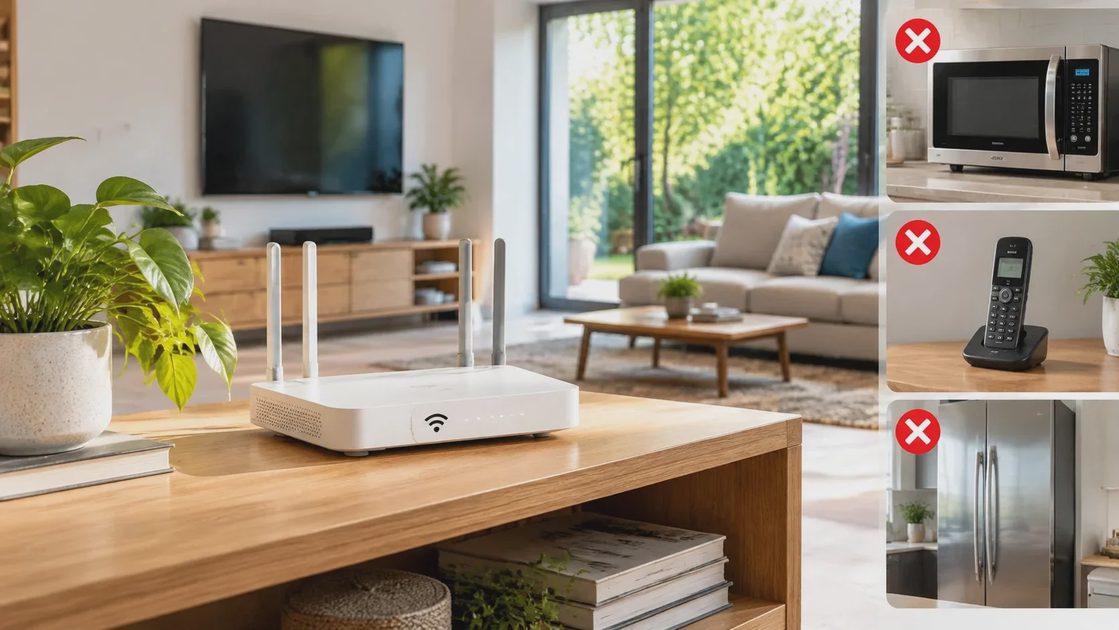
The signal the router creates is not equally strong in every direction or every room. Walls, floors, appliances, and even the people in the house affect it. Understanding that the signal has limits is the first step toward fixing dead zones and slow spots. A router placed on the floor behind a television or inside a metal cabinet starts at a disadvantage. Central, elevated, and open is almost always better.
Single Router Versus Mesh
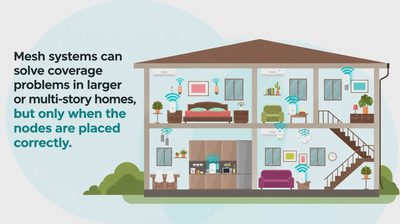
A single well-placed router is enough for many modest homes. Larger or multi-story houses often benefit from mesh systems that extend coverage. The choice depends on the actual layout and the dead zones you measure, not on marketing claims about square footage.
The Two Main Bands: 2.4 GHz and 5 GHz
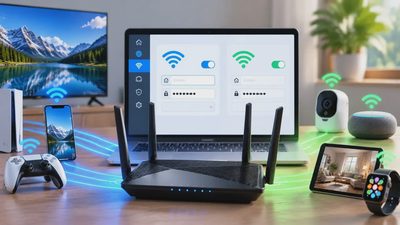
Most modern routers broadcast on two frequency bands. The 2.4 GHz band travels farther and passes through walls better, but it is slower and more crowded. The 5 GHz band is faster and less crowded, but it does not travel as far and is more easily blocked by walls and floors.
How to Use Each Band
In a typical family home you want devices that stay in one place—smart TVs, desktop computers, stationary cameras—to use the stronger 5 GHz signal when they are close enough. Devices that move around the house or sit in distant rooms often do better on 2.4 GHz. Many routers handle this automatically with band steering, but it does not always choose correctly. Knowing the difference lets you check and adjust when needed.
When Band Steering Helps and When It Hurts
Band steering tries to put each device on the best band. It works well in some homes and poorly in others. If you notice devices clinging to the slower band or dropping connections while moving, try separating the bands into two network names. Give the 5 GHz network a clear label and connect stationary high-bandwidth devices to it. Let phones and tablets choose based on location.
Channels and Interference
Wi-Fi does not use the entire band at once. It divides the band into channels. If too many neighboring networks are using the same channel, your devices have to wait their turn. That waiting shows up as lag or dropped connections.
Why 2.4 GHz Gets Crowded
In most suburban and urban neighborhoods the 2.4 GHz band is crowded. Microwaves, cordless phones, and neighboring routers all compete for the same limited channels. The 5 GHz band has more channels and is usually less congested. Simple tools built into many phones or free analyzer apps can show you which channels are busy. Changing your router to a quieter channel is one of the fastest improvements you can make without buying anything new.
How to Check and Change Channels
Log into your router and look for the wireless or Wi-Fi settings. Many models have an automatic channel scanner. Use it, or walk around with a free Wi-Fi analyzer app and note which channels are busiest. Then set your router to a quieter option and leave it there for a few days to evaluate. The improvement is often immediate.
Coverage Versus Speed
People often mix up two different problems. Coverage is whether the signal reaches a particular room at all. Speed is how much data that signal can carry once the device is connected. A weak signal can still show as “connected” while delivering almost no usable speed. That is why a phone can say it has Wi-Fi and still fail to load a webpage.
Mapping the Difference
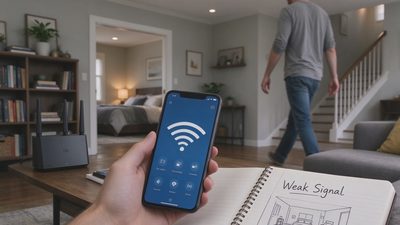
Mapping the signal in your own house is more useful than any marketing claim about range. Walk around with a phone and note where the connection drops or becomes slow. The pattern will usually point to a wall, a floor, or a piece of metal that is blocking the path. Coverage problems and speed problems require different fixes. Knowing which one you have saves money and time.
What Ordinary Families Actually Need
You do not need the highest advertised speeds or the most advanced features. You need enough reliable coverage for the devices you use every day and enough capacity so that one person’s video call does not knock everyone else offline.
Realistic Expectations
For most households that means a solid router placed in a central location, clear of metal cabinets and thick walls, with the bands set sensibly and the channels checked once in a while. Mesh systems can help in larger or more complicated houses, but they are not automatic upgrades. A single well-placed router often outperforms a poorly placed mesh kit. The goal is dependable service in the rooms that matter, not perfect coverage in every closet.
Practical First Steps
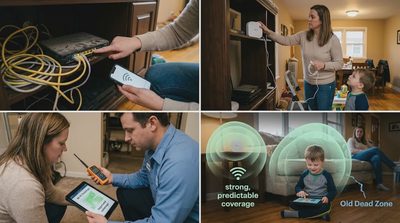
Start with placement. Move the router off the floor and away from the microwave, cordless phone base, and large metal surfaces. Give it some open space. Then check whether your devices are connecting to the better band for their location. Finally, look at the channel list and switch if you are sitting on a crowded one.
These three adjustments solve a surprising number of everyday complaints. Once the basics are solid, you can decide whether you need additional hardware or simply better habits around how devices connect.
Closing Thought
Wi-Fi does not have to be a mystery. When you understand that the signal has physical limits, that the two bands behave differently, and that neighboring networks can interfere, the problems become solvable. Most families do not need a complicated network. They need a clear, reliable one that stays out of the way so the rest of life can continue.
Let’s make your home work for you, not the other way around.