Why Mapping Matters More Than Guessing
I have lost count of the times a homeowner pointed to a corner of the house and said the Wi-Fi “just doesn’t work there.” When we walked the house together, the problem was almost never random. It followed walls, floors, or large pieces of furniture. Mapping the signal yourself removes the guesswork and keeps you from buying equipment you may not need.
The method I use requires nothing beyond a smartphone and a piece of paper. It works because it measures the actual experience in your rooms rather than relying on theoretical coverage numbers.
What You Will Need
A smartphone or tablet that is already connected to your Wi-Fi
A notebook or a simple floor-plan sketch of your house
About thirty uninterrupted minutes when the house is relatively quiet
You do not need a professional analyzer. The signal strength and connection quality reported by the phone are close enough for practical decisions.

Step One: Sketch a Simple Floor Plan
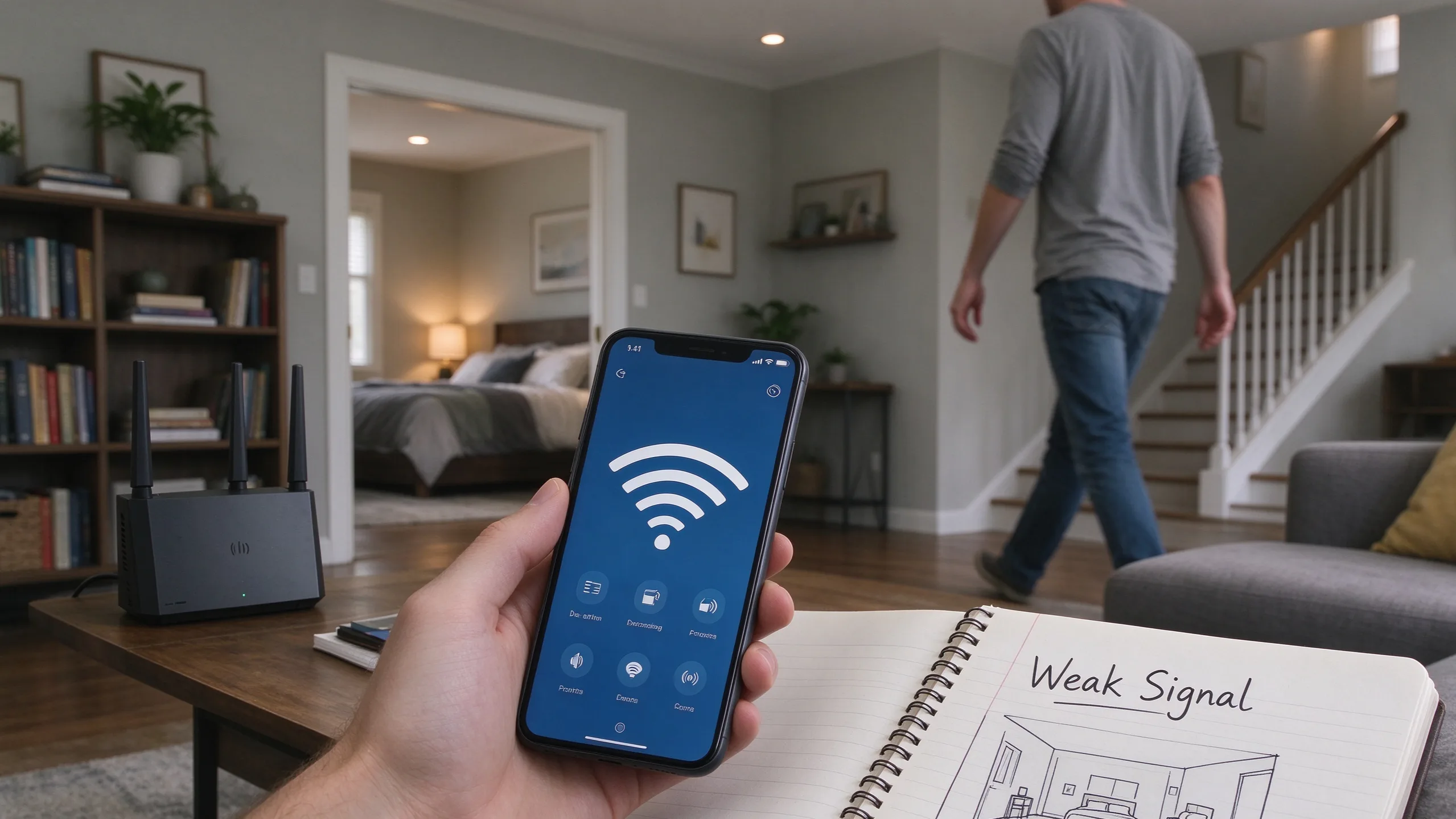
Draw a rough outline of each floor. Mark the main rooms, the stairs, and the approximate location of the router. Accuracy is less important than having a place to write notes. Leave space beside each room for comments.
Step Two: Walk and Record
Start at the router and open a browser or a speed-test app. Note the signal strength and how quickly a simple page loads. Then move systematically through the house. Pause in the center of each room and in the far corners. Write down three things:
Whether the phone stays connected
Whether pages load at a usable speed
Any pattern you notice (for example, the signal drops when you pass a particular wall or stand near a metal filing cabinet)
Pay special attention to bedrooms, the kitchen, the basement or attic if you use them, and any outdoor areas where you expect coverage. Do not test only at waist height. Hold the phone where you normally use it—on a desk, on a couch, or while walking.
Step Three: Look for Patterns
Once the walk is finished, look at the notes as a whole. Most houses show clear patterns:
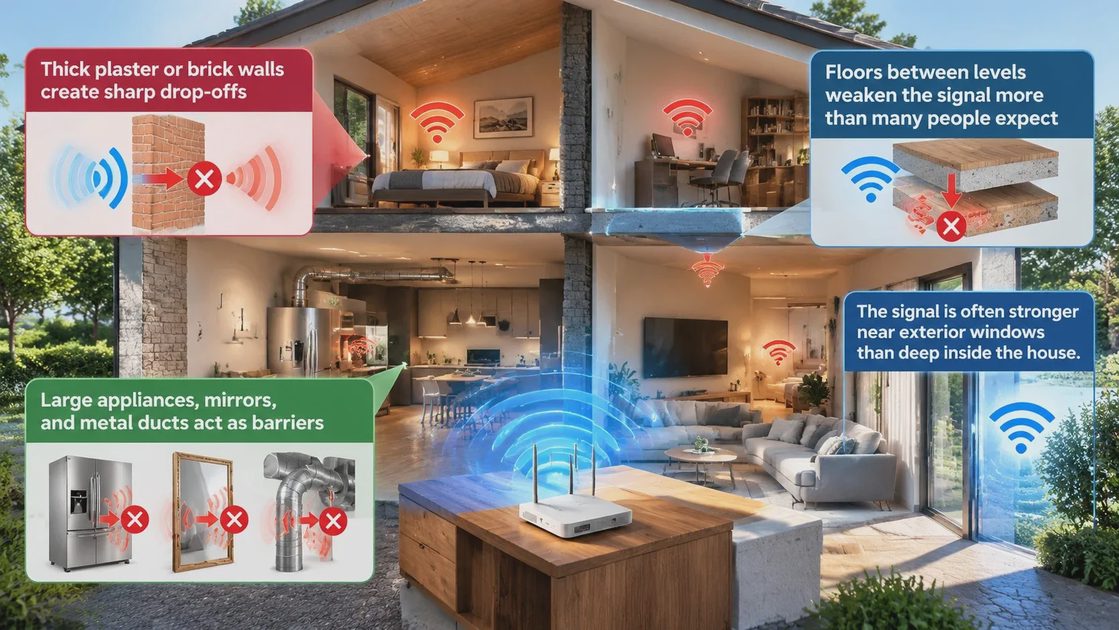
Thick plaster or brick walls create sharp drop-offs
Floors between levels weaken the signal more than many people expect
Large appliances, mirrors, and metal ducts act as barriers
The signal is often stronger near exterior windows than deep inside the house
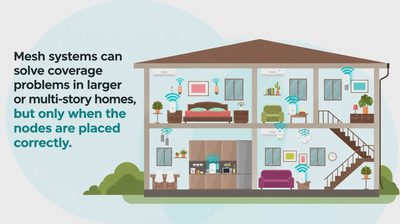
These patterns tell you whether the router simply needs better placement, whether a single additional access point would help, or whether the house is large enough that a mesh system is worth considering.
Common Surprises
People are often surprised by how much the microwave affects the 2.4 GHz band when it is running. They are also surprised that a router sitting on the floor behind a television performs far worse than the same router placed higher and in the open. Another frequent discovery is that the “dead” room is only dead on one band; switching the device to the other band restores usable service.
What to Do With the Map
If the weak spots are limited to one or two rooms, try moving the router first. Central, elevated, and clear of large metal objects is the usual improvement. If the house is long or multi-story and the map shows consistent drop-offs at the far ends, then a mesh node or a wired access point becomes a logical next step.
The map also helps you decide which devices should stay on which band. Stationary devices in strong-signal rooms can prefer 5 GHz. Devices that roam or sit in weaker areas often do better on 2.4 GHz.
A Quick Family Check
Once you have the map, test the rooms your family actually uses at the times they use them. A bedroom that looks fine at noon may struggle at night when more devices are active. A kitchen that works for phone checks may fail when someone is streaming a recipe video. Real usage reveals more than a single quiet walk.
Closing Thought
Mapping your Wi-Fi costs nothing and takes less time than researching new equipment. The resulting picture is more accurate than any manufacturer’s coverage claim because it reflects your walls, your furniture, and your daily patterns. Once you can see the dead zones clearly, the fixes become straightforward.
Let’s make your home work for you, not the other way around.