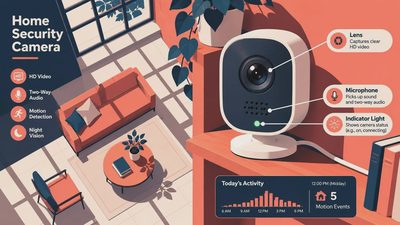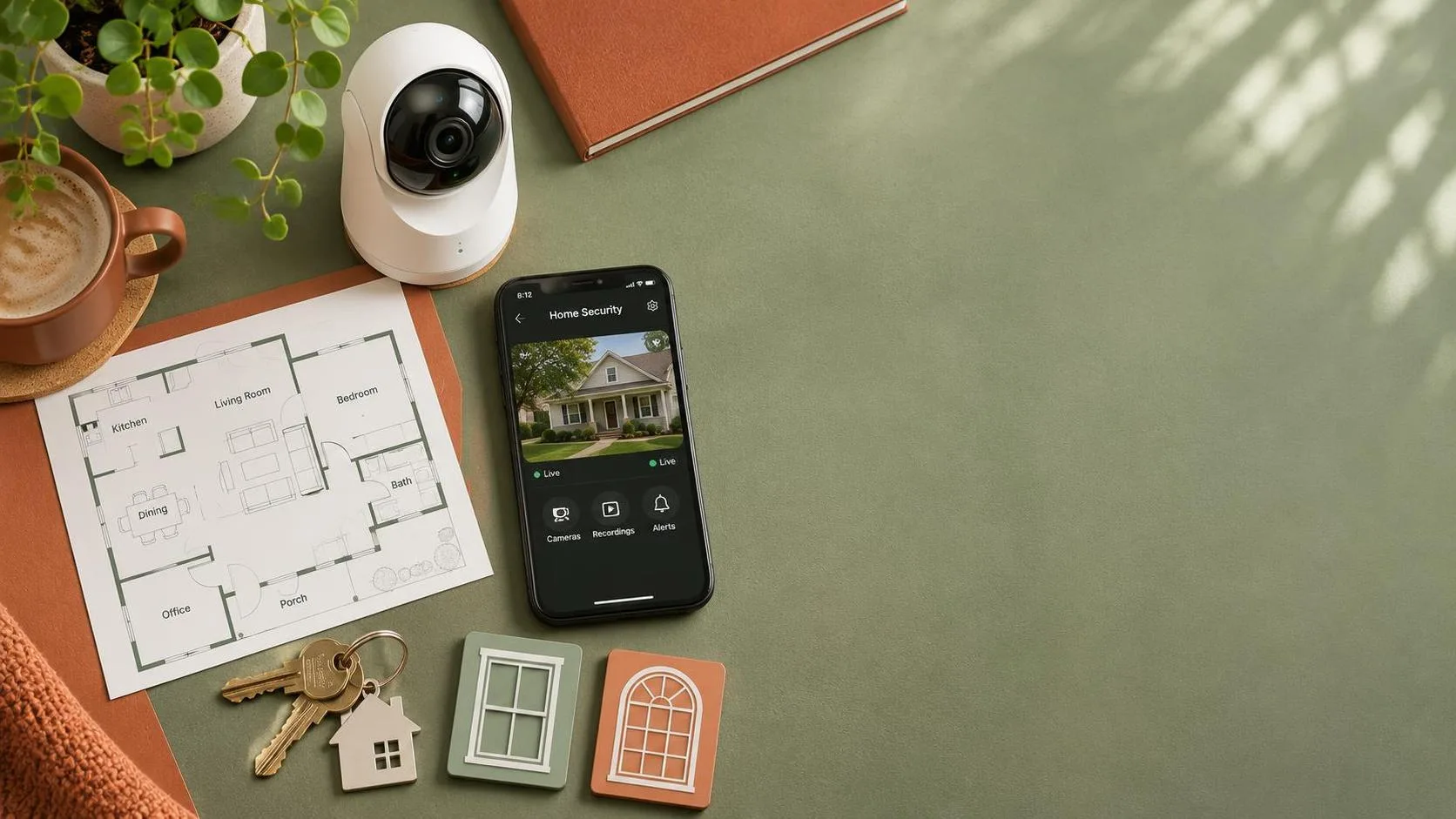
The best indoor cameras are the ones that answer a specific question without making your household manage another complicated system. For most people, that means one plug-in camera aimed at an entryway or common room, with clear recording settings and a strong Wi-Fi connection. Start with one, see whether it earns its spot, and add another only if you need it.
Three sensible places to start
For a household already using Alexa and willing to consider a subscription, the Ring Indoor Cam is a straightforward option to investigate. Check the plan details for the recording and alert features you want; a live view and a saved recording are not the same thing.
The Google Nest Cam indoor line makes sense for someone already using Google Home. Look at the specific camera and service plan together, especially if you want to review events after they happen rather than just check in live.
For someone who wants to explore local recording, the TP-Link Tapo indoor camera line is worth a look. Some models support microSD storage, but card support, recording modes, and remote-access requirements vary by model. Check the product listing before assuming a card replaces every cloud feature.
These are starting points, not a reason to replace equipment that already works. Indoor cameras change over time, and app features and subscription terms can change too. Before ordering, check the manufacturer's current compatibility and storage details for the exact model.
Choose a view, not just a room
Ask what you actually want to see. A camera covering the front entry can show when someone arrives; one facing a pet's usual resting spot can offer a quick check-in. A wide view is useful, but it can also capture a lot of private activity that has nothing to do with your goal.
Place the camera where it can see the relevant area without pointing into bedrooms, bathrooms, or a neighbor's windows. Tell family members and guests where cameras are located and when they record. Household consent and applicable state laws matter, especially when audio is involved.
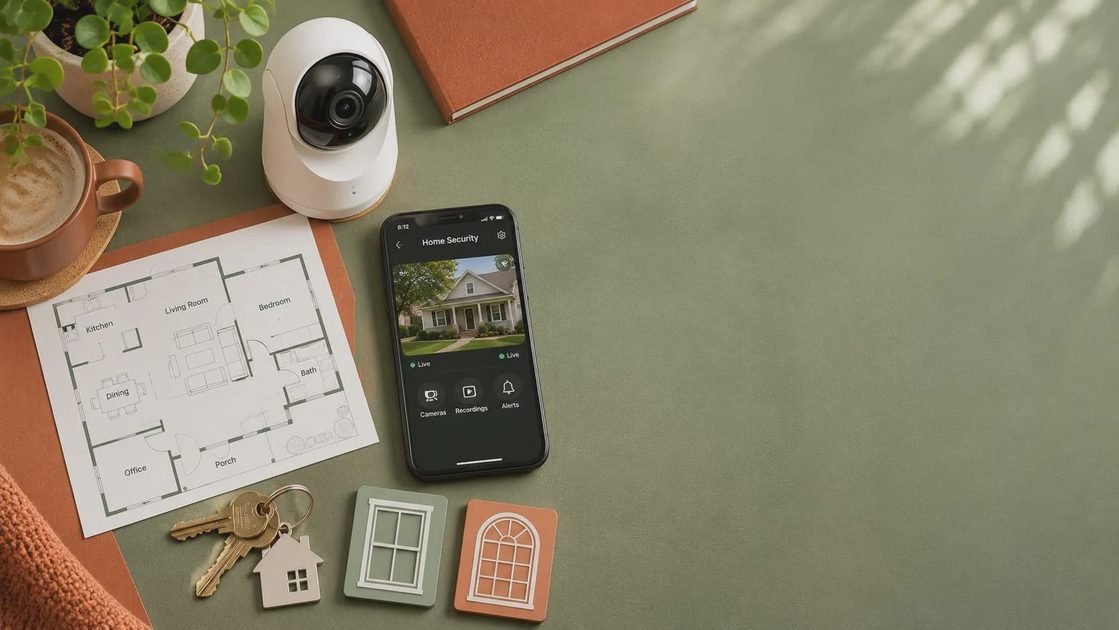
A shelf near an outlet is often easier than a ceiling mount. Before drilling, set the camera in place temporarily and look at the live view during the day and after dark. Check whether a lamp washes out faces, whether a door blocks the view when open, and whether the power cable can be routed away from walkways and small hands.
Most indoor cameras use infrared light for night vision. Pointing one through a window at night can produce a bright reflection from the glass instead of a useful picture. If you need to watch outside, an outdoor-rated camera positioned for that job is usually a better answer.
Understand what happens to recordings
Cloud storage sends footage to a provider's servers. It can be convenient if the camera is damaged or taken, but saved clips and longer history may require a recurring plan. Read the details on retention, camera limits, and whether useful alerts are included before deciding that a low purchase price is a bargain.
Local storage usually means a memory card in the camera or a compatible recorder on your network. It can reduce reliance on a monthly plan, but a card inside the camera can be taken along with it. Local recording also doesn't automatically mean footage never travels over the internet: remote viewing and other features may still use the manufacturer's services.
Indoor cameras may offer continuous recording, motion-triggered clips, or both. Continuous recording uses more storage; motion clips are easier to browse but can miss the beginning of an event or leave gaps between recordings. Check the actual recording options and review a sample clip after setup.
If you only want to check whether the dog is on the couch, live view might be enough. If you want evidence of what happened while you were away, make sure the camera is actually saving footage and that you know how to retrieve it.
Give Wi-Fi and power a fair chance
A camera needs a stable connection where it sits, not just a fast internet plan at the modem. Use your phone near the intended location to check whether the home Wi-Fi connection is dependable. Then test the camera itself: a phone can have a stronger antenna than a small camera.
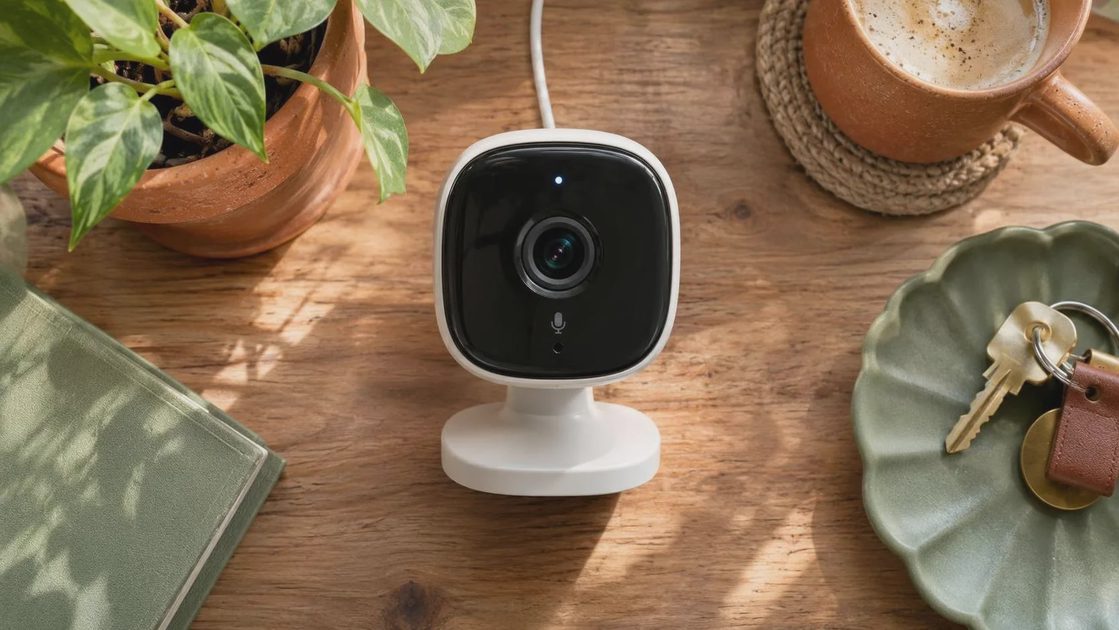
Many indoor cameras connect to 2.4 GHz Wi-Fi, which generally reaches farther through a home than 5 GHz but can be crowded. Check the camera's requirements before buying. If setup fails, confirm that the network name and password are correct and follow the manufacturer's instructions for your router; a separate network name is not always necessary.
Plug-in power is usually the least fussy choice indoors. You won't have to remember to recharge a battery, though the camera will stop working during a power outage unless its power and network equipment have backup power. Avoid pinching cords in doors or running them under rugs.
If the connection drops, try moving the camera a few feet or repositioning the router before buying more equipment. A mesh access point can help a genuine coverage gap, but it needs a good connection back to the rest of the network too.
Set privacy and alerts before calling it done
Give the camera account a unique password and turn on two-factor authentication if the service offers it. Share access through the app's individual-user feature when available rather than passing around one household password. Keep recovery information somewhere secure; my preference is a password manager and a note about how to recover the account.
Look for an option to turn recording off when people are home, use a privacy shutter, or unplug the camera when it isn't needed. These controls work differently across indoor cameras, so confirm whether a setting disables recording, live view, audio, or just notifications. A status light alone isn't a substitute for understanding the setting.
Finally, walk through the view and check the resulting notification and saved clip. Adjust motion zones or sensitivity so a passing car or moving curtain doesn't fill your phone with alerts. Revisit the setup every few months: check for software updates, make sure recordings are still available, and remove access for anyone who no longer needs it.
One well-placed camera that the household understands is more useful than a collection nobody maintains. Let's make your home work for you, not the other way around.