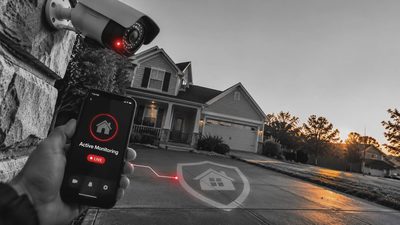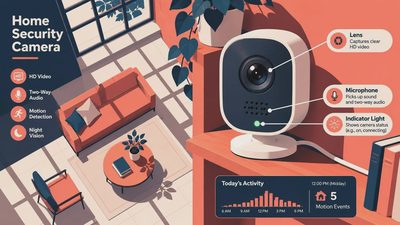
Good home camera security starts with one camera covering the entrance you use most, not a box full of devices. Choose a location with reliable power and Wi-Fi, decide how you want to save video, and make sure everyone at home understands what the camera sees. For many households, a video doorbell or a single outdoor camera is enough to start.
Choose a camera that fits the job
For a front door, look at the Ring Video Doorbell line if you want a doorbell-centered setup and are comfortable checking the optional subscription terms. The Google Nest Cam line is worth considering if your household already uses Google Home. For someone who prefers to investigate local recording rather than rely entirely on a cloud plan, some Eufy Security cameras offer local storage options. Features and fees vary by model, so check the exact product page before buying.
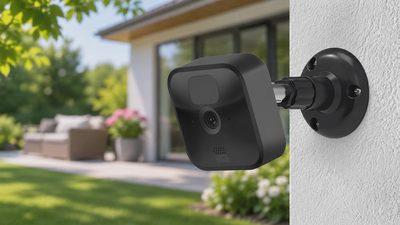
A doorbell camera is convenient for deliveries and visitors, but its low mounting position may leave a poor view of the wider approach. An outdoor camera mounted beside the door can cover more of a walkway, though it may need a separate power source and a little more installation work. Renters should check the lease before drilling or changing doorbell wiring.
For home camera security on a modest budget, buy one suitable camera first. Live with its view for a week, then decide whether the driveway, back door, or another spot actually needs coverage. A clear view of one useful area beats three cameras that mostly record passing cars and tree branches.
Put the camera where it can see faces
Aim toward the path someone takes to reach the door, not just the top of their head. Mounting a camera too high can give you a lovely view of hats and very little else. Follow the manufacturer’s mounting guidance, and check the live picture before making permanent holes.
Think about light throughout the day. A camera facing directly into the rising or setting sun may struggle with glare. At night, a nearby wall, porch post, or window can reflect infrared light back into the lens and wash out the image. If the view looks foggy after dark, try adjusting the angle or moving the camera away from the obstruction.
Keep the field of view focused on your property where practical. Avoid pointing into a neighbor’s windows or recording more of a shared space than you need. Laws and building rules differ by location, especially for audio recording, so check local requirements before enabling a microphone.
Plan power and Wi-Fi before drilling
Home camera security depends on a connection that works at the camera, not just beside the router. Stand at the intended location with your phone and check whether your network stays connected. That is a useful first clue, although the phone and camera may have different antennas and performance. The real test is whether the camera can load its live view and send a motion clip reliably after installation.
If the signal is weak, try moving the router into a more open position or placing a mesh access point closer to the outside wall. Thick masonry, metal siding, and other obstructions can weaken the signal. Also check the camera’s network requirements: some models need a 2.4 GHz Wi-Fi network for setup or operation.
Battery cameras avoid a power cable, but recharging becomes another household chore. A busy street or a cold spell can mean more frequent charging. Plug-in cameras avoid battery changes but need an appropriate outlet and a safely routed cable. For outdoor installations, use equipment rated for the location; don’t run an indoor extension cord through a window as a permanent fix.
If you are replacing a wired doorbell, check the camera’s voltage requirements against the existing transformer before you begin. Turn off the appropriate circuit before working on wiring, and call an electrician if the wiring or compatibility is unclear.
Decide how recordings will be saved
The biggest surprise in home camera security is often not the camera price; it is discovering what stops working without a monthly plan. A camera may offer live viewing for free but require a subscription for saved clips, longer history, or certain detection features. Read the plan details for the specific model and count the cost over a few years before comparing prices.
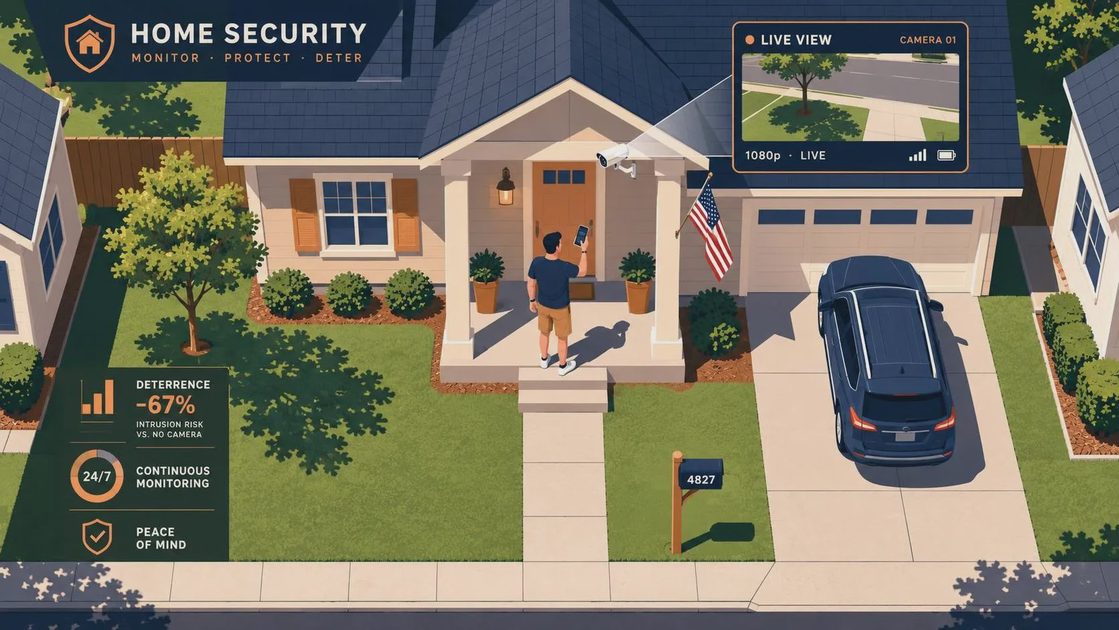
Cloud recording stores footage through the provider’s service. It can be convenient if the camera is damaged or taken, but usually depends on an internet connection and may involve recurring fees. Local recording stores footage on a card, hub, or recorder at home, depending on the system. It can reduce dependence on a subscription, but the footage may be lost if that storage device fails or is stolen.
Neither approach guarantees recording during every outage. Ask whether the camera can record when the internet is down, whether its storage needs power, and what happens when storage fills up. If a particular event would matter to you, learn how to export a clip before you need it.
Set boundaries and reduce false alerts
Once the picture looks right, draw activity zones if the camera supports them. Exclude the sidewalk, moving branches, and the busiest part of the street where possible. Then adjust motion sensitivity and review a day’s worth of alerts. The goal is a notification you will actually notice, not a phone that buzzes every time a shadow moves.
Inside the house, be especially deliberate. Bedrooms and bathrooms are poor places for cameras. Discuss any indoor camera with the people who live there, including when it records and who can view footage. A privacy shutter or an agreed schedule can make the arrangement easier to understand, but verify that the setting behaves as expected.
Protect the account with a unique password and turn on two-factor authentication when available. Give household members their own access if the service supports it, rather than sharing one password. Install app and device updates, and remove access when someone no longer needs it.
Make a small maintenance routine
A dependable home camera security setup needs an occasional check. Every month or so, open the live view, confirm the lens is clean, and make sure a recent motion event actually saved. Check battery level or power, clear away new foliage, and review whether notifications are still useful. After a router replacement or password change, reconnect the camera and test it again.
I also like keeping a simple household note with the camera’s location, account recovery method, and subscription renewal date. Store passwords in a password manager rather than in that note. A few minutes of upkeep is much easier than discovering a dead battery after you needed the footage. Let’s make your home work for you, not the other way around.