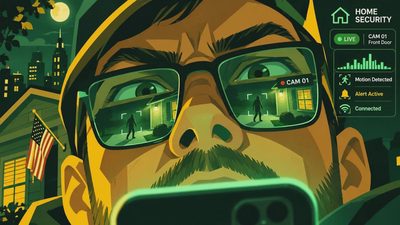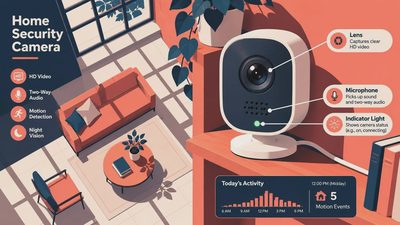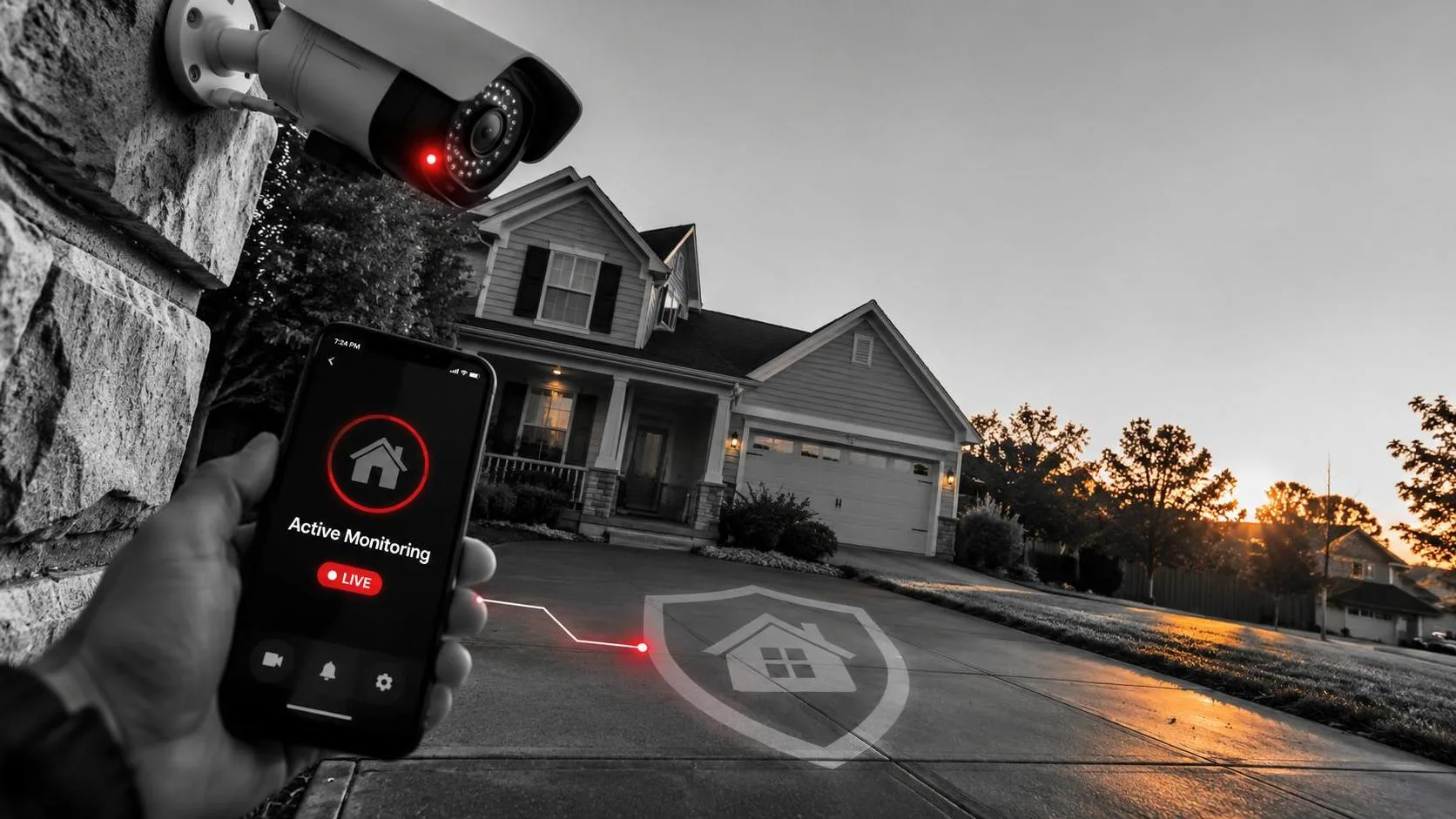
The best home security cameras are the ones you can power, connect, and actually check when something happens. For most households, I’d start with one camera watching the main entrance, then live with it for a few weeks before adding more. Choose a powered model if an outlet is handy; choose a battery model if running a cable would turn a small job into a weekend project.
For a starting shortlist, look at Google Nest cameras if your household already uses Google Home, Ring cameras if you want options that fit a Ring setup, and Reolink cameras if you want to explore models with local recording. These are product families, not blanket endorsements: power options, storage, and subscription features vary by model, so check the specific camera before buying.
Start with the view, not the camera count
Before shopping for home security cameras, stand where you expect to mount one and ask what you need to see. A front entrance is a useful first location because it covers deliveries and visitors. A driveway or side gate may be the next priority, depending on how your household uses the property.
Mount the camera where it has a clear view of the approach, not just the top of someone’s head. High enough to discourage casual tampering is sensible, but an extremely high camera can make faces harder to identify. Avoid pointing directly into the rising or setting sun, which can wash out the image.
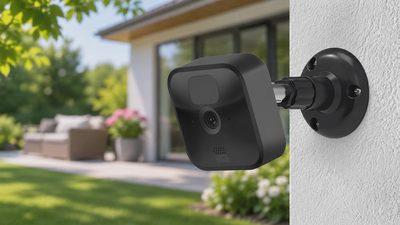
For outdoor placement, confirm that the exact model is rated for outdoor use and that any power connection is protected as the manufacturer directs. Renters should check lease rules before drilling; a removable mount may be an option, but make sure it can hold the camera securely.
A camera watching your own entrance is different from one aimed through a neighbor’s window. Keep the view focused on your property where practical, use privacy zones if available, and check local rules before recording audio. Tell household members and guests where indoor cameras are located.
Power and Wi-Fi make or break the setup
Home security cameras generally use a battery, a plug-in power adapter, or a wired connection that carries power and sometimes data. Battery models offer flexible placement, but someone has to recharge or replace the battery. Frequent motion, cold weather, and recording settings can shorten the time between charges.
A plugged-in camera avoids that chore, but the cable and outlet become part of the project. Don’t pinch a cord in a window or improvise an outdoor electrical connection. If the installation needs new wiring, hire a qualified electrician.
Some wired systems use Ethernet for both network data and power, often called Power over Ethernet or PoE. That can be dependable, but it requires compatible equipment and a cable route. It’s a good fit for a planned renovation or an accessible attic, not necessarily for a renter who wants a quick setup.
Test your Wi-Fi at the proposed mounting spot before drilling. Stand there with your phone and check whether you can load a video reliably; that’s a useful first screen, though it doesn’t guarantee the camera will perform the same way. Walls, siding, and distance can weaken the signal. Also check whether the camera requires a particular Wi-Fi band, such as 2.4 GHz, and whether your router supports its setup requirements.
Understand what happens to the footage
Storage is where an inexpensive camera can become an ongoing expense. Some home security cameras send clips to a manufacturer’s cloud service; others can record to a memory card, a separate recorder, or another local device. Some offer both. Read the model’s storage details rather than assuming every camera from the same brand works alike.
Cloud storage can make clips accessible even if the camera is damaged or taken, but it may require a subscription. Check the monthly or annual cost, how long recordings are retained, and whether the price covers one camera or several. Also find out which features work without paying: live view, recorded clips, and person detection are not necessarily bundled the same way.
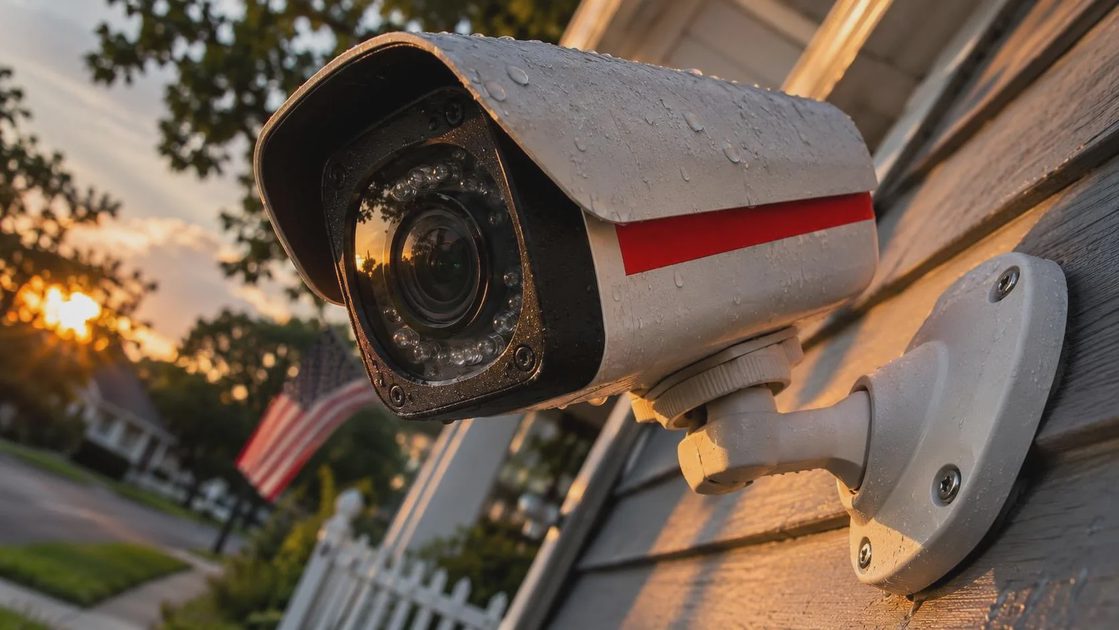
Local recording can reduce recurring fees, but it has its own chores. A memory card can fill up or fail, and a recorder needs power and a safe location. If footage is stored only on the camera, someone who removes the device may also remove the recording. Remote viewing and notifications may still depend on an internet connection or the manufacturer’s service.
Before you rely on any setup, trigger a recording and make sure you can find and play the clip. Check what happens during an internet outage and after power returns. A camera is most useful when you understand its gaps before you need the footage.
Set alerts that your household will notice
Too many alerts teach people to ignore their phones. Position the camera to reduce views of busy streets and swaying branches, then adjust motion zones and sensitivity in the app. If the model offers person or package alerts, check whether those features require a subscription and whether they suit your location.
Night vision deserves a practical check, too. Infrared light can reflect off glass, so an indoor camera pointed through a window may show glare instead of the porch after dark. An outdoor-rated camera mounted outside is often a better answer. Test the view at night and adjust nearby lighting if needed.
For indoor home security cameras, decide when recording is appropriate before switching them on. A privacy shutter or a reliable way to turn recording off can help, but check exactly what the setting does. Avoid placing cameras in bedrooms or bathrooms, and make sure everyone at home understands the arrangement.
Keep the system useful after installation
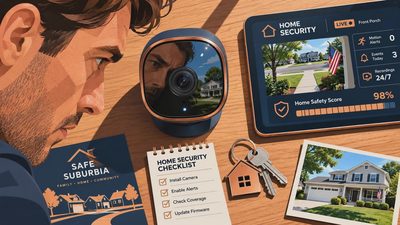
Use a unique password for the camera account and turn on two-factor authentication if the service offers it. Give other household members their own access when supported, rather than sharing one password. Keep the app and camera firmware updated, and save account recovery information somewhere secure.
Put a recurring reminder on the calendar to check the view, clean the lens, review battery level, and confirm that a recent clip plays. After a storm or a router replacement, check the connection again. For a battery camera, think about whether you can reach it safely without dragging out a tall ladder every few weeks.
The right setup might be a single door camera rather than a camera on every corner. Cover the spot that matters, understand the ongoing cost, and make sure the recordings work. Let’s make your home work for you, not the other way around.