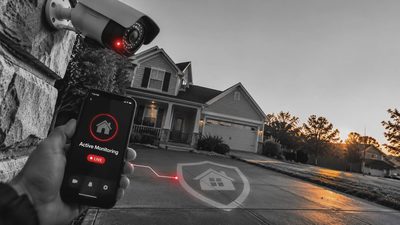
Searching for camera outdoor camera? Start with one weather-rated camera aimed at the area you actually want to see. For most households, a battery-powered Wi-Fi model is the easiest place to begin; choose a wired model if you have suitable power nearby and want to avoid recharging. Before buying, check the Wi-Fi signal at the mounting spot and decide whether you are willing to pay for video storage.
For a short list, consider the Ring outdoor camera line if you already use Ring and are comfortable checking its subscription terms. Arlo’s outdoor cameras are worth a look for households that want a choice of battery-powered models. Eufy’s outdoor camera line is an option to investigate if local storage matters to you. Features, compatible hubs, and recording plans vary by model, so check the exact listing before ordering.
Start with the view, not the specifications
A search for camera outdoor camera? usually begins with a practical question: can I see who came to the door, check a driveway, or keep an eye on a gate? Pick one job first. A single camera covering the walkway to your front door is often more useful than two pointed at a broad stretch of yard.
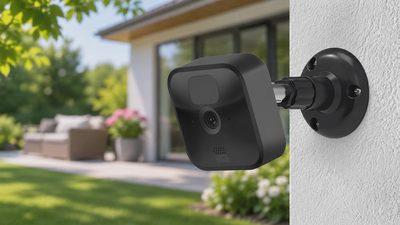
Place the camera where it can see a person approaching, not just the top of their head. A mounting position roughly 8 to 10 feet high is a reasonable starting point, but follow the manufacturer’s guidance and adjust for the camera’s field of view. Too high, and faces can be harder to identify. Too low, and the device is easier to reach.
Before drilling, hold the camera in place and look at its live view. Check for porch posts, tree branches, and bright lights that could obscure the scene. Leave room to reach a charging port or remove the camera if its battery needs regular attention.
Choose a power source you can live with
Typing camera outdoor camera? into a search box will turn up battery, plug-in, and wired options. The right choice depends less on the sales page than on the distance between your mounting spot and a dependable power source.
Battery models avoid running a cable and can suit renters. Their trade-off is maintenance: busy walkways, frequent live viewing, cold weather, and recording settings can affect battery life. Some battery cameras wake when they detect motion rather than recording continuously, so check how the model handles the beginning of an event.
Plug-in cameras avoid routine battery charging, but an outdoor outlet and a safe cable route matter. Use only power equipment rated for its intended outdoor location. Don’t pinch a cord in a window or run an indoor extension cord across the yard. If a new outlet or permanent electrical work is needed, hire a qualified electrician.
Some systems use Power over Ethernet, or PoE, which carries data and power through one network cable. That can make sense during a renovation or for several cameras, but routing cable and adding compatible network equipment is more work than most first-time buyers need. Solar panels can reduce charging chores for compatible battery cameras, though shade, weather, and traffic affect how much help they provide.
Check Wi-Fi and recording costs before buying
Looking up camera outdoor camera? Don’t assume the signal on your couch will reach the eave. Take your phone to the proposed mounting point and try loading a video or making a video call. It’s a useful first check, though a phone and a camera can have different reception. If possible, connect the camera and test its live view there before mounting it permanently.
If the connection drops, try moving the router to a more central, open position. A mesh point closer to the exterior wall may help, but it still needs a good connection to the rest of the network. Also check the camera’s Wi-Fi requirements: some models need a 2.4 GHz network, and setup can be less straightforward on networks with unusual security or band settings.
Storage deserves the same attention. Live viewing and saved recordings are not always included under the same terms. Cloud plans may charge a monthly or annual fee; local storage may require a memory card, base station, or recorder sold separately. Check how long clips are retained, whether person detection costs extra, and what remains accessible if you cancel. Local storage also has limits: a card inside the camera may be lost with the device.
Set alerts that your household will actually use
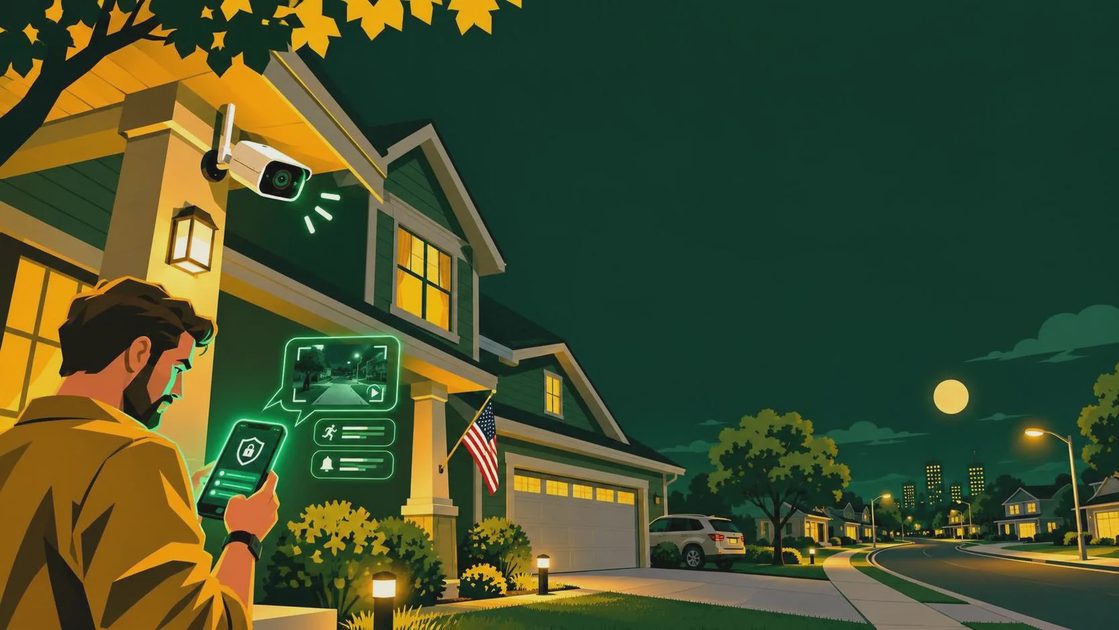
The question behind camera outdoor camera? is often how to get useful alerts without having your phone buzz all afternoon. Start with the walkway or gate, then narrow the motion zone to exclude the street, moving branches, and a neighbor’s yard. If the model supports person detection, try it, but don’t expect perfect sorting.
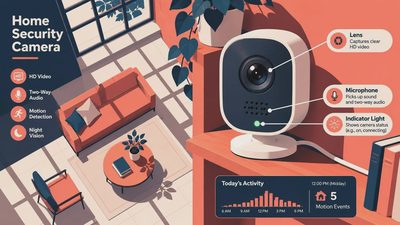
Walk through the view during the day and again after dark. Make sure the camera catches someone moving toward the entrance, not only someone leaving it. Night vision can reflect off a nearby wall or window, washing out the image; a small change in angle may solve the problem. Check whether a built-in spotlight would bother anyone nearby before enabling it.
Avoid aiming into neighboring windows or private spaces. Audio recording can raise additional legal and privacy questions, and rules vary by location. If you don’t need sound, turn it off; check local requirements before recording conversations.
Make the setup easy to maintain
One last step after searching camera outdoor camera? Write down the account recovery method, where recordings are stored, and how the camera is powered. Share access through the app’s household or guest controls when available rather than handing out the main password.
Use a unique password and turn on two-factor authentication if the service offers it. Install updates, check the camera after a router or password change, and review a saved clip occasionally to confirm recording still works. A charged battery and an attractive live view won’t help much if the event you expected was never saved.
Start with one camera, give it a week in the intended location, and adjust its angle and alerts before adding another. Let’s make your home work for you, not the other way around.