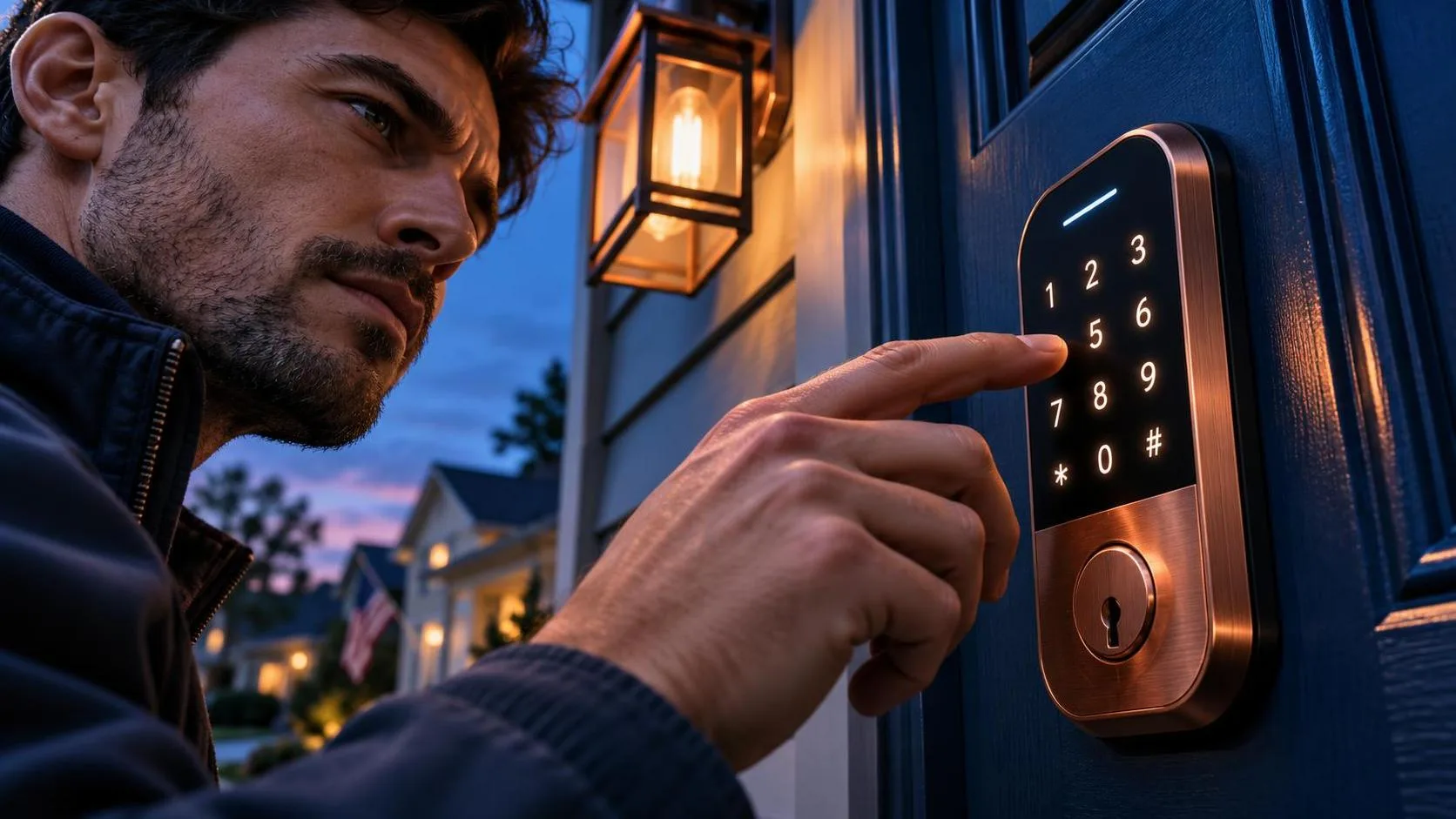
A smart lock front door setup can make everyday life easier without turning your house into a science project. You can unlock the door with a phone, share a temporary code with a sitter, or stop wondering whether you remembered to lock up after leaving. The right choice depends less on flashy features and more on your existing deadbolt, Wi-Fi coverage, battery habits, and the people who use the door.
Start with the lock already on your door
Before shopping, stand inside the door and look at the thumb turn, mounting screws, and space around the deadbolt. Most replacement smart locks are designed for common single-cylinder deadbolts, but not every model fits every door. A narrow metal frame, unusual trim, a multipoint lock, or a deadbolt placed close to the knob can create installation problems.
Measure the backset, which is the distance from the edge of the door to the center of the deadbolt. Common measurements are 2 3/8 inches and 2 3/4 inches. Also check that the bolt moves smoothly with the door open. If you have to push, pull, or lift the door to make the bolt work, a smart motor will repeat that problem until the door is adjusted.
For renters, a retrofit model such as an August-style interior unit can be more practical because it often keeps the exterior cylinder and key. Homeowners replacing the entire deadbolt can consider products from Schlage, Yale, Kwikset, or Level. Prices commonly range from about $100 for a basic keypad lock to $300 or more for a premium model with advanced access features.
Decide how you want to connect
A smart lock front door device usually connects through Bluetooth, Wi-Fi, Z-Wave, Zigbee, or a manufacturer-specific bridge. Bluetooth can be dependable and energy efficient, but remote access usually requires a separate hub or plug-in bridge. Wi-Fi gives you direct access from outside the house, yet it uses more battery power and depends on a strong signal near the entry.
If your router is across the house, do not assume the lock will receive a reliable connection just because your phone works in the living room. The lock sits low, near exterior walls, metal hardware, and sometimes a garage. Test Wi-Fi beside the door with your phone, then repeat the test with the door closed. A small mesh node placed in a nearby hallway is usually better than placing a router directly beside the lock or behind a television.
Matter compatibility can help a smart lock front door installation work with platforms such as Apple Home, Google Home, or Amazon Alexa, but compatibility does not eliminate setup details. Confirm which features work in your chosen platform. A lock may support basic status and locking while keeping code management inside its own app.
Keypad, fingerprint, or phone access?
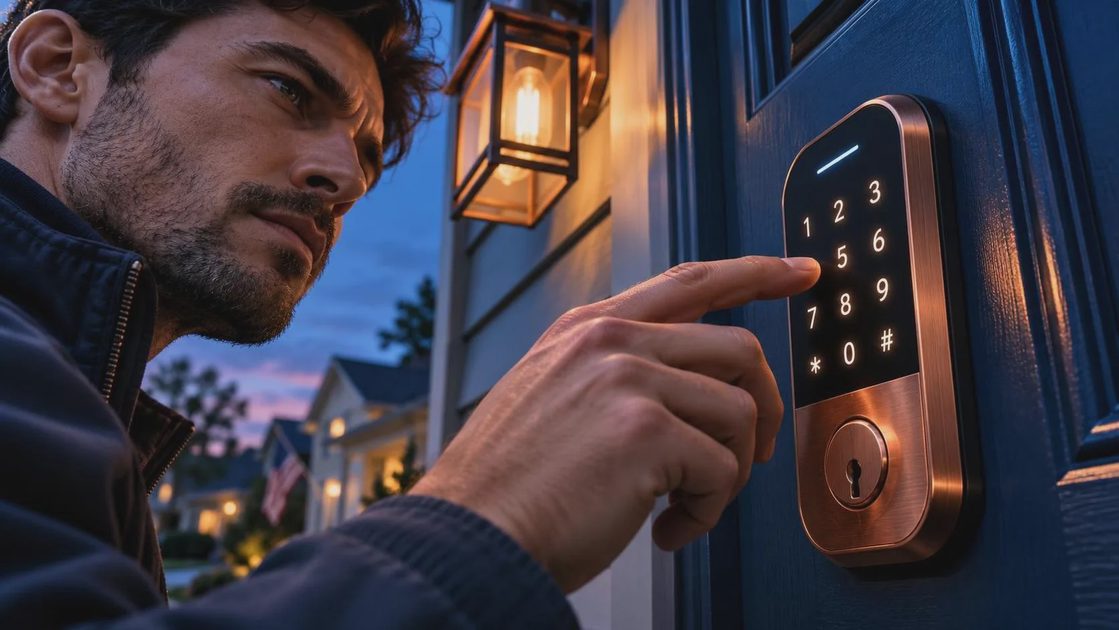
A keypad is often the most useful feature for a family. Each household member can have a code, and a trusted cleaner or dog walker can receive a code that expires later. Avoid using an obvious number such as a street address or birthday. Keep a written recovery plan in your household notebook rather than taping the master code inside a kitchen drawer.
Phone-based unlocking is convenient when your hands are full, but it should not be the only option. Phones lose power, apps sign out, and Bluetooth can behave differently after an operating system update. A physical key, exterior keypad, or emergency battery contact gives you a backup. Fingerprint readers can be fast, although wet or dirty fingers sometimes require a second attempt.
A good smart lock front door choice should also provide a clear low-battery warning. Some locks use four AA batteries and last many months under normal use; heavier remote activity, cold weather, and frequent motor cycles can shorten that period. Put the replacement date on your calendar twice a year, alongside smoke alarm checks.
Installation is mostly about alignment
Most installations take roughly 20 to 45 minutes when the existing deadbolt fits and the door is properly aligned. Start with the door open. Remove the inside thumb turn, install the new mounting plate, and keep the screws snug rather than forcing them. Then test the motor several times with the door still open.
Next, close the door gently and try the lock. If the motor strains, stop and inspect the strike plate. The bolt may be rubbing against the metal opening by only a fraction of an inch. Tightening loose hinge screws, adjusting the strike plate, or filing a small amount from the opening can solve the issue. Never accept a smart lock front door installation that only works when you pull hard on the handle.
If the lock includes door-position calibration, perform it with the door fully closed and the deadbolt extended. Test locking and unlocking from inside, outside, and the app. Save the setup instructions and the reset procedure before putting the packaging in the recycling bin.
Privacy and account settings deserve attention
A lock records useful information, including which code was used and when the door was operated. That information can help with family routines, but it also deserves careful handling. Use a unique password for the lock account and enable multifactor authentication when available. Give each person a separate user profile instead of sharing one login.
Review notifications after the first week. You might want alerts for failed attempts or an unlocked door, but an alert for every routine entry can become noise. Remove old guest codes promptly, especially after a contractor finishes work or a house sitter leaves. If the manufacturer offers cloud recording or a paid monitoring plan, read what the subscription adds before agreeing to recurring charges.
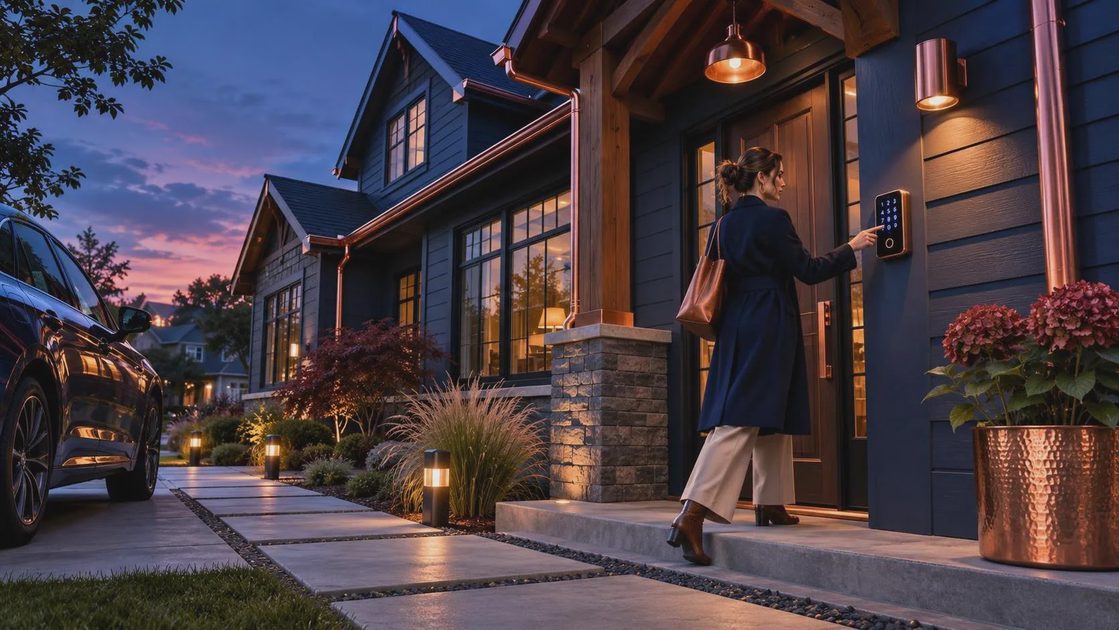
A smart lock front door system is not a replacement for a solid door, long screws in the strike plate, working exterior lights, or sensible key control. It improves access management; it does not make the entire entryway invulnerable. That is a useful distinction, and it keeps the purchase grounded in what the device can actually do.
Which setup makes sense for your home?
Choose a basic keypad deadbolt if your priority is reliable keyless entry and you do not need remote control. This is often the best value for a household that already has good outdoor lighting and does not use a larger smart-home platform. Expect to spend around $100 to $180.
Choose a retrofit lock if you rent, want to keep the outside key cylinder, or need a simpler installation. It can be a strong fit for an apartment, though building rules and shared entry doors can limit what you are allowed to change. A Wi-Fi bridge may add $60 to $100.
Choose a connected smart lock front door product with remote access if you regularly manage deliveries, caregivers, children, or a second home. Budget about $180 to $350 for the lock and any required hub. Before paying more, make sure remote access and temporary codes solve a real routine rather than simply adding another app.
The dependable choice is the one that fits the door, has a backup access method, and will still be maintained six months from now. Write down the battery type, account recovery method, warranty date, and the last successful test. Let’s make your home work for you, not the other way around.