Which indoor cameras for home? For most households, I’d start with one plug-in camera aimed at the area you actually want to check, rather than buying a multipack. Choose it based on where its recordings go, what the subscription costs, and whether it works with your Wi-Fi. A clear picture is useful, but a camera you can manage comfortably is worth more than a long feature list.
Three camera lines worth considering
The Google Nest Cam indoor line is a reasonable place to start if your household already uses Google Home and prefers managing devices in one app. Check the specific model’s recording options and subscription terms before buying; don’t assume every Nest camera includes the same history.
The Ring Indoor Cam line suits households already using Ring devices and the Ring app. It’s worth comparing the camera’s purchase price with the ongoing cost of the video history you want. Subscription features and pricing can change, so read the plan details for your exact model.
The TP-Link Tapo indoor camera line is worth a look if you want to explore local recording. Some models support a separately purchased microSD card, though storage capacity, recording modes, and cloud options vary by model. Local storage can reduce reliance on a subscription, but a card inside a camera can also be removed or damaged along with it.
These are starting points, not interchangeable recommendations. Before ordering, confirm what’s included without a plan, whether the camera works with your phone, and whether the app supports the household members who need access. Availability and features can change, so check the manufacturer’s listing as well as the retailer’s.
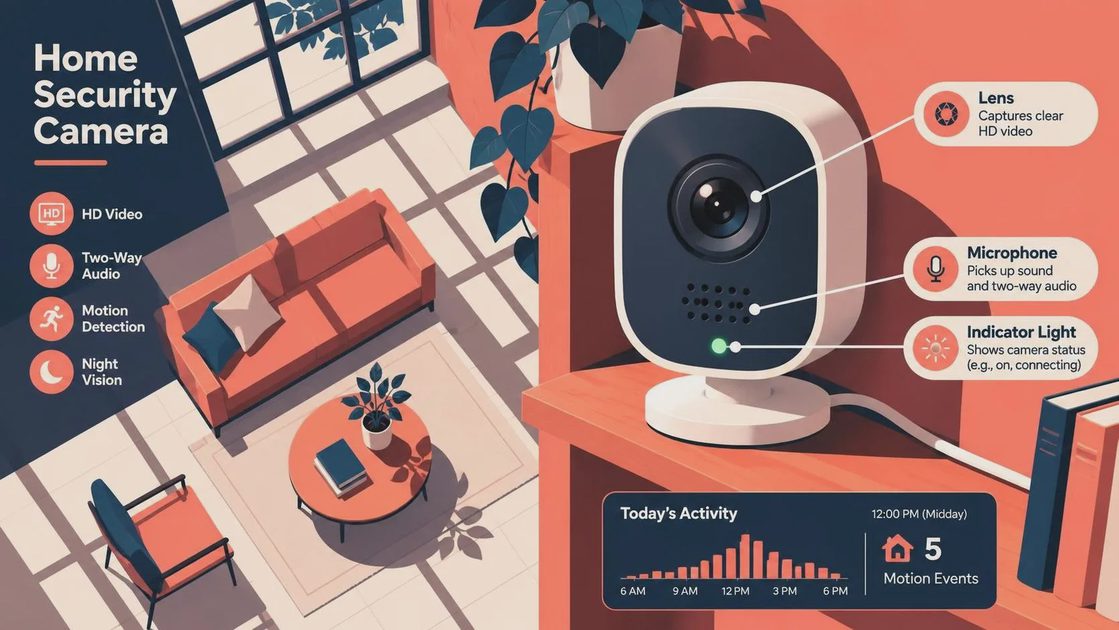
Where should an indoor camera go?
Start with the question you want the camera to answer. If you want to see whether the dog settles down while you’re out, aim at the dog’s usual resting area. If you want to check a main entrance, position the camera so you can see the doorway and someone approaching it, without pointing directly into a bright window.
A high shelf often gives a useful view without drilling. Check the live picture before mounting anything permanently: an attractive wide-angle image can make a person at the far end of the room look surprisingly small. Walk through the scene in daylight and again with the room lights off. Night vision can reflect off nearby glass or a wall and wash out the view.
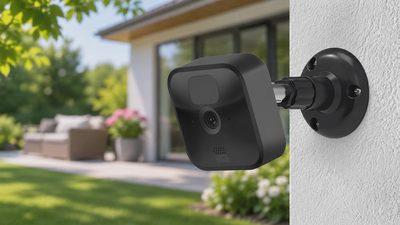
A plug-in model needs an outlet and a safe cable route. Keep cords away from small children and pets, and don’t run them under rugs or pinch them in doors. Renters can look for a stable shelf or removable mounting option, while checking that any adhesive is suitable for the surface and camera weight.
Avoid bedrooms and bathrooms. Tell household members and visitors where cameras are, and check applicable local laws before recording, especially if audio is enabled. A camera that everyone understands is easier to live with than one that surprises a guest.
What do indoor cameras for home? cost to run?
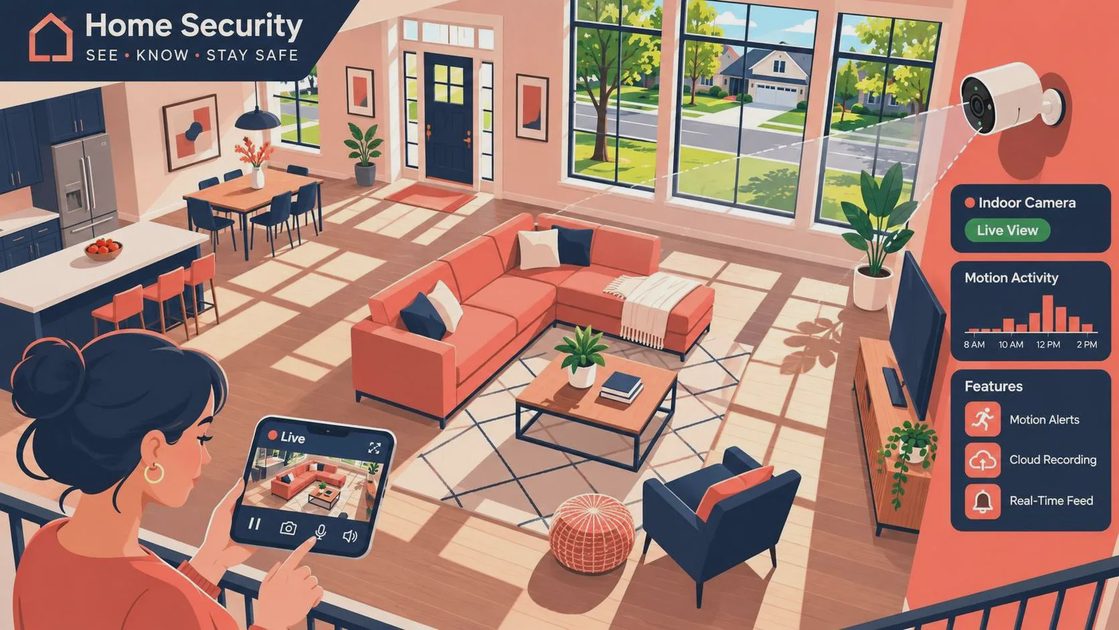
The purchase price is only the first part of the bill. Many cameras offer a live view through an app, but saved clips, longer video history, or more specific alerts may require a paid plan. Read the feature list rather than assuming that “free app” means free recording.
Cloud recording sends video to the provider’s servers. It can make clips available even if the camera is damaged or taken, but it depends on your internet connection and the provider’s service. Check how long clips are retained and whether the advertised price covers one camera or several.
Local recording stores video on a card or another device at home. It can be a good fit if you prefer not to pay a recurring fee, but check whether remote playback still depends on the manufacturer’s app or internet service. Also check whether the camera records continuously or only when it detects motion. A storage card may need occasional replacement; review the manufacturer’s recommendations for compatible cards.
Before you commit, add up the camera, any storage card, and a year of the plan you’d actually use. That comparison is more helpful than comparing box prices alone. If you only need an occasional live check-in, you may not need a recording plan at all.
Get the Wi-Fi and alerts right
Place the camera where your phone has a dependable Wi-Fi connection, then check the camera’s live feed there before attaching a mount. A camera can connect to a weak signal and still produce delayed or interrupted video. If the feed struggles, try moving the camera or router slightly before buying another networking device.
Many smart-home devices use the 2.4 GHz Wi-Fi band. Check the camera’s requirements before purchase, particularly if your network combines 2.4 GHz and 5 GHz under one name. Keep your Wi-Fi password handy during setup, and follow the manufacturer’s instructions if the app has trouble finding the device. Also confirm that you have a nearby outlet; a camera marketed as wireless may still need a power cord.
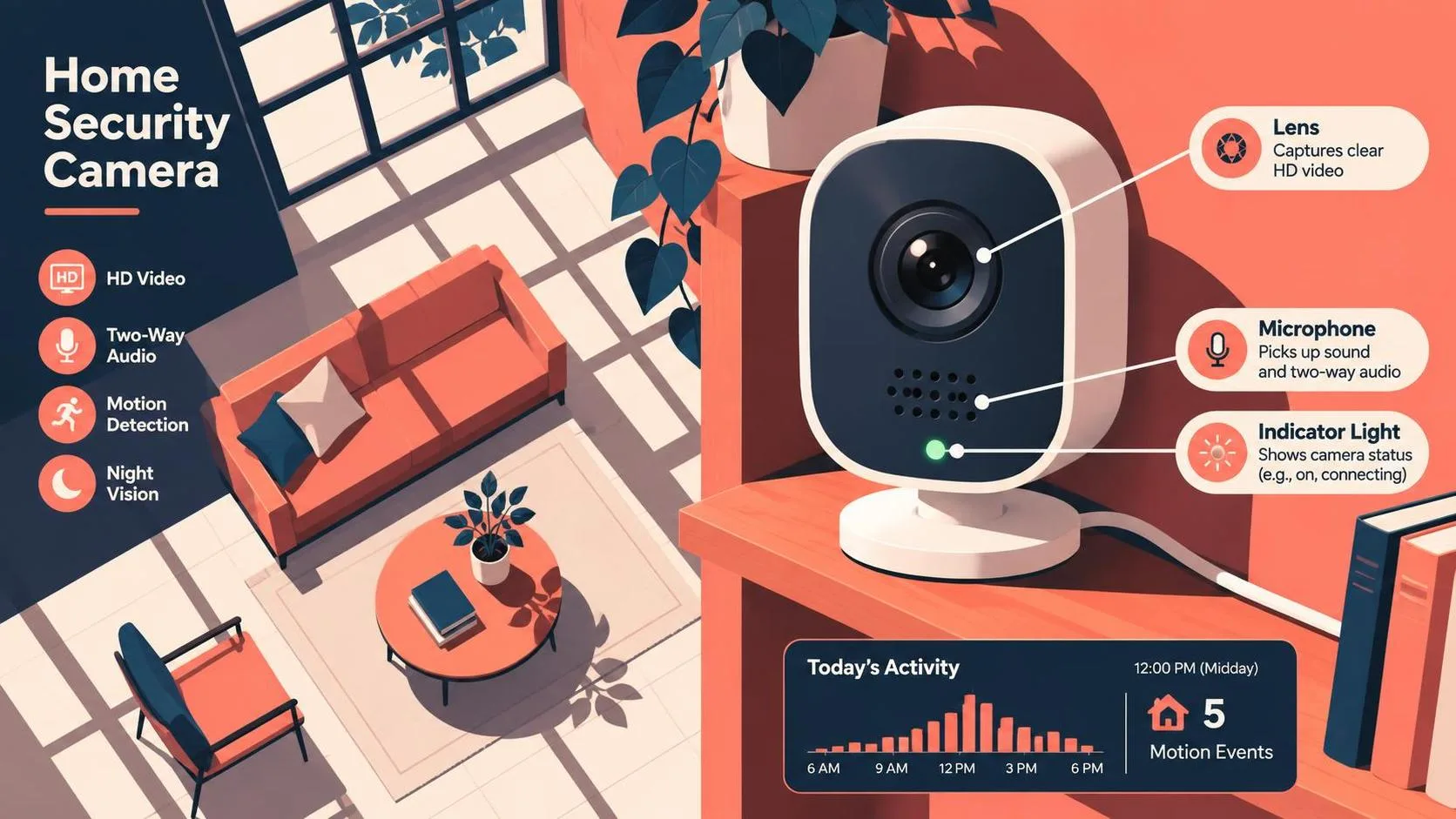
Start with motion alerts turned on only when they’re useful. If the app offers activity zones, exclude a television, busy window, or other area that triggers needless notifications. Some person or pet detection features may require a subscription. Give the settings a few days, then adjust them so the important alerts don’t get buried.
Make privacy part of the setup
Use a unique password for the camera account and turn on two-factor authentication if the service offers it. Give other household members their own access when the app allows it, rather than sharing one password. Review who has access when someone moves out or no longer needs it.
Look for a privacy mode, a physical shutter, or a simple way to turn the camera off when you’re home. Check what that setting actually does: disabling notifications is not necessarily the same as stopping recording. If audio isn’t useful for your purpose, turn it off.
Finally, install app and camera updates when prompted, and check the camera occasionally to make sure it’s still connected and recording as expected. Write down the account recovery method somewhere secure. One well-placed camera with sensible settings can be plenty. Let’s make your home work for you, not the other way around.