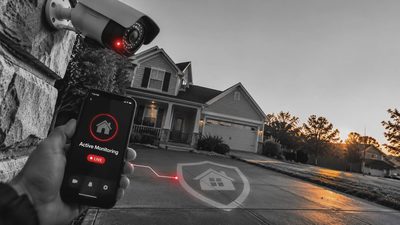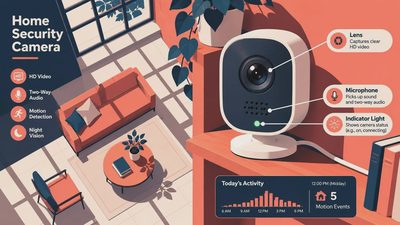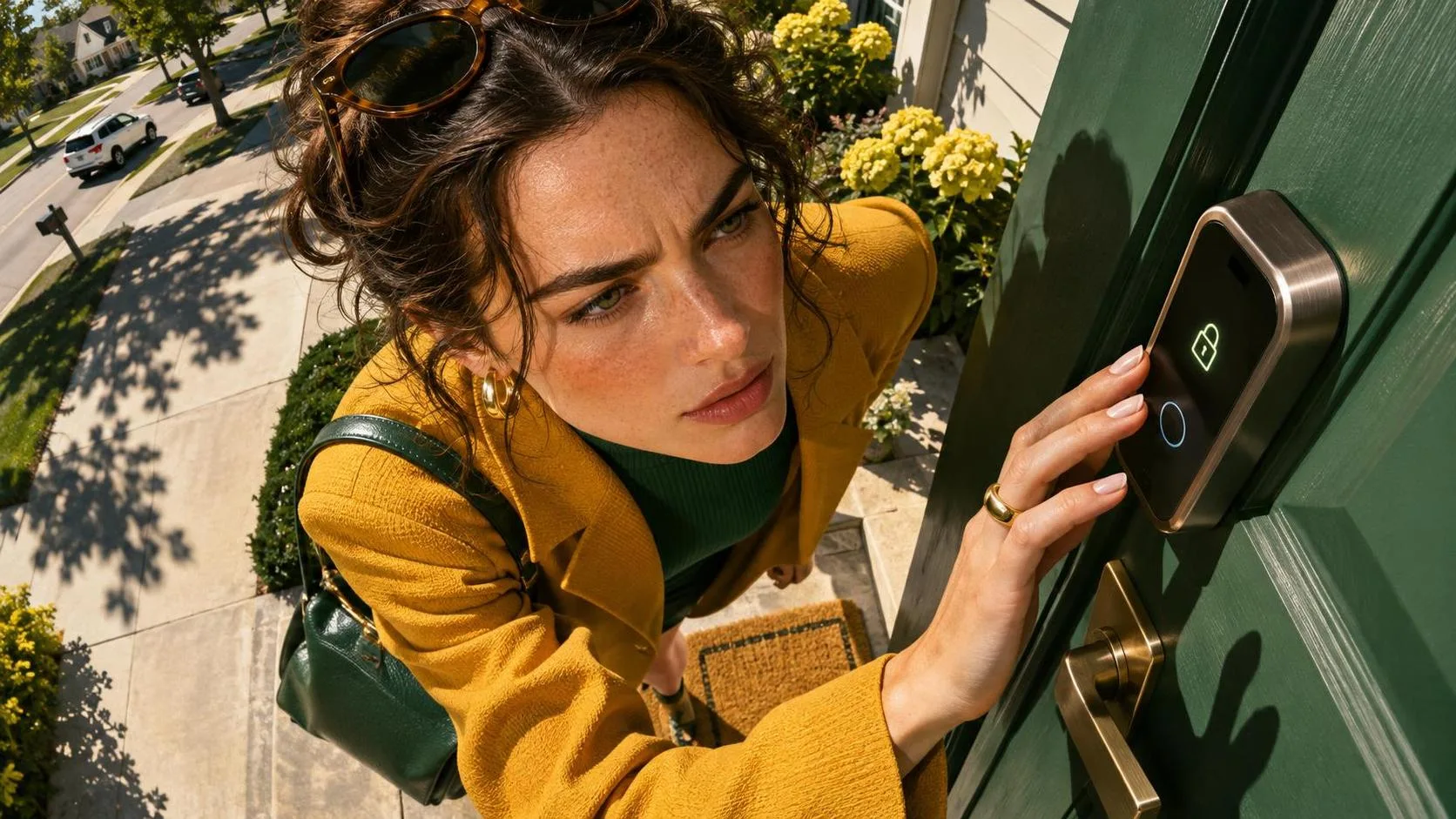
If you are searching for “smart to lock,” you are probably asking whether a smart lock is genuinely useful or just another gadget to charge, update, and troubleshoot. In most homes, the answer is yes, provided you choose a lock that fits your door and your daily routine. A good smart lock can eliminate spare-key worries, let you check the door from your phone, and give trusted people temporary access without handing out a physical key.
The simplest setup is usually a keypad deadbolt with a traditional key cylinder or mechanical backup. You can unlock it with a code, use an app when convenient, and still get inside if the batteries die. That practical combination matters more than flashy features. Let’s look at when it is smart to lock with technology and when a regular deadbolt remains the better choice.
What a Smart Lock Actually Adds
A smart lock replaces or upgrades the deadbolt on your exterior door. Depending on the model, it can use a PIN, fingerprint, smartphone app, physical key, or a connected voice assistant. Popular options from Schlage, Yale, Kwikset, and August cover a wide range of prices, usually from about $100 to $300 before installation.
The biggest benefit is controlled access. You can create a code for a dog walker, cleaner, relative, or contractor and remove it later. A rental host can issue a code for a specific stay, while a family can give each person a personal PIN instead of sharing one password. Some locks also record activity, so you can see whether the door was unlocked at 3:15 p.m. or simply assume someone came home.
It is smart to lock this way when convenience solves a real problem. If your child frequently forgets a key, a keypad can help. If you arrive home carrying groceries, tapping an app or entering four digits is easier than searching a pocket. If you often wonder whether the back door is secured, a status check can save a trip downstairs.
There is no need to connect every door. Start with the main entrance, especially if it is the door your household uses most. A garage entry door may be a better first project if that is where people regularly enter after work or school.
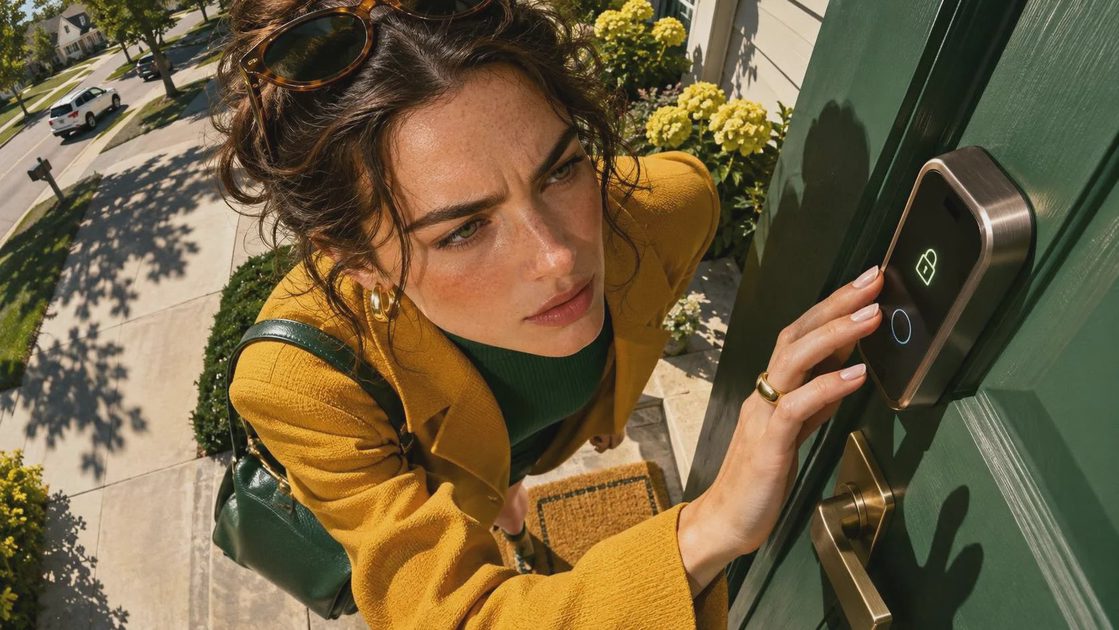
Check Your Door Before You Buy
Many smart-lock problems begin before installation. The door must close smoothly, the deadbolt should extend fully into the strike plate, and the door frame should not require you to push or lift the door. A motorized lock has limited strength. It is not a repair for a sagging door or a misaligned frame.
Measure the backset, which is the distance from the edge of the door to the center of the deadbolt. Most residential locks use either 2 3/8 inches or 2 3/4 inches, but confirming before ordering prevents an unnecessary return. Also check whether your door has a single-cylinder deadbolt, with a key outside and thumb turn inside. Many smart locks are designed for that common arrangement.
Renters should look at retrofit designs such as the August Smart Lock, which can attach over the inside thumb turn while leaving the outside hardware unchanged. A landlord may still require permission, and a replacement deadbolt can be more difficult to reverse. Homeowners usually have more flexibility, but should still keep the original parts and installation instructions in a labeled box.
If your door is unusually thick, has decorative hardware, or uses a mortise lock instead of a standard deadbolt, do not assume a basic model will fit. Take photos, record measurements, and ask the manufacturer for compatibility guidance before spending $200.
Wi-Fi, Bluetooth, and Battery Reality
A lock does not always need Wi-Fi. Bluetooth models can work well when you are near the door, while Wi-Fi models let you lock or check status remotely. Some products use a separate bridge or hub, which adds another device and another potential point of failure. Matter and Thread support can improve compatibility, but they do not remove the need for a solid installation or charged batteries.
When deciding whether it is smart to lock using a connected model, think about the feature you will actually use. Remote status is useful when you are traveling. Automatic unlocking can be convenient, but it depends on phone location, Bluetooth, and app permissions working together. A reliable keypad often provides more everyday value than an elaborate automation that fails when a phone battery is empty.
Most locks use four AA batteries, though some use lithium cells or rechargeable packs. Depending on usage, batteries commonly last several months to roughly a year. Cold weather, frequent motor activity, weak wireless signals, and a stiff deadbolt can reduce that time. Put a replacement set in the same drawer as your flashlight, and turn on low-battery alerts.
The lock should still offer a local way in. A physical key, exterior battery contact, or emergency power connection can prevent a dead battery from becoming a locked-out evening. Test that backup method before you need it.
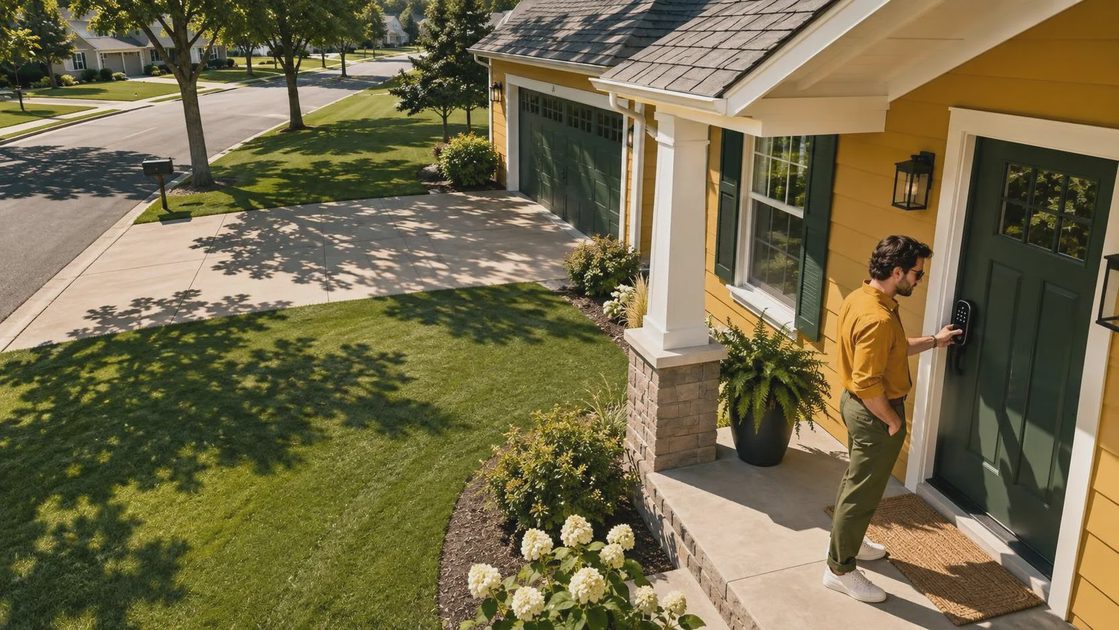
Privacy and Account Safety Matter
A smart lock protects a door, but it also creates an account and a record of access. Use a unique password for the manufacturer account and enable multifactor authentication when offered. Do not share your main account credentials with a babysitter or houseguest. Create a separate code or guest account instead, then remove it when access is no longer needed.
Review app permissions as well. A lock may need Bluetooth or location access for automatic features, but you do not have to enable every convenience setting. If activity history is stored online, understand how long it is retained and who can view it. A simple keypad-only model can be a good choice for households that want fewer connected services.
It is smart to lock with an app only when the account is maintained. Install firmware updates, keep recovery information somewhere safe, and record the model number in a household notebook. I label the battery type and write down the reset procedure because those details are easy to forget after installation day.
Smart Lock Costs and Installation Choices
A basic electronic keypad deadbolt can cost $80 to $150. Connected models from Schlage Encode, Yale Assure, Kwikset Halo, or similar lines often fall between $150 and $300. Professional installation may add approximately $75 to $200, depending on the door and local labor rates. If the frame needs adjustment, that repair is separate but often more important than the lock itself.
DIY installation usually takes 30 to 60 minutes when the existing deadbolt is compatible. Keep a screwdriver nearby, photograph the original wiring or mounting position, and do not overtighten screws. After installation, test the lock with the door open first. Then close the door and test locking and unlocking several times from inside and outside.
For a family home, it is smart to lock the primary entrance with a keypad before buying a camera, hub, or subscription service. A dependable access routine solves a daily problem without creating a large system to maintain.
A Practical Test Before You Commit
Use the lock for a week as if it were already part of your household. Try the code with wet or cold hands. Check whether the motor sounds strained. Confirm that everyone remembers the PIN and that the interior thumb turn remains easy to use. Test the physical key, low-battery warning, and app connection.
Then ask a more useful question than whether smart technology is impressive: does this device make your home easier to manage? If it prevents forgotten keys, simplifies guest access, and works during an ordinary rushed morning, the answer is probably yes. If the door is misaligned, the Wi-Fi is unreliable, or nobody wants another app, repair the basics or choose a mechanical keypad instead.
The best smart lock is not necessarily the most expensive one. It is the model that fits your door, has a backup method, and matches the habits of the people who live there. Start small, keep the instructions and recovery details together, and let the technology handle one dependable task. Let’s make your home work for you, not the other way around.