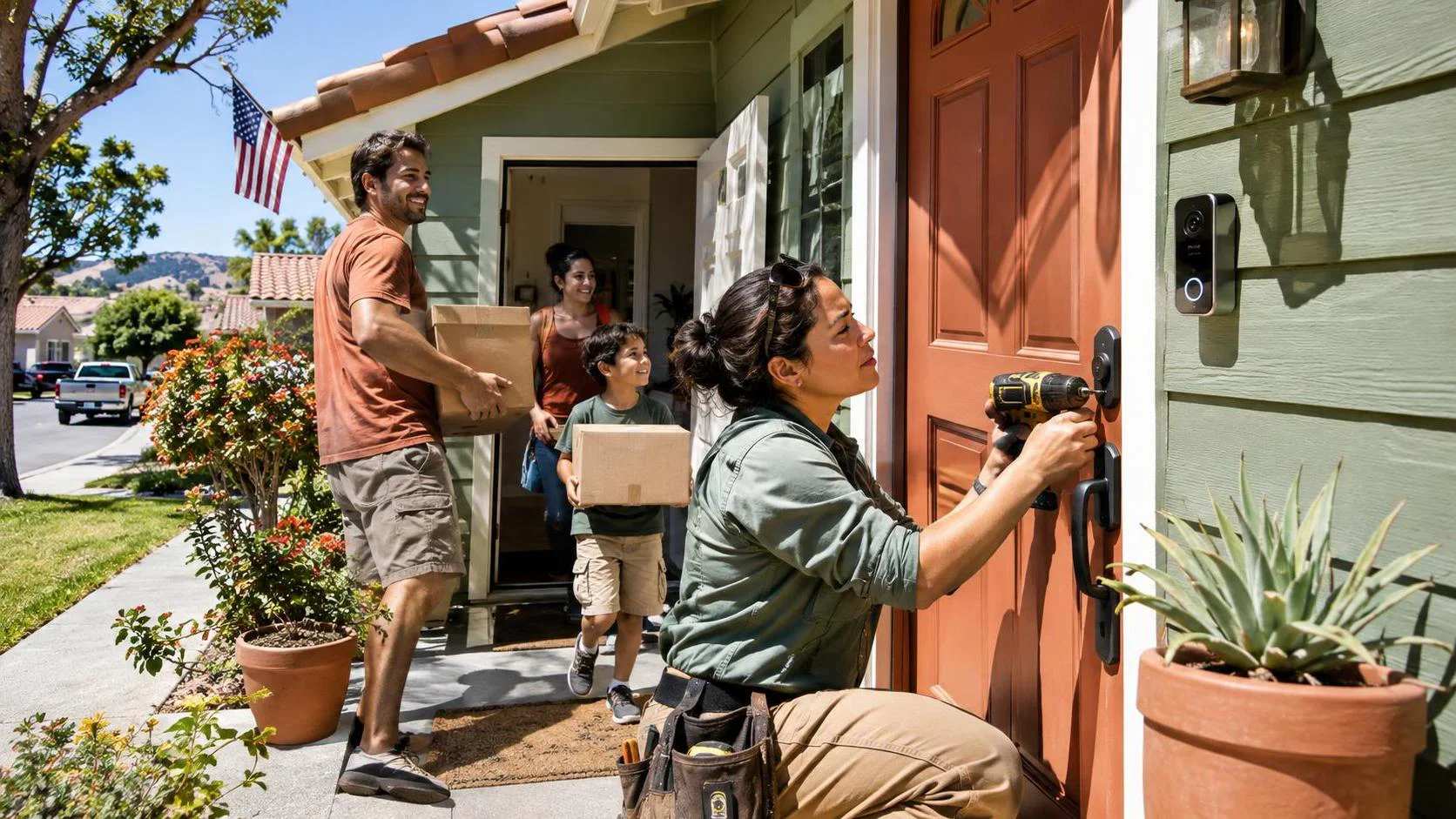
If you are wondering how to upgrade home security, start with the parts of your house that people use every day: doors, windows, lighting, Wi-Fi, and account access. A dependable setup does not require a wall of cameras or an expensive monthly contract. In many homes, a $20 door reinforcement plate, better exterior lighting, and a clear device maintenance routine accomplish more than a collection of gadgets nobody checks.
The goal is not to turn your home into a fortress. It is to make common entry points harder to misuse, help you notice unusual activity, and give your family a simple plan when something needs attention. Let’s make your home work for you, not the other way around.
Start with doors, windows, and the outside of the house
The front door deserves your first hour of attention. Check that the strike plate is secured with long screws that reach the wall framing, not only the trim. A quality deadbolt, a reinforced strike plate, and a door that closes fully can cost less than $100 altogether. If the door has glass close to the lock, consider a double-cylinder setup only after understanding local fire-safety rules; a standard reinforced deadbolt is usually the simpler choice.
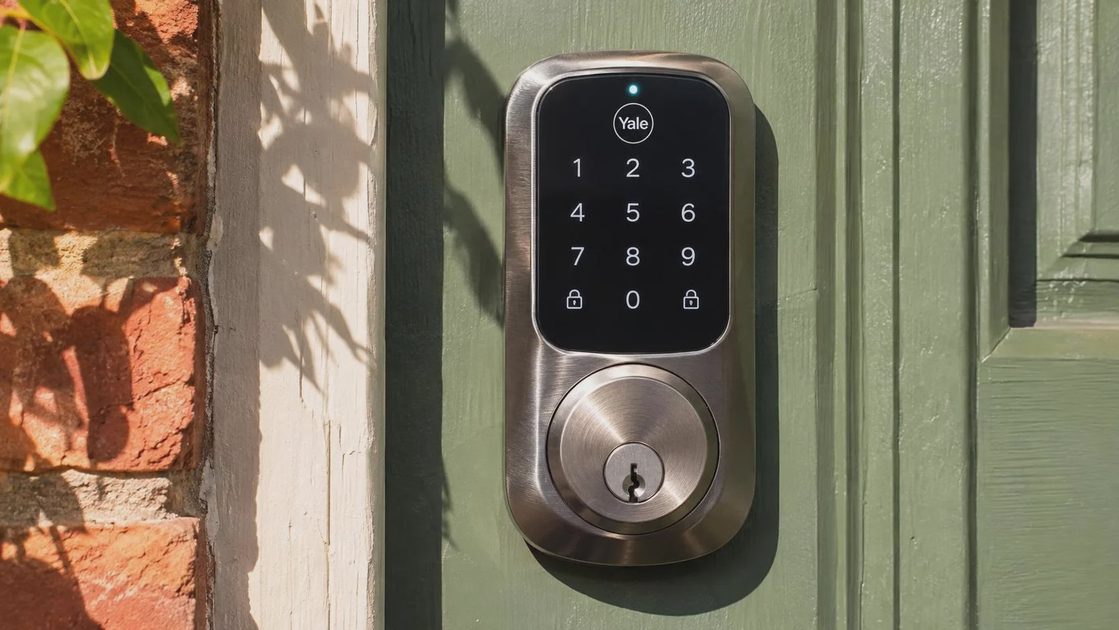
For a smart lock, choose a model that still works with a physical key or interior thumb turn. Schlage Encode, Yale Assure, and August models are common examples, but the best choice depends on your door, phone, and preferred platform. Create separate codes for adults, temporary guests, cleaners, or contractors. Delete old codes instead of letting them remain active indefinitely.
Windows need practical attention too. Test each latch, repair loose screens, and use a dowel or security bar on seldom-used sliding windows. Keep shrubs trimmed below windows where possible, and use motion-activated lighting near side gates, garages, and back doors. Lighting should help a visitor identify the entrance without shining directly into your neighbors’ windows.
If you are deciding how to upgrade home security on a tight budget, begin here. These changes improve the physical shell before you spend money on electronics.
Add cameras only where they solve a real problem
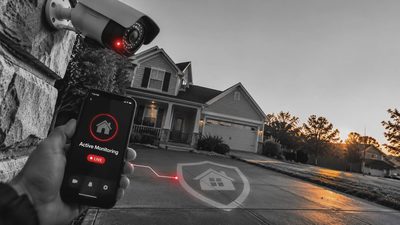
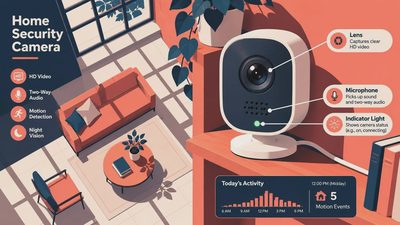
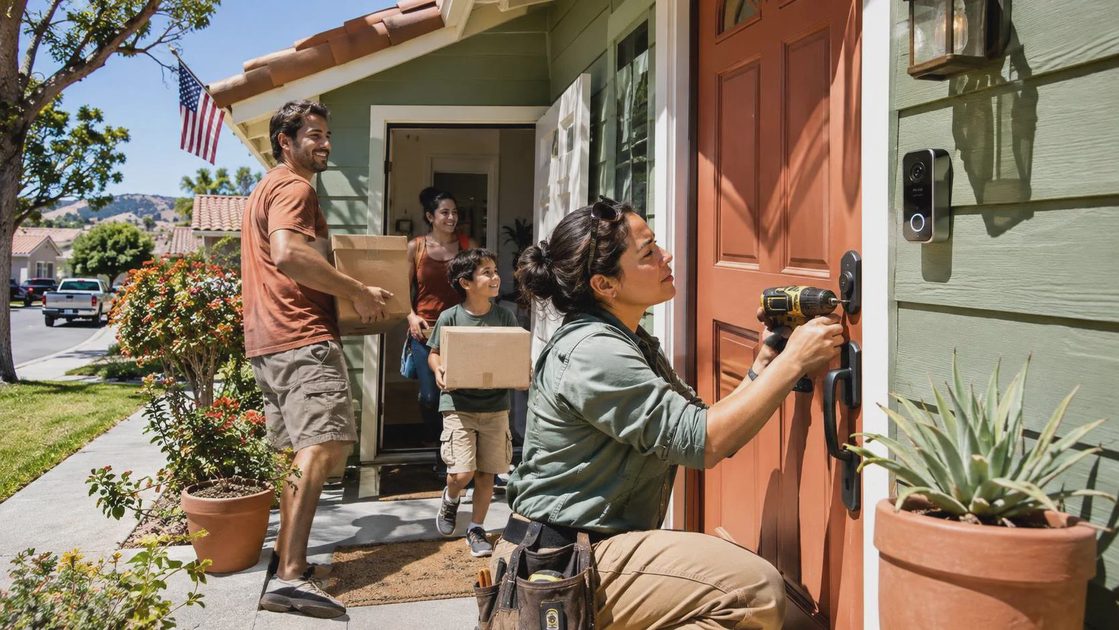
A camera is useful when it answers a specific question. Do you need to see who is at the front door, check whether a package arrived, or view the driveway after hearing a noise? A video doorbell may handle the first two jobs. One camera aimed at the driveway or side gate may handle the third. Covering every room usually creates more privacy concerns, storage costs, and maintenance than value.
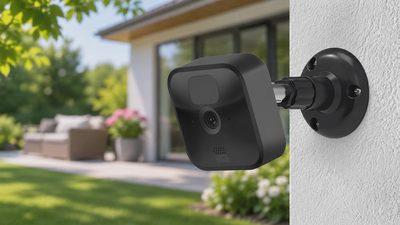
Place cameras high enough that they cannot be easily reached, but not so high that faces become tiny shapes. Avoid pointing indoor cameras toward bedrooms, bathrooms, or private neighbor areas. Turn on privacy zones and disable audio recording if you do not need it. Audio can capture more personal conversation than many homeowners realize.
Before buying, check the Wi-Fi signal at the installation location. Stand there with your phone and test both the 2.4 GHz and 5 GHz networks if your router separates them. A camera that works perfectly beside the router can repeatedly disconnect at the garage. Wired Ethernet or a camera with a local hub is often more reliable for difficult locations.
Subscriptions deserve a line in your budget. Ring, Google Nest, Arlo, and Eufy use different combinations of cloud storage, local storage, alerts, and paid features. Compare the three-year cost, not only the sale price. A $100 camera with a $5 monthly plan costs about $280 before taxes over three years. Local storage can reduce recurring fees, but it requires more responsibility if the camera or storage device is stolen.
Make the network part of your security plan
Many homeowners ask how to upgrade home security by shopping for cameras first, but the network is the foundation. Change the administrator password on your router, install firmware updates, and use WPA2 or WPA3 encryption. Your Wi-Fi password should be long and unique rather than a street name, pet name, or reused email password.
Create a separate guest network for visitors and, when your router supports it, a separate network for smart devices. This does not make an unsafe device magically safe, but it limits how easily that device can communicate with computers containing personal files. Turn off remote router administration unless you have a specific reason to use it.
If video feeds freeze, do not immediately buy another camera. Run a speed test beside the device, reboot the router, move a mesh unit closer, or reduce the camera’s resolution. A two-node mesh system from brands such as Eero, TP-Link Deco, or Google Nest Wifi can help a spread-out home, but placement matters. Put each satellite in a location with a usable signal, not inside the dead zone it is supposed to fix.
Build a simple alarm and notification routine
Door and window sensors are inexpensive ways to learn whether an entry point opened. A basic alarm kit from SimpliSafe, Abode, Ring Alarm, or another established provider can combine sensors, a keypad, a siren, and phone notifications. Professional monitoring is optional in many systems, and it adds a monthly cost. Decide whether your household wants an alarm company involved or simply wants an alert sent to a phone.
Notifications need restraint. If every motion event produces an alert, people eventually ignore the phone. Set cameras to alert for people or packages when that option works reliably, and schedule indoor motion alerts around your normal routine. Ask whether you need alerts overnight, during work hours, or only when everyone is away.
Test the system monthly. Open a protected door, check that the notification arrives, inspect sensor batteries, and confirm that every adult knows how to disarm the alarm. Keep the keypad code out of a shared text thread. Write down recovery instructions in a secure household notebook, including the device model, warranty date, and the account used to manage it.
Protect accounts and household privacy
Learning how to upgrade home security also means protecting the accounts behind the devices. Use a password manager such as 1Password, Bitwarden, or Apple Passwords, and enable two-factor authentication wherever it is offered. Give each adult an individual account when the platform supports it instead of sharing one master password.
Review connected users every few months. Remove former roommates, old phones, unused integrations, and smart speakers you no longer own. Check whether a camera app is sharing clips automatically with a social account or whether voice assistants can unlock a door without an additional code. Keep camera firmware and phone operating systems current.
For renters, favor reversible improvements: a portable door jammer, removable window sensors, battery-powered lighting, and a video doorbell approved by the property manager. Do not drill into a fire door or replace a lock without permission. Homeowners should also document installation changes with photos so future repairs are easier.
A practical upgrade plan for different budgets
For about $50, reinforce the main strike plate, replace weak screws, add a window dowel, and install one motion light. For $150 to $300, add a video doorbell, a few contact sensors, and better exterior lighting. Around $400 to $700 can cover a smart lock, two cameras, a basic alarm hub, and improved Wi-Fi, depending on subscriptions and installation needs.
If you want to know how to upgrade home security in the right order, use this checklist: secure the main door, improve dark approaches, update the router, add one useful camera, configure alerts, and test everything. Only then consider more sensors, smart-home integrations, or professional monitoring.
The strongest system is the one your household understands and maintains. A modest setup with fresh batteries, unique passwords, working notifications, and a locked door is more dependable than a premium package left on default settings. Start with one small fix this weekend, record what you changed, and build from there.